
Pharma CRM migrations fail less often because of technology and more often because of misaligned operating models, unclear ownership, and underpowered change management. Commercial ops and marketing ops CRM owners need a plan that treats migration as a business transformation: new data definitions, new workflows, new integrations, and new behaviors in the field.
This guide is for US pharma brand teams, omnichannel leads, commercial ops, marketing ops CRM owners, and agency partners who support HCP engagement, patient education and sign-ups, identity and measurement, and orchestration. You will learn a practical, step-by-step migration approach, including CRM data mapping, validation and testing, a CRM cutover plan, and a field-ready user adoption program.
What changed and what’s new in CRM migration for pharma teams
Most CRM programs are now connected to larger ecosystems: consent and preference, identity resolution, channel activation, and analytics. That makes martech integration readiness as important as the core CRM build, because you are migrating a system-of-work, not just a database.
On the quality and validation side, many life sciences organizations have also moved toward more risk-based assurance approaches for software. For teams that operate under regulated quality expectations, the FDA’s guidance on Computer Software Assurance (CSA) for Production and Quality System Software is a useful reference for right-sizing testing and documentation to risk, even when your CRM is primarily commercial.
Start by defining “done”: scope, outcomes, and non-negotiables
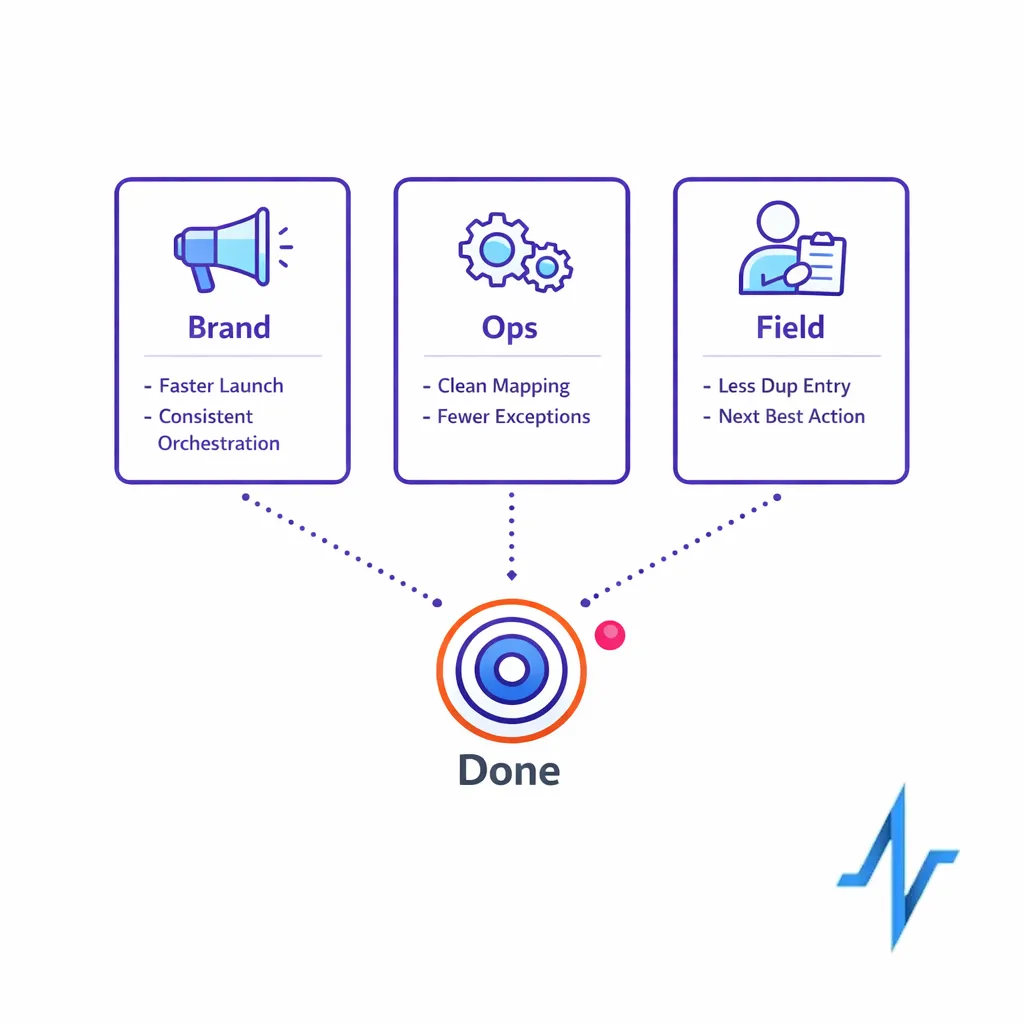
A pharma CRM migration should begin with a crisp definition of what “success” means for each stakeholder group. If you do not set measurable outcomes up front, the program will drift into “feature completeness” instead of commercial impact.
Define outcomes in business language
Keep outcomes tied to the work people do every day. A good set of outcomes typically spans brand, ops, and field execution.
- Brand teams: faster campaign launch, clearer segmentation, fewer manual lists, more consistent omnichannel execution.
- Commercial ops / marketing ops CRM owners: fewer exceptions, cleaner CRM data mapping, predictable releases, reduced rework in integrations.
- Field users: simpler call planning, less duplicate entry, better visibility into next best actions and customer context.
Document compliance and privacy expectations early
“Compliance” in CRM can mean different things: privacy, promotional review alignment, auditability, and record integrity. If your CRM stores or controls electronic records and signatures that fall under regulated expectations, align requirements to 21 CFR Part 11 (Electronic Records; Electronic Signatures) as applicable, and translate those needs into concrete system controls and test cases.
If patient or HCP data flows implicate HIPAA responsibilities, confirm whether your organization or partners are covered entities or business associates under the HIPAA Privacy Rule, and reflect those requirements in data minimization, access controls, and vendor contracting.
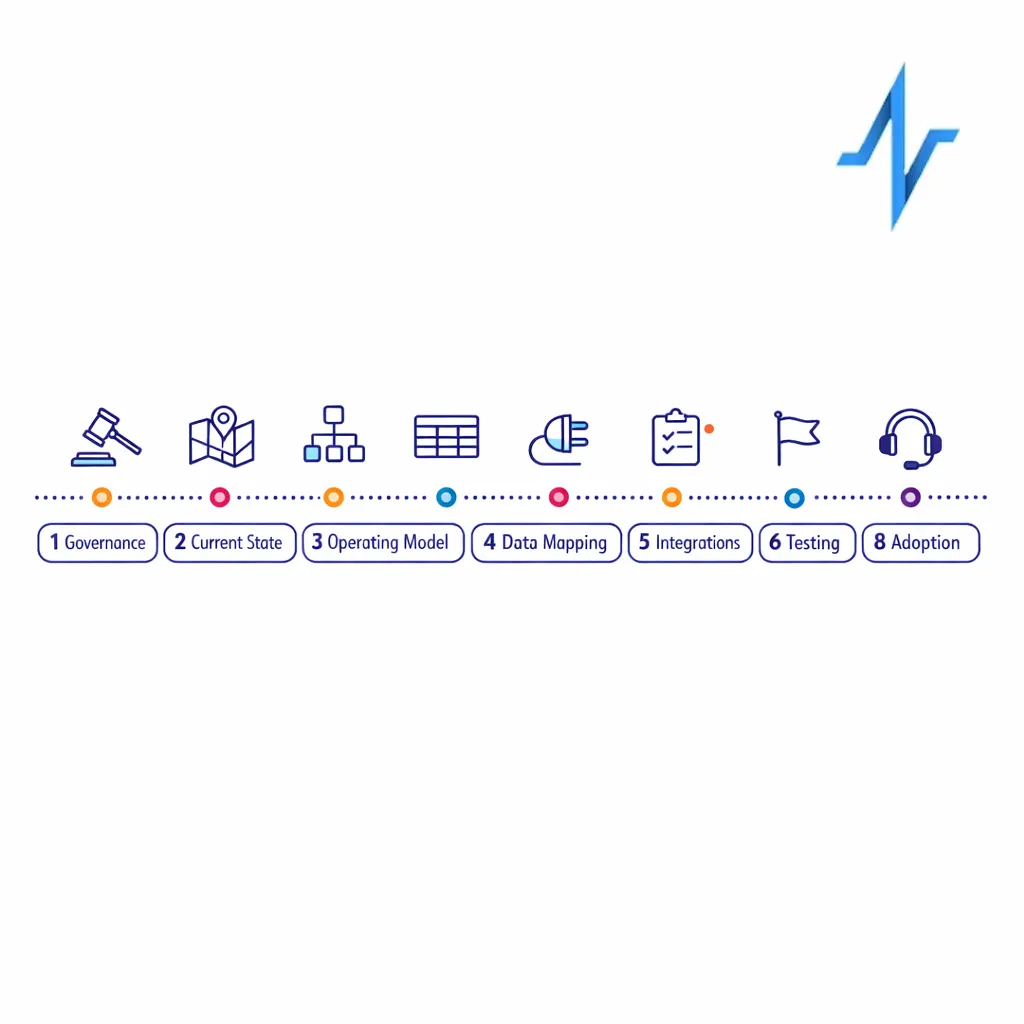
A step-by-step pharma CRM migration plan
The sequence below is designed to reduce late-stage surprises: data surprises, integration surprises, and “this is not how the field works” surprises. Each step includes concrete deliverables you can use to run the program.
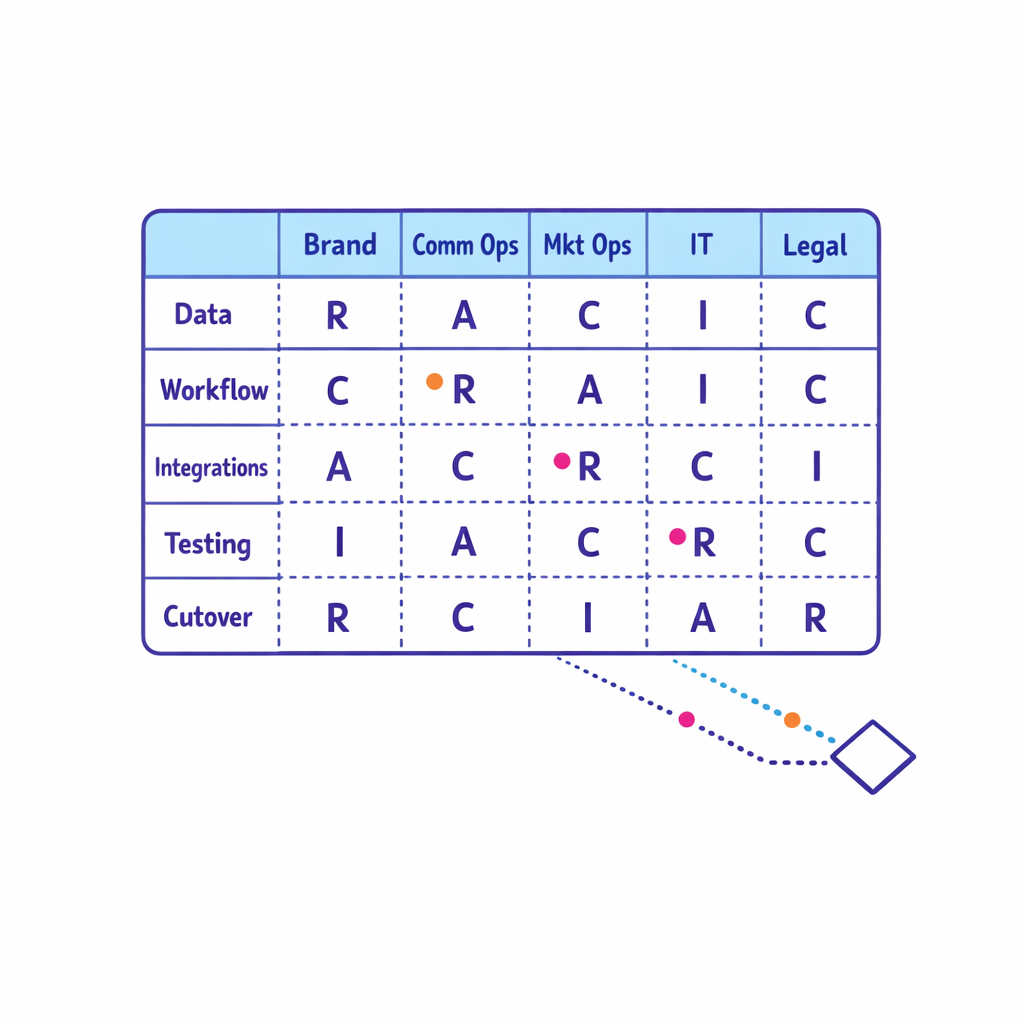
Step 1: Mobilize governance and decision-making (Week 0–2)
Before you touch configuration, establish who can decide what, how fast decisions must be made, and what happens when a decision is not made. A migration without governance becomes a backlog, and a backlog becomes a missed cutover window.
- Create a RACI: brand owner, commercial ops CRM owner, marketing ops, data/identity, analytics, agency/partners, legal/regulatory, and IT/security.
- Set a change control process: what qualifies as a change request, who triages, and what must wait for post-cutover.
- Define environments: dev, test/UAT, and production, with rules for what can be promoted and when.
Step 2: Map the current state (without over-documenting) (Week 1–4)
You need a practical CRM process map, not a 200-page binder. Focus on the handful of workflows that drive most volume, risk, and downstream impact.
- Workflow inventory: call planning, call reporting, sample accountability (if applicable), speaker programs (if applicable), email approvals, case intake, and key account activities.
- Channel touchpoints: what triggers field alerts, what triggers email/SMS, what triggers site personalization, what triggers tasks.
- Data inventory: customer master, affiliations, targets, segmentation, consent and preferences, channel engagement, content interactions, and activity history.
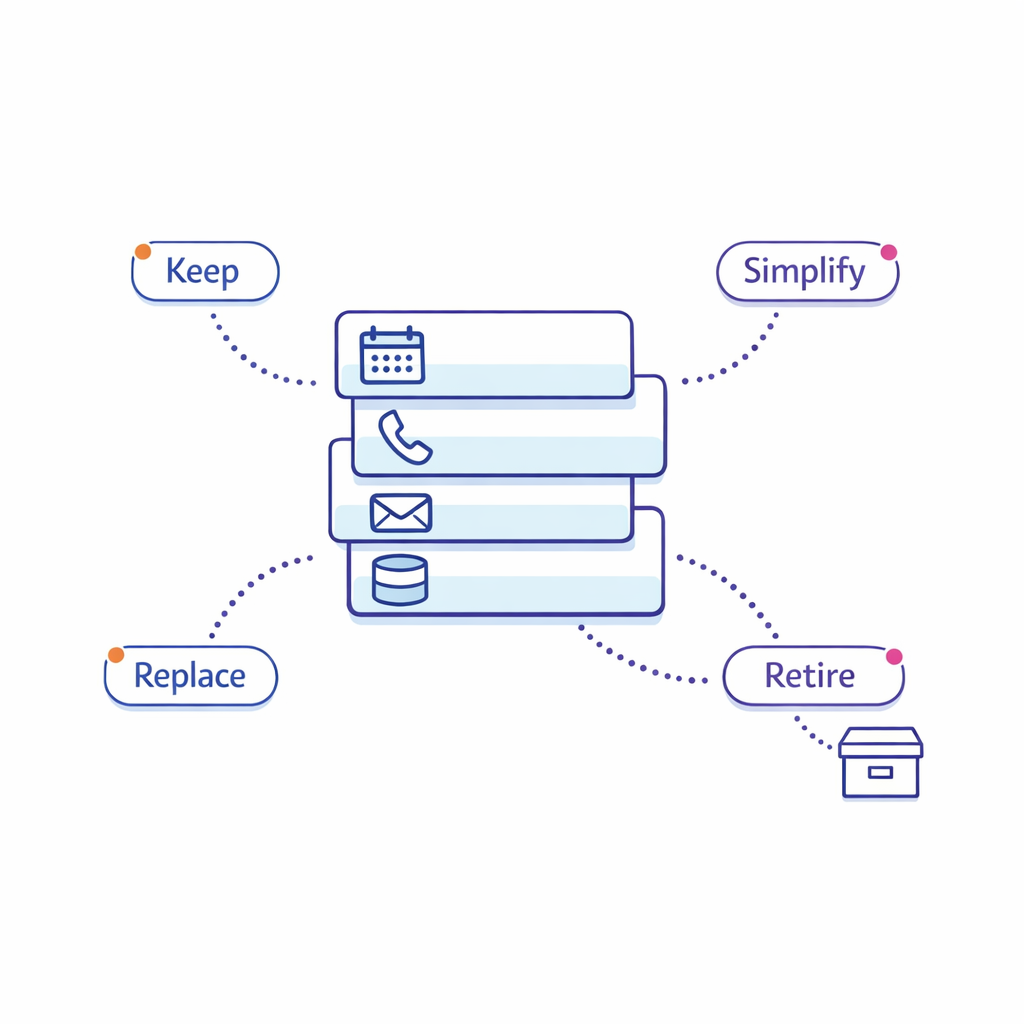
As you map, tag each element with: “keep,” “simplify,” “replace,” or “retire.” Migration is the best time to remove legacy complexity that no longer serves the brand strategy.
Step 3: Design the future state operating model (Week 3–6)
Commercial ops CRM programs succeed when the operating model is explicit. This is where you decide how work will flow across brand, ops, and agencies after go-live.
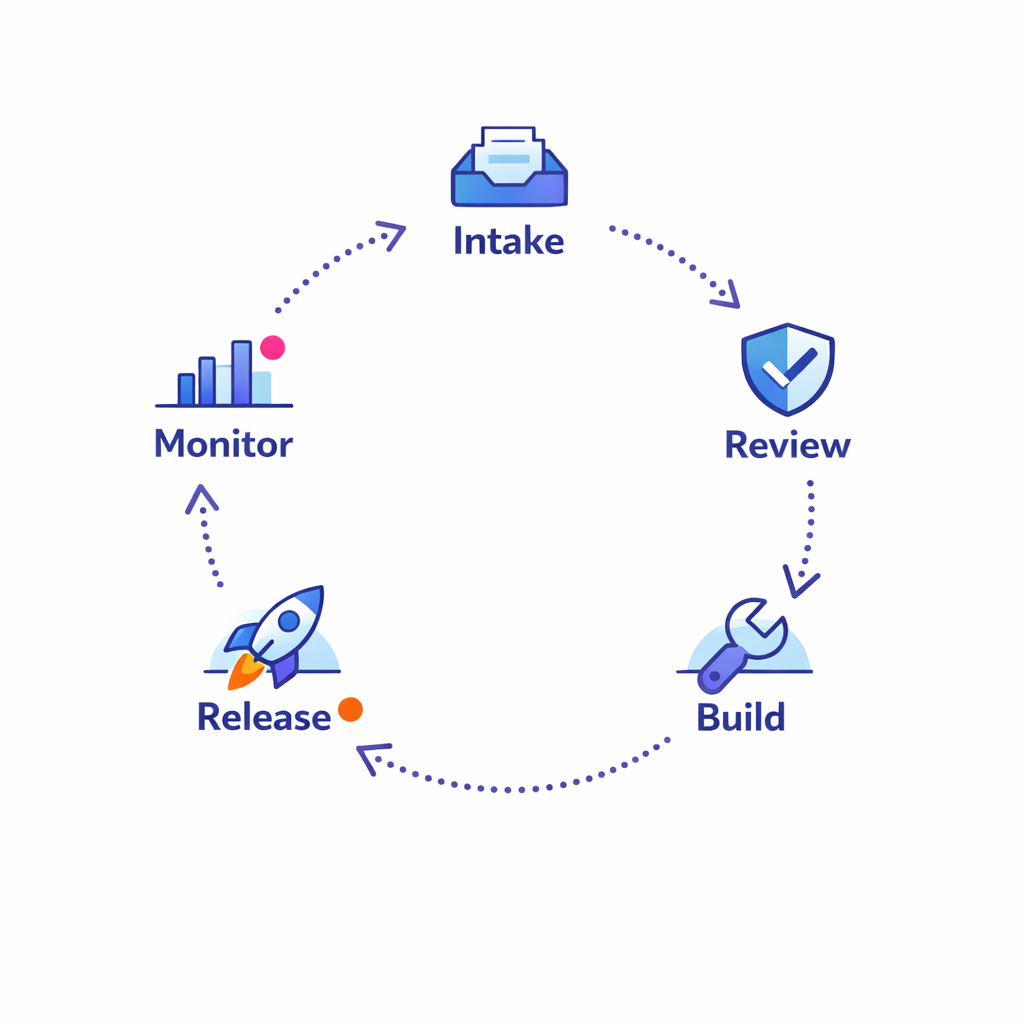
- Intake-to-launch: how a brand request becomes a campaign or workflow change, including SLA targets and review steps.
- Data stewardship: who owns definitions, quality rules, and exception handling for key objects (HCP, account, affiliation, territory, consent).
- Release model: monthly vs. quarterly releases, freeze windows, and post-release monitoring.
Include your agency and partner ecosystem in this step. Many “CRM issues” are actually handoffs issues: unclear requirements, version drift, and inconsistent naming conventions across teams.
Step 4: Build a CRM data mapping and migration strategy (Week 4–10)
CRM data mapping is where many pharma CRM migrations become expensive. The goal is to migrate only the data you can trust, with clear rules for historical data, duplicates, and “unknown” values.
- Define what must be migrated: active HCP and account master data, territory and alignment, targets, required compliance flags, and only the history that will be used operationally.
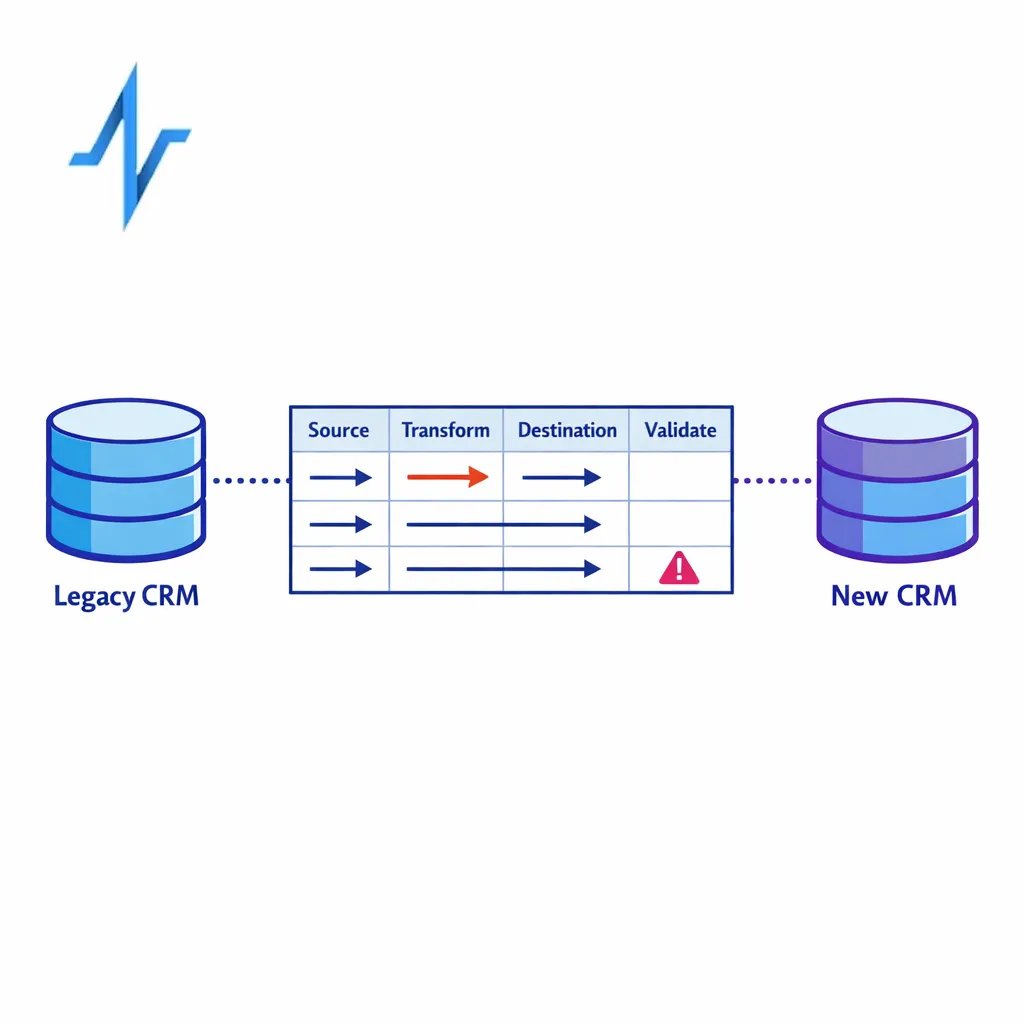
- Create field-by-field mapping: source field, transformation logic, destination field, validation rules, owner, and test method.
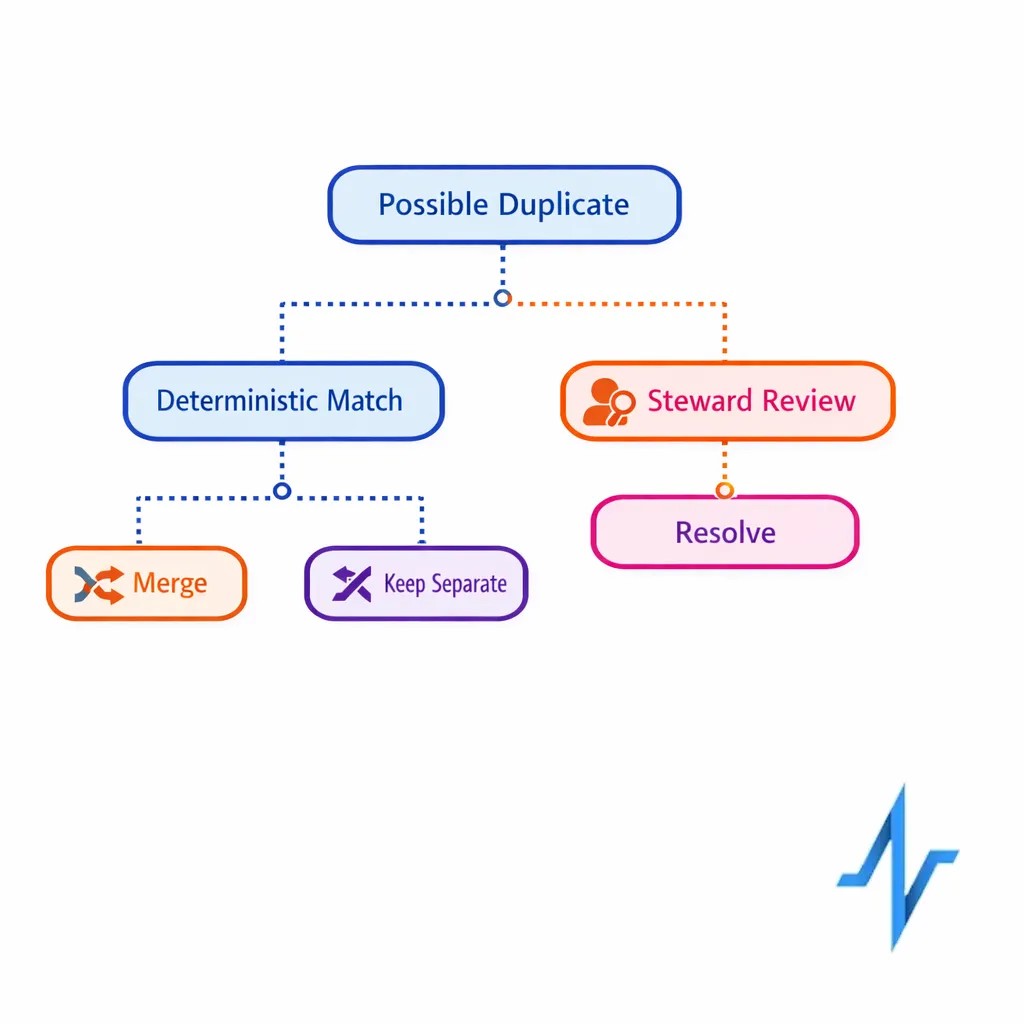
- Decide how to handle duplicates: deterministic rules first, manual stewardship second, and avoid “merge everything” as a default.
Build your migration in iterations. A single “big bang” load at the end hides problems until the most expensive moment to fix them.
Step 5: Prove integration readiness before UAT (Week 6–12)
Martech integration readiness is a prerequisite for meaningful testing. If identity, consent, and channel activation are not working end-to-end, your UAT becomes opinion-based instead of evidence-based.
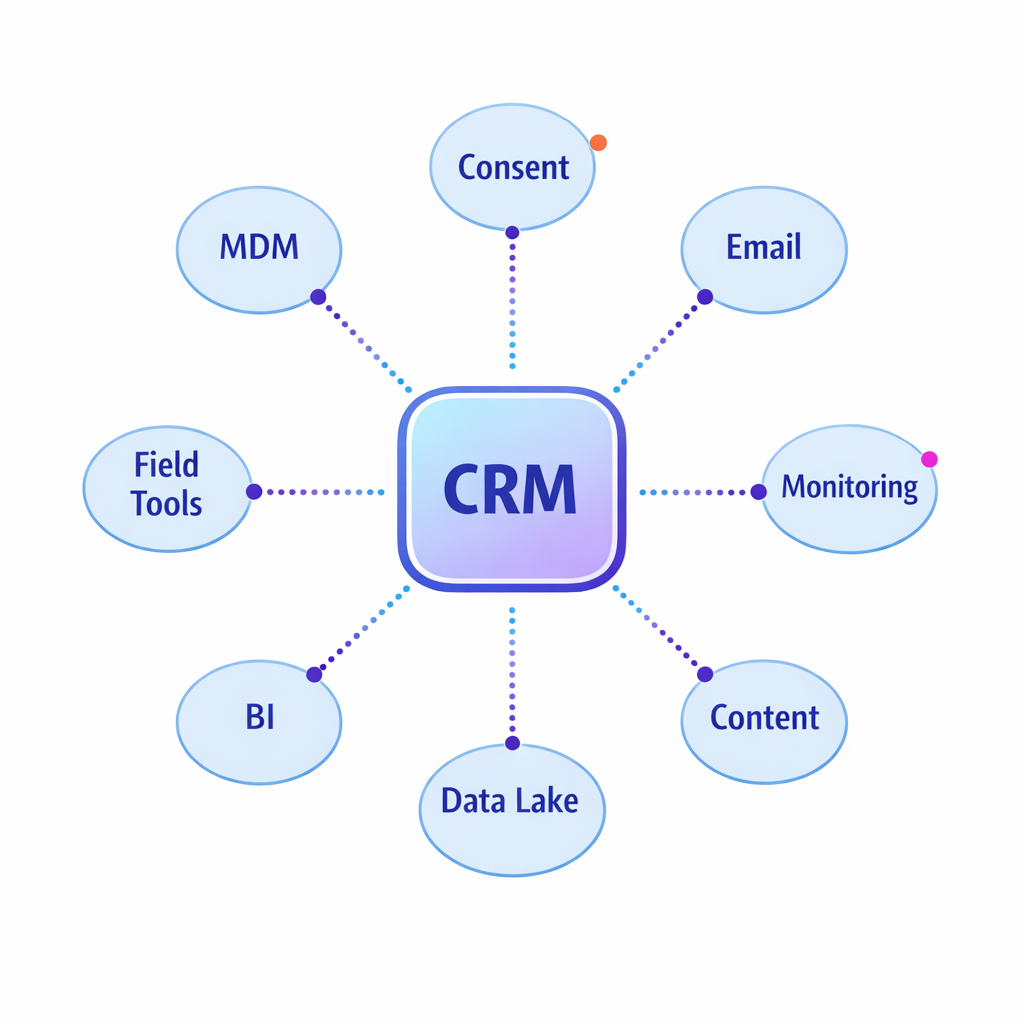
- Integration inventory: MDM/customer master, consent and preference, marketing automation, content systems, data warehouse/lake, BI, and field tools.
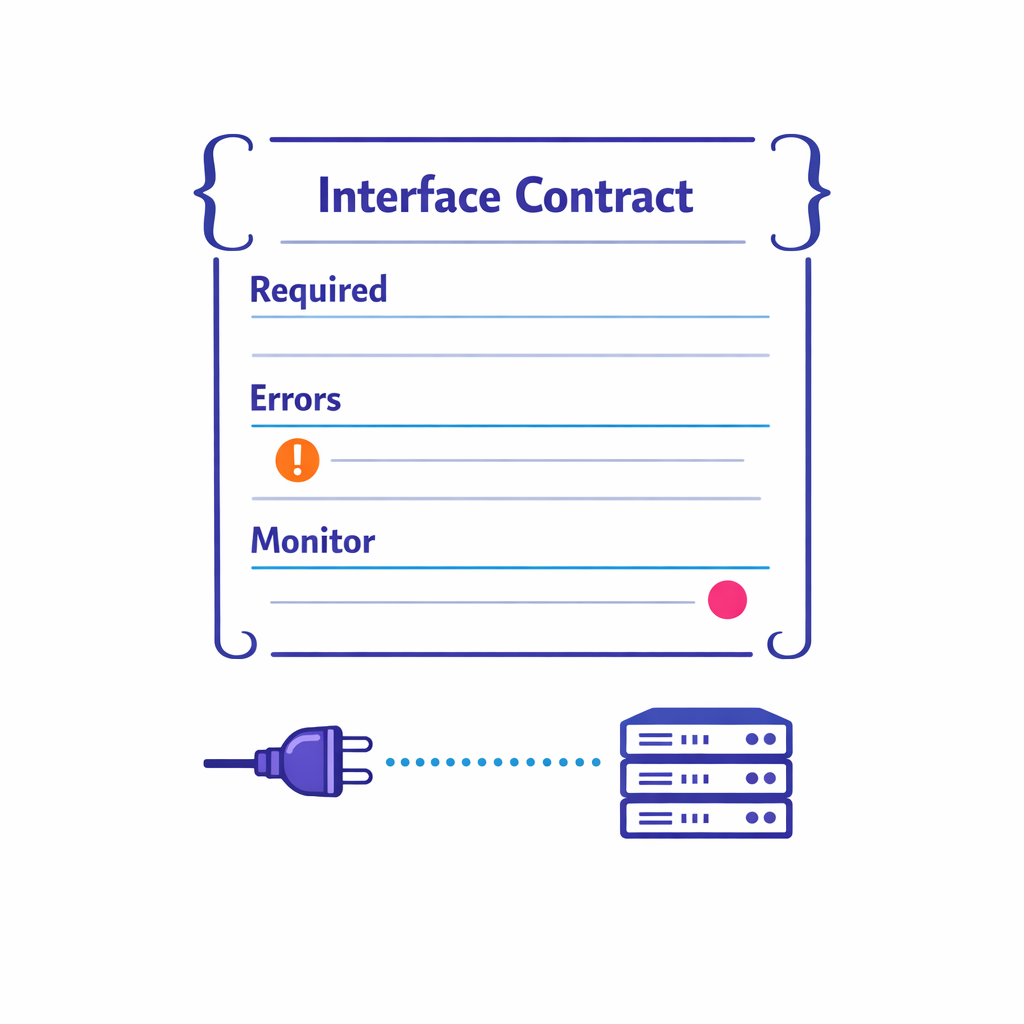
- Interface contracts: payload schemas, required fields, error handling, retry logic, and monitoring expectations.
- Access and authorization: confirm token and scope design if you rely on standards like OAuth 2.0, and ensure service accounts and audit logs are operational.
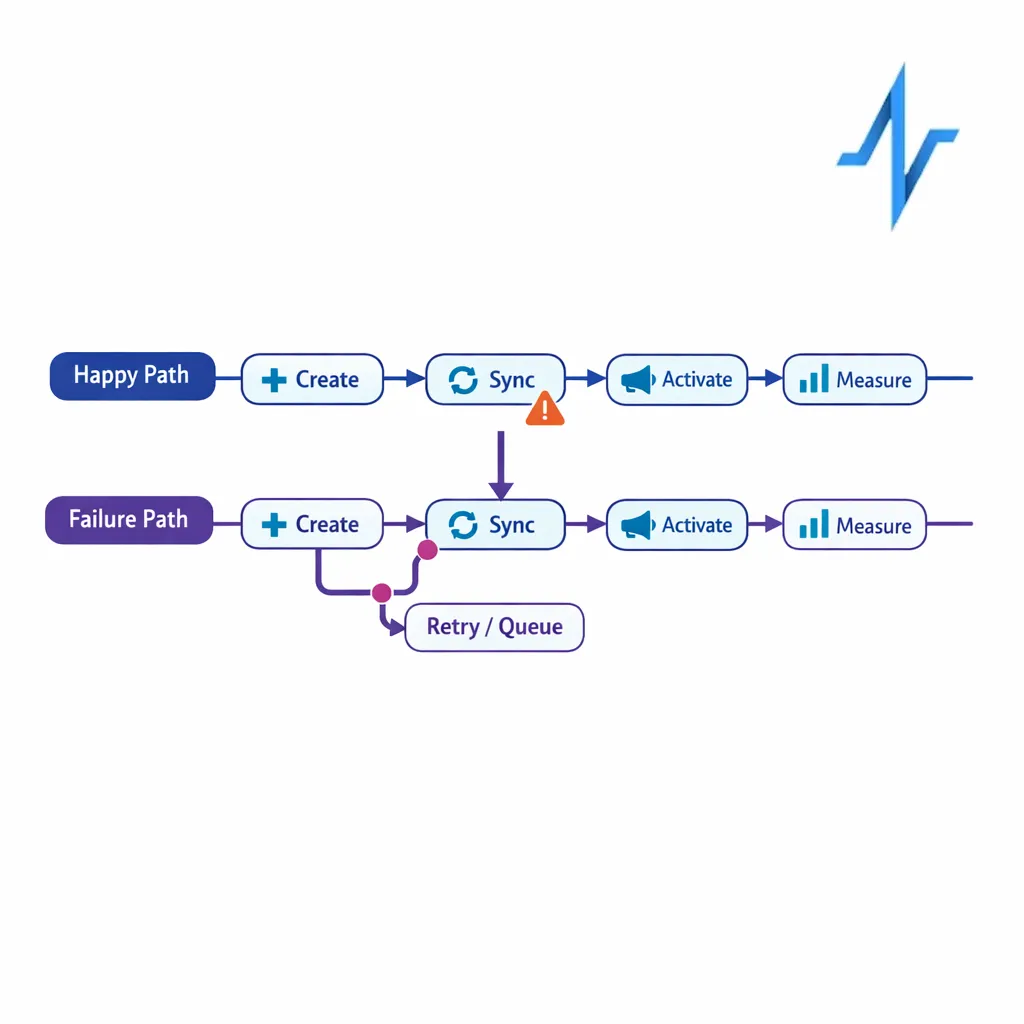
A practical tip: require at least one “happy path” and one “failure path” test per integration (for example, what happens when consent is missing or a record fails validation).
Step 6: Execute CRM validation and testing that matches risk (Week 8–14)
CRM validation and testing should be structured, but not theatrical. The goal is to demonstrate that the system works for intended use, that key risks are controlled, and that defects are found early enough to fix.
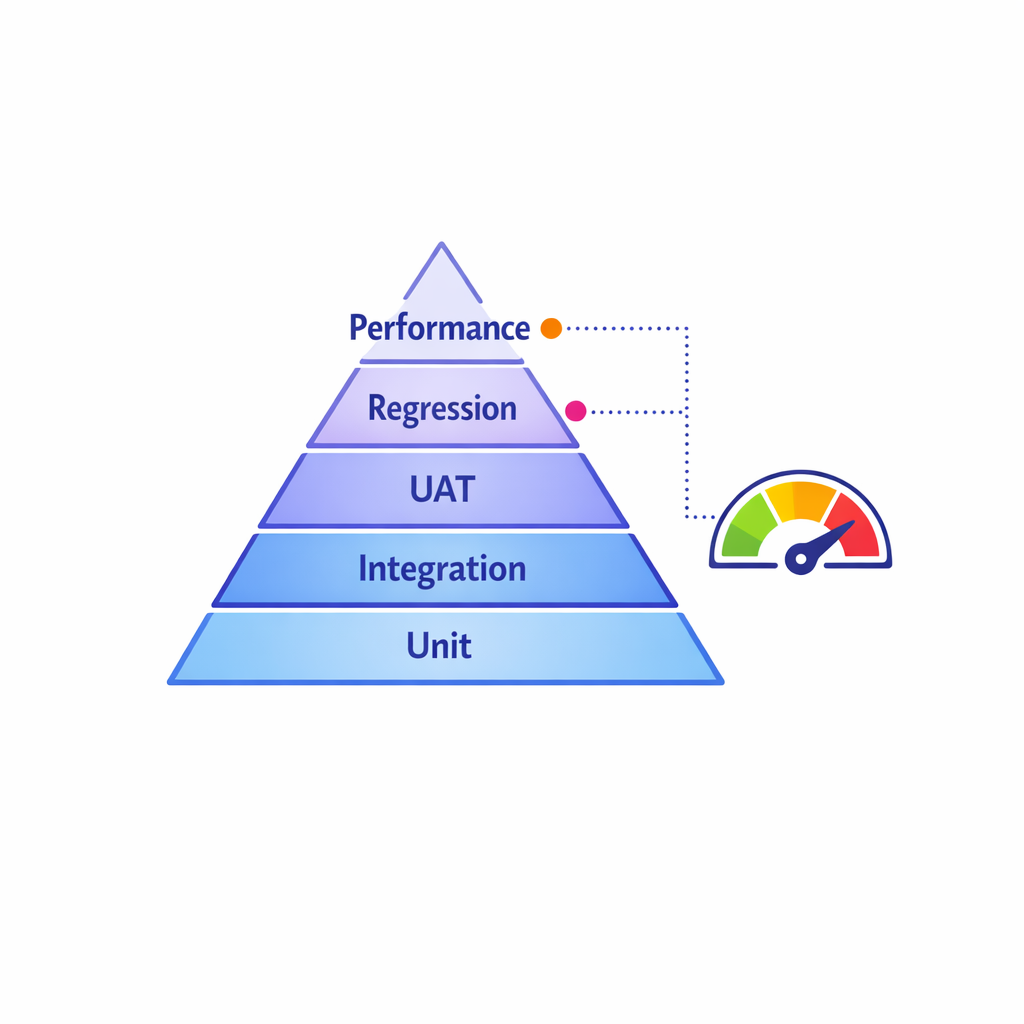
- Test types: unit/config testing, integration testing, role-based UAT, regression, and performance checks for critical workflows.
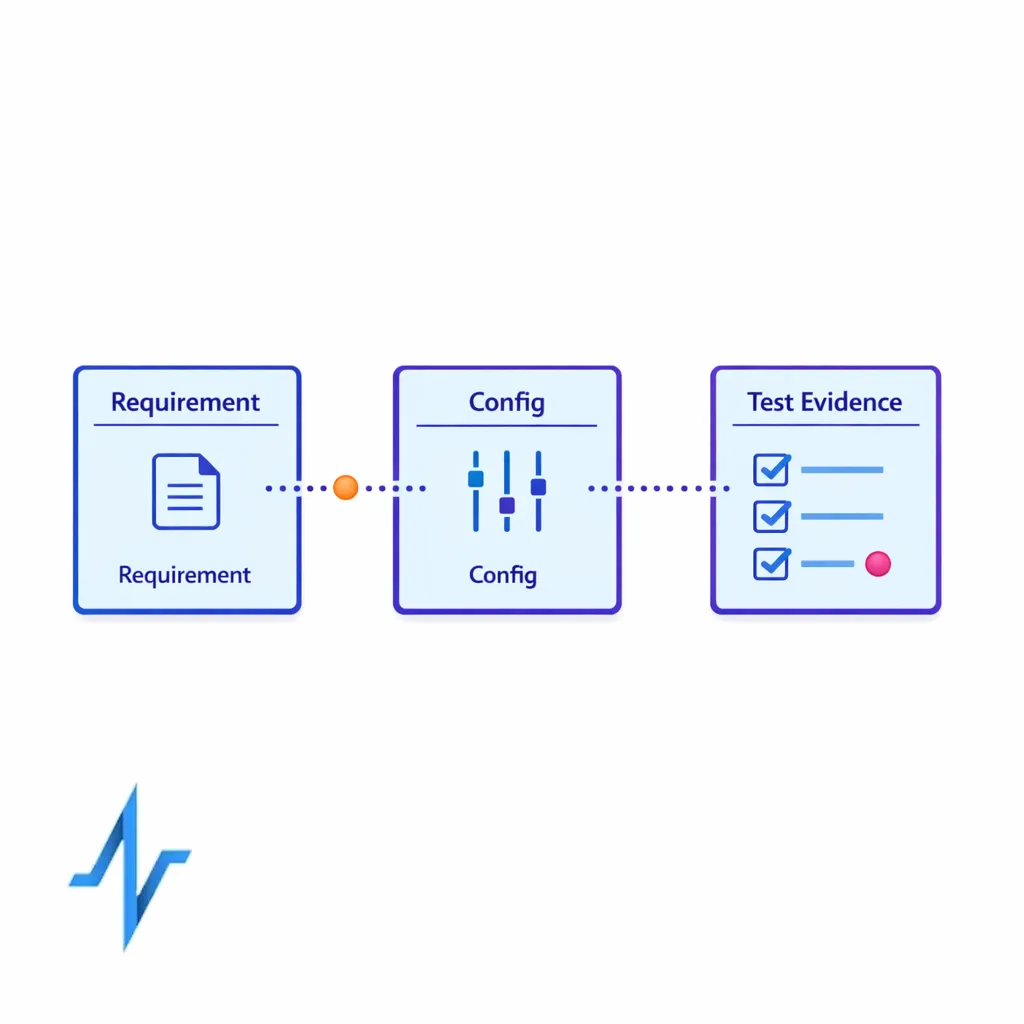
- Traceability: map business requirements to configuration and to test evidence for the workflows that matter most.
- Defect operations: severity definitions, turnaround expectations, and a rule for when to defer vs. fix now.
Keep your UAT scripts rooted in real scenarios: the way reps plan a week, the way managers review activity, and the way brand teams trigger follow-ups and orchestrated journeys.
Step 7: Build the CRM cutover plan (Week 10–16)
A CRM cutover plan is not just an IT runbook. It is a business continuity plan: what users will do during downtime, how you will control data changes, and how you will prove that cutover succeeded.
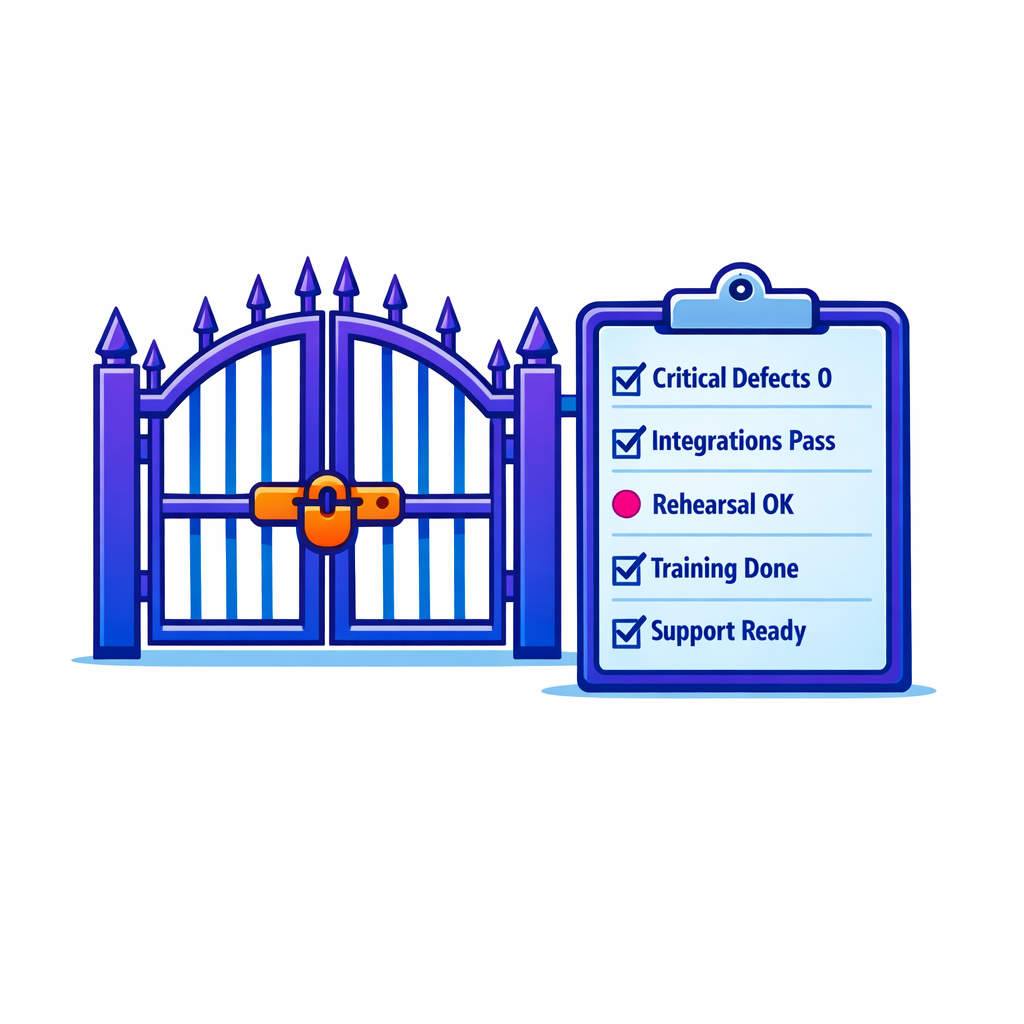
- Cutover readiness criteria: critical defects at zero, integrations passing, migration rehearsal results accepted, training complete, and support coverage confirmed.
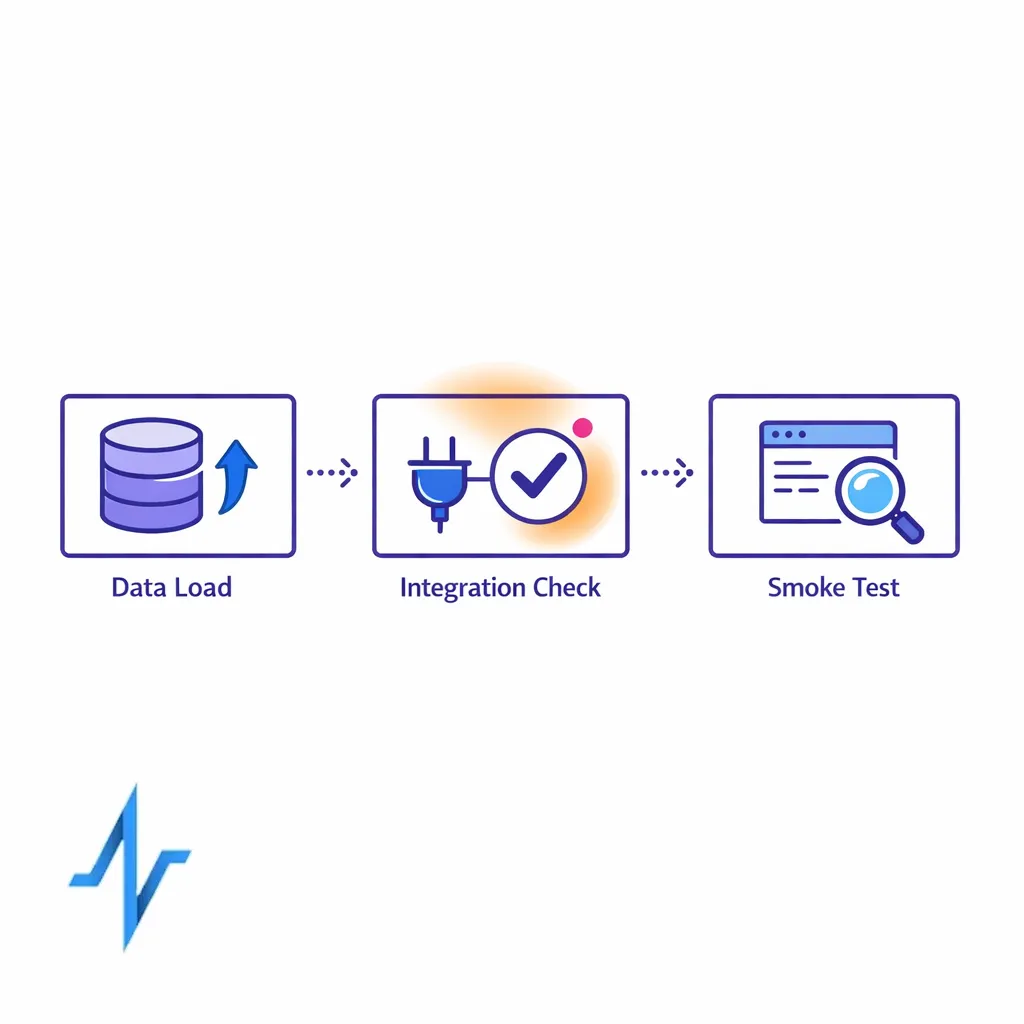
- Rehearsals: at least one full dress rehearsal including data loads, integration checks, and user smoke tests.
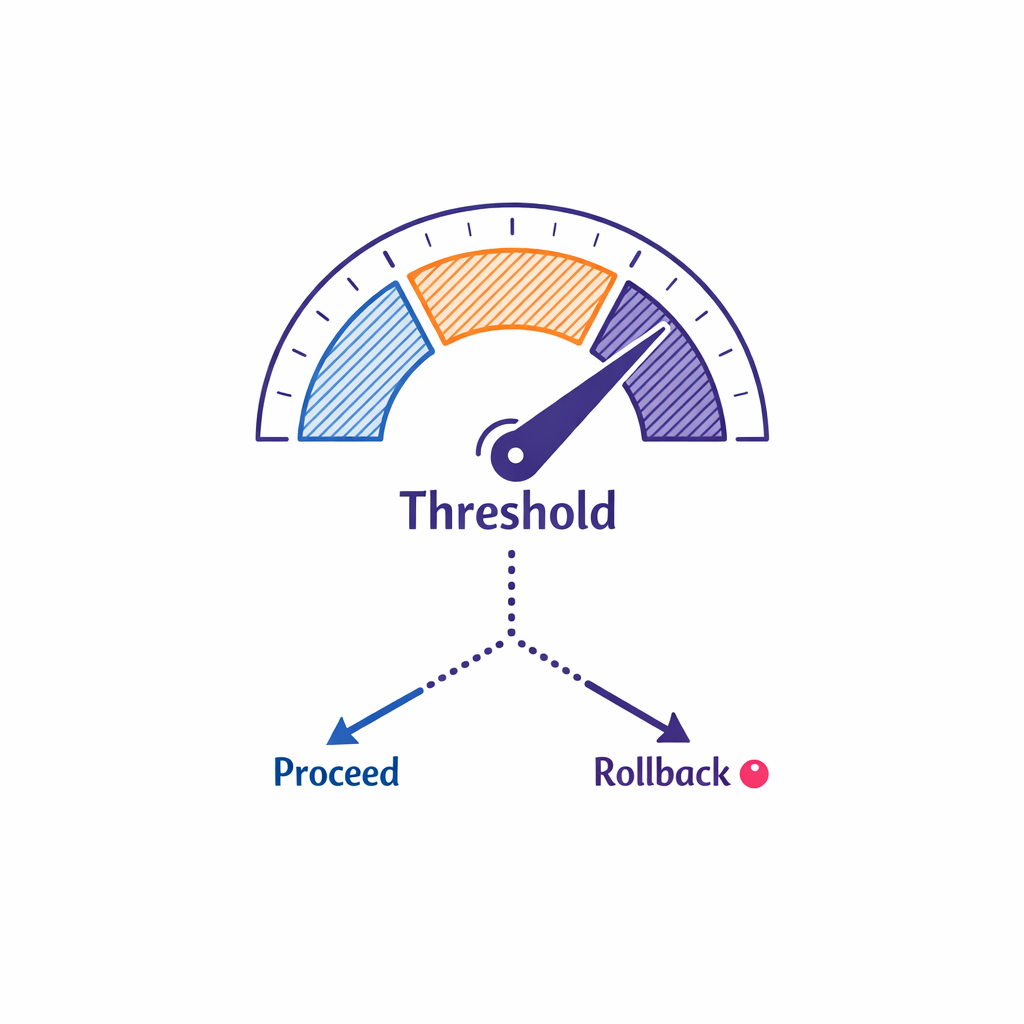
- Rollback decision: define who can trigger rollback and what thresholds would justify it.
Plan your “quiet period” carefully. If you allow uncontrolled changes in the legacy CRM during the final migration window, you will either lose data or delay cutover.
Step 8: Drive CRM change management and adoption (Week 6–20)
CRM change management is a product program, not a slide deck. Adoption is driven by practical enablement, role clarity, and fast fixes for early friction points.
Design training around jobs-to-be-done (not features)
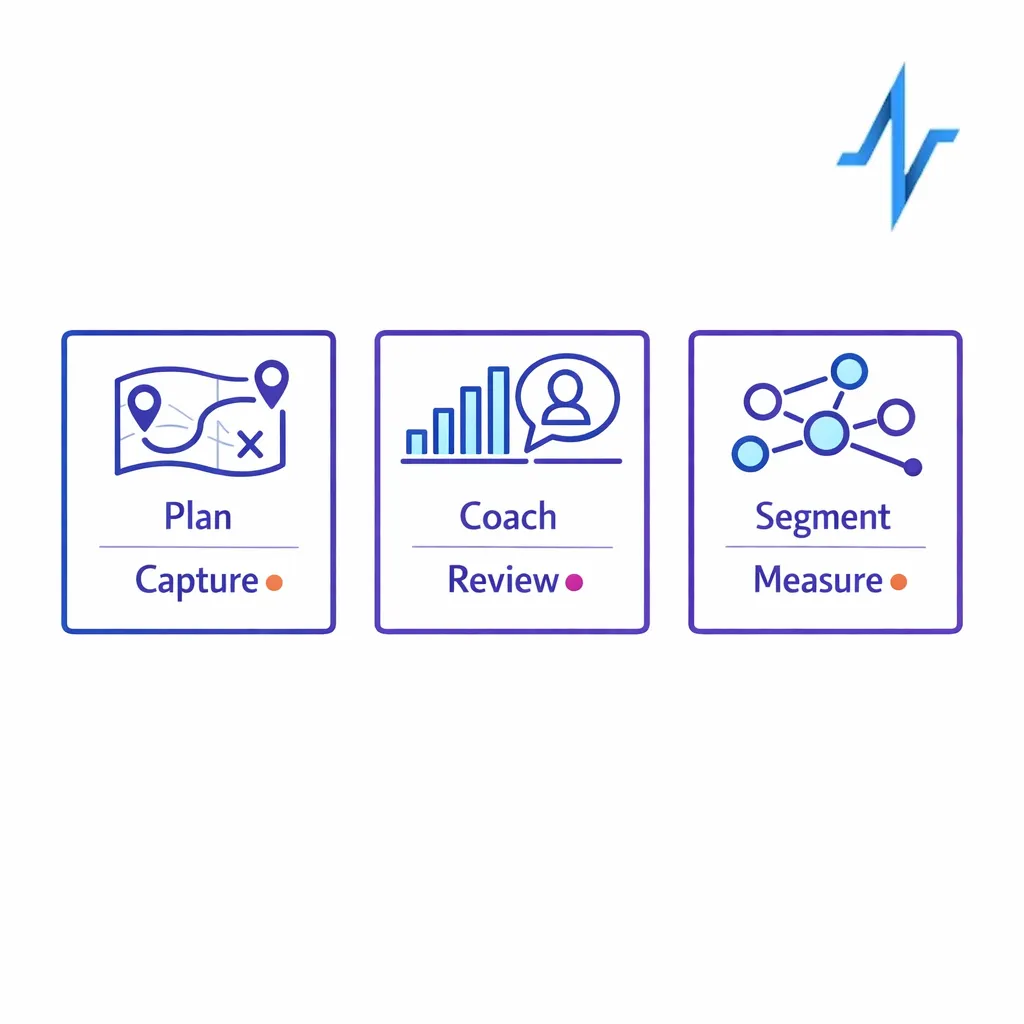
- Field users: plan calls, capture notes quickly, understand what to do next, and trust the customer record.
- First-line managers: coach with consistent dashboards and activity signals, not manual rollups.
- Brand/omnichannel: launch a campaign, segment audiences, and measure response without waiting on ad hoc extracts.
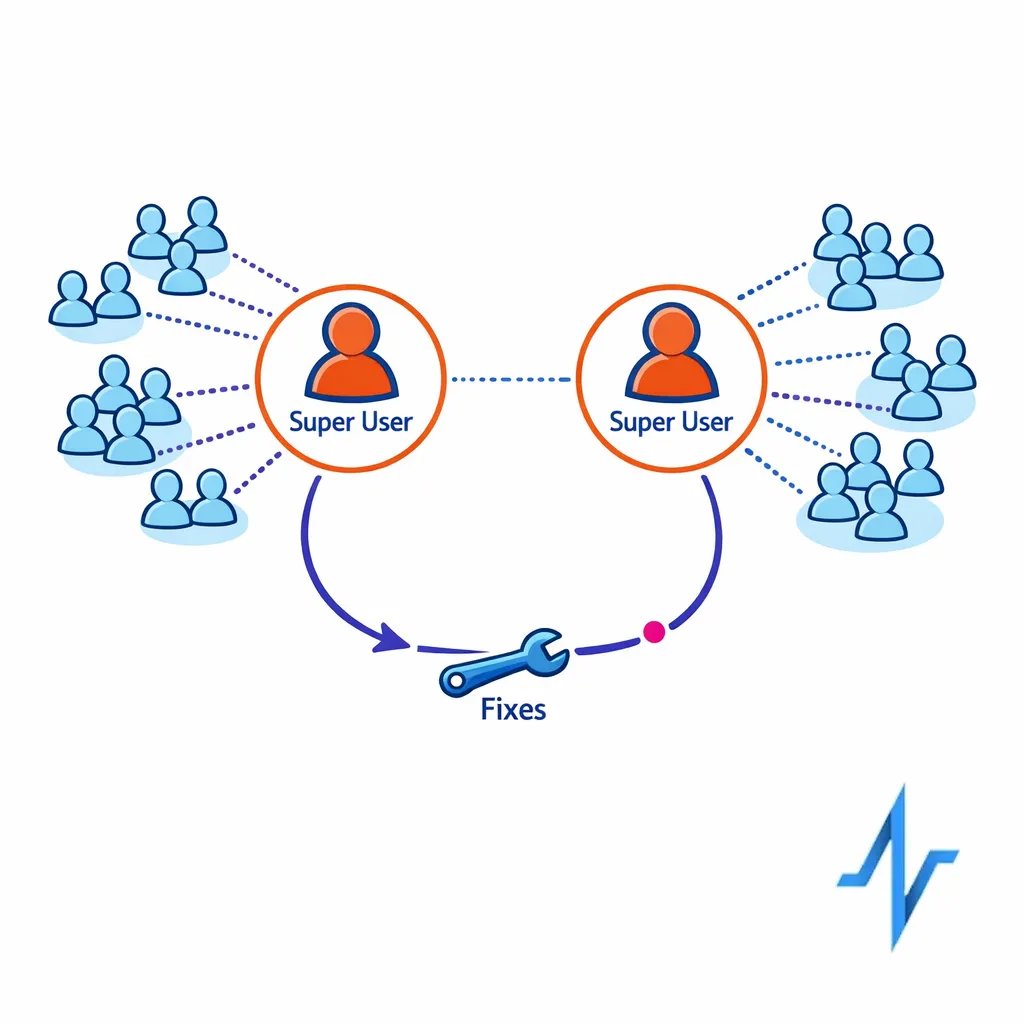
Create a “super user” network
Identify trusted field champions per region or district and include them early in UAT and pilot feedback. Super users are your best signal for whether the design truly reduces effort in the field.
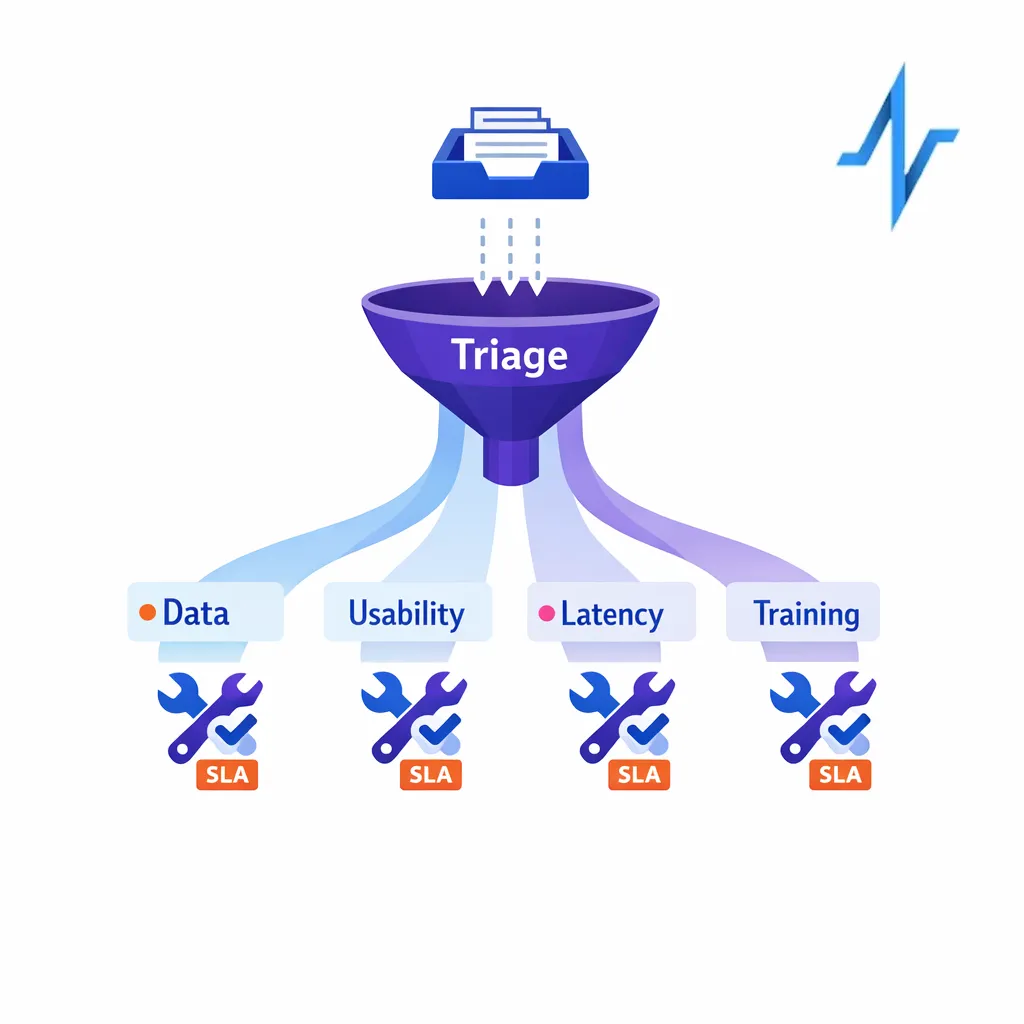
Run hypercare like a commercial operations function
Hypercare should have clear intake, triage, and resolution SLAs. Track issues by theme (data quality, usability, latency, training gap) so you can fix root causes, not just tickets.
Common mistakes and misconceptions in pharma CRM migrations
Mistake 1: Treating migration as “lift and shift”
Old workflows often encode old incentives, old channel strategies, and old reporting habits. A successful pharma CRM implementation uses the migration to simplify: fewer required fields, fewer duplicate processes, clearer definitions, and fewer “special cases.”
Mistake 2: Underestimating CRM data mapping effort
If you migrate messy data quickly, you will still have messy data, just in a new system with more visibility. Put time into definitions (what is a “target,” what is “active,” what counts as an “engagement”) and enforce them through validation rules and stewardship.
Mistake 3: Running UAT before integrations and identity are real
UAT that is not end-to-end becomes subjective. If downstream channels, consent, and identity resolution are not functioning, users will test in a partial world and then struggle in production.
Mistake 4: Confusing “training delivered” with “user adoption achieved”
Field teams adopt when the system is faster than the workaround. Measure early adoption with behaviors (logins, completed core workflows, reduced backlogs) and fix the top sources of friction immediately.
Mistake 5: Leaving measurement design until after go-live
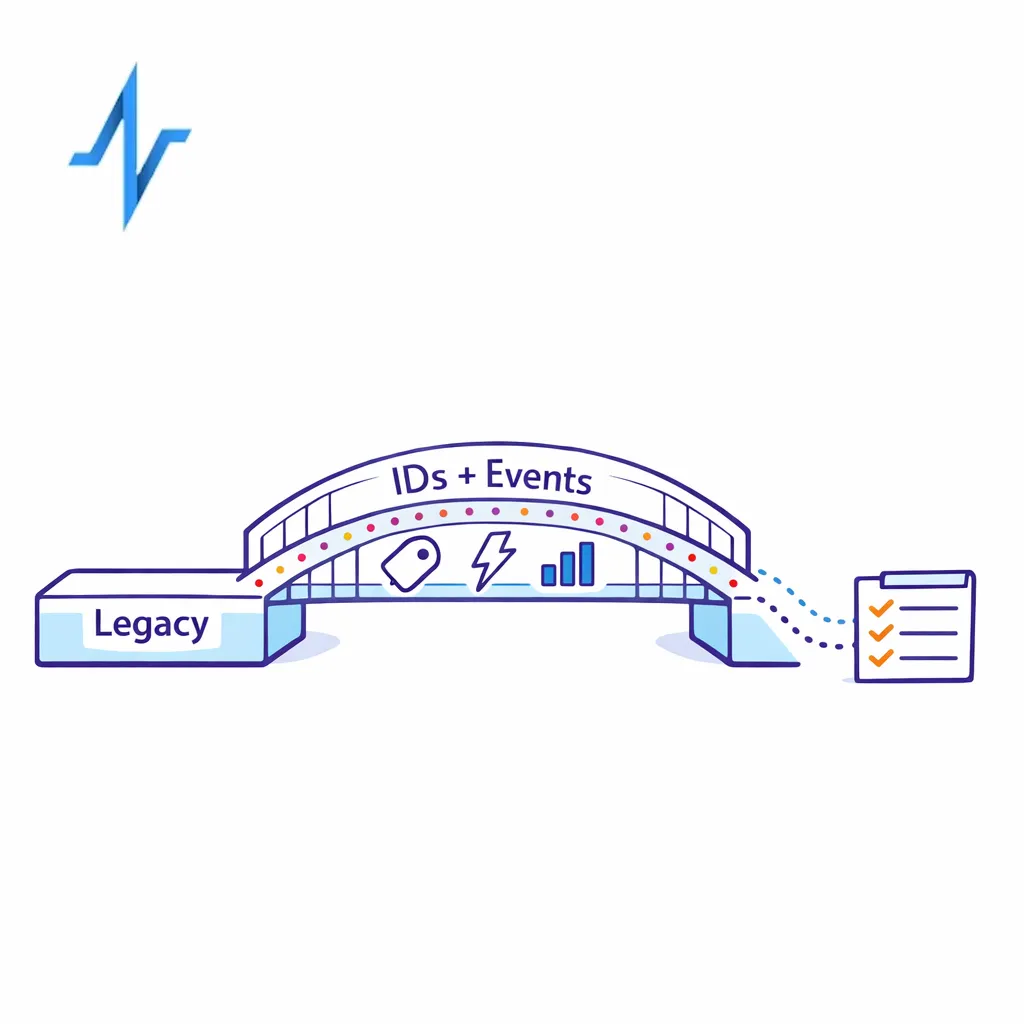
If you wait, you will rebuild instrumentation later. Define the minimum viable measurement plan pre-cutover: what events you track, what IDs you rely on, and how you reconcile across systems.
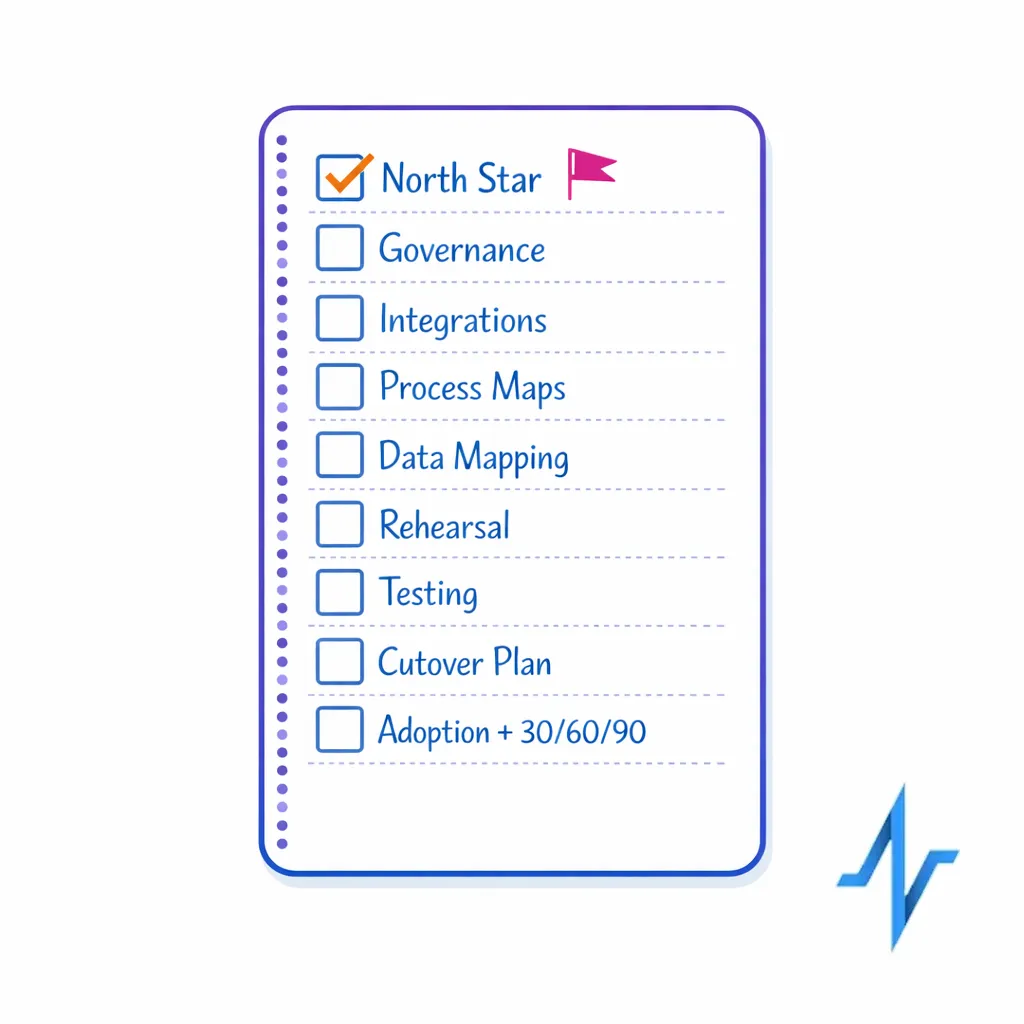
What to do next: a scannable checklist for commercial ops and brand teams
- Set the north star: define 5–10 measurable outcomes tied to field execution and omnichannel performance.
- Lock governance: publish RACI, change control, environments, and release cadence.
- Inventory integrations: list every upstream/downstream system and assign an owner and test plan for each.
- Finish CRM process maps: document only the workflows that drive volume, risk, or analytics dependencies.
- Complete CRM data mapping: field-by-field mapping with transformation rules and acceptance criteria.
- Run a migration rehearsal: validate timing, data quality thresholds, and exception handling.
- Execute validation and testing: integration tests before UAT; UAT scripts based on real scenarios.
- Publish the CRM cutover plan: readiness gates, quiet period rules, smoke tests, rollback authority.
- Operationalize adoption: super users, role-based training, hypercare SLAs, and a 30/60/90-day optimization backlog.
How Pulse Health supports faster, safer CRM migrations
If you are migrating a commercial ops CRM while also upgrading orchestration, identity, and measurement, you need a plan that keeps the field productive and keeps teams aligned. Pulse Health is built to help teams operationalize end-to-end execution across systems, so migration work translates into cleaner orchestration, more reliable measurement, and smoother day-to-day workflows.
If you want to pressure-test your migration plan, integration readiness, or change management approach, you can Request a Demo or Book a Consultation to walk through your current stack and cutover risks. To understand what fits into your existing ecosystem, Talk to Pulse Health and ask for a platform overview, how it works in real omnichannel programs, and which integrations to prioritize first.