

Email is still one of the most measurable, scalable ways to engage healthcare professionals (HCPs), but only if your messages reliably land in the inbox. For US pharma brand teams, omnichannel leads, and marketing ops owners, deliverability is not just an ESP setting. It is a cross-functional system that touches data, identity, compliance, content, and measurement.
This playbook breaks deliverability down into the parts you can control: authentication (SPF, DKIM, DMARC), list hygiene and HCP segmentation, sender reputation and cadence, and the monitoring loop that prevents slow drift into spam placement. You will also see what changed recently in bulk sender expectations and how to operationalize those changes without slowing down campaigns.
Deliverability in pharma HCP programs: what makes it different
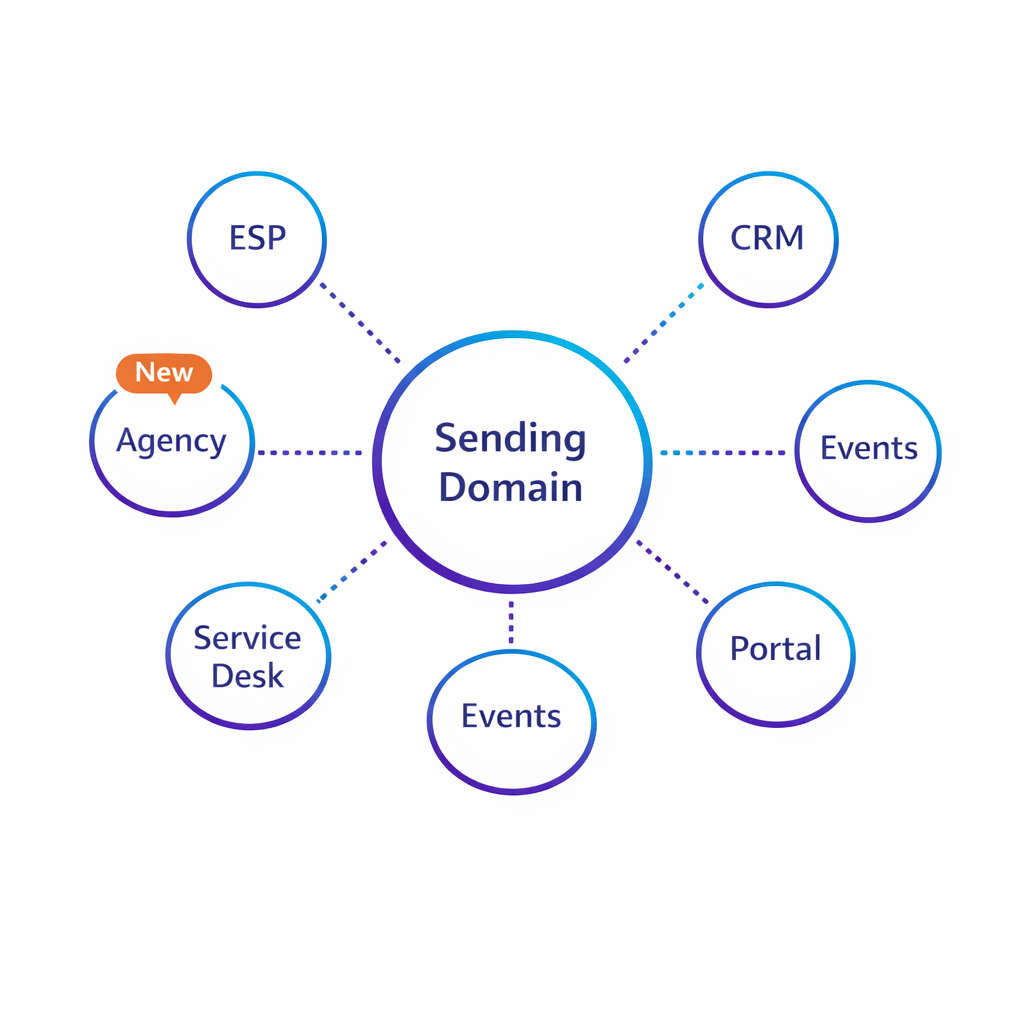
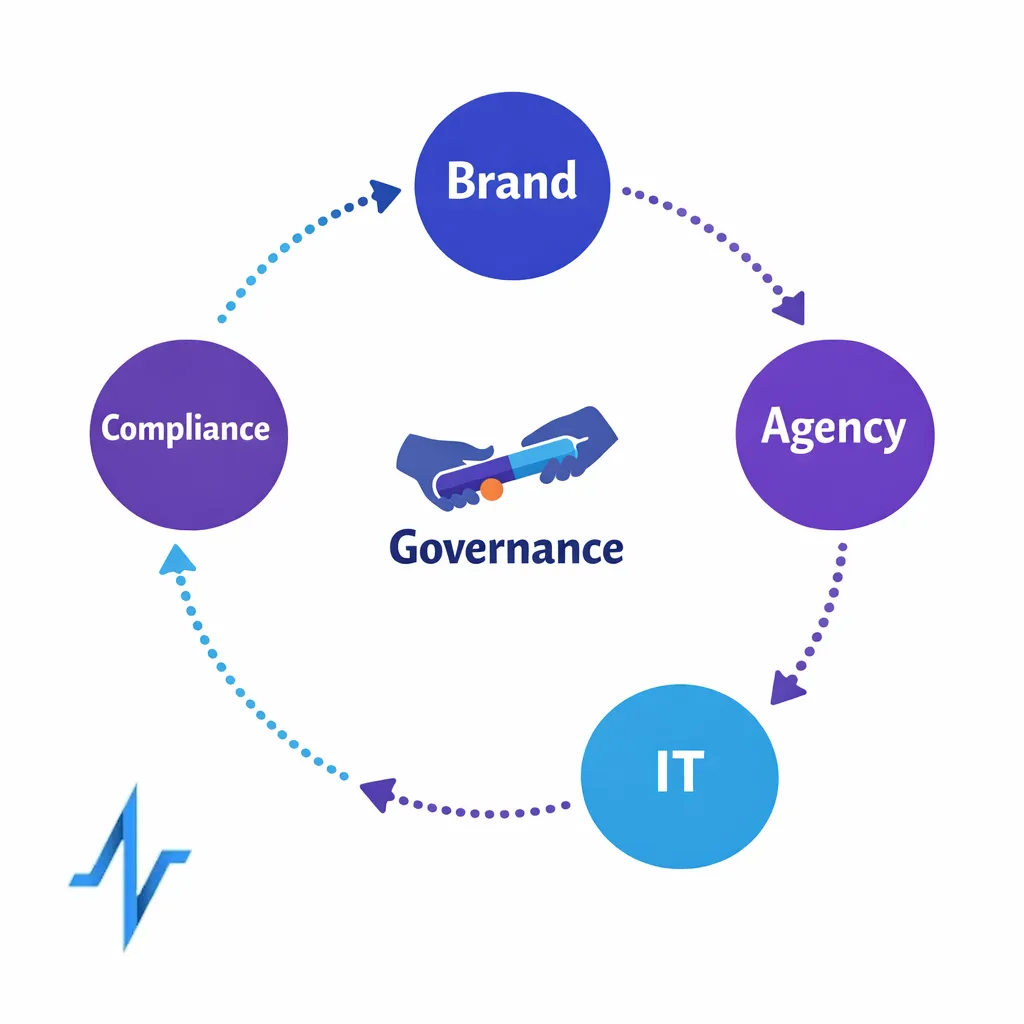
HCP outreach often runs through multiple brands, agencies, and technology partners, which makes it easier to fragment sender identity. When “From” domains, link tracking domains, and sending infrastructure are inconsistent, mailbox providers can treat even compliant messages as higher risk.
Pharma teams also operate with strict governance. You may have multiple approval paths, privacy and consent requirements, and a need to keep educational, promotional, and service messages cleanly separated. Deliverability improves when governance is built into your operating model rather than applied at the last minute.
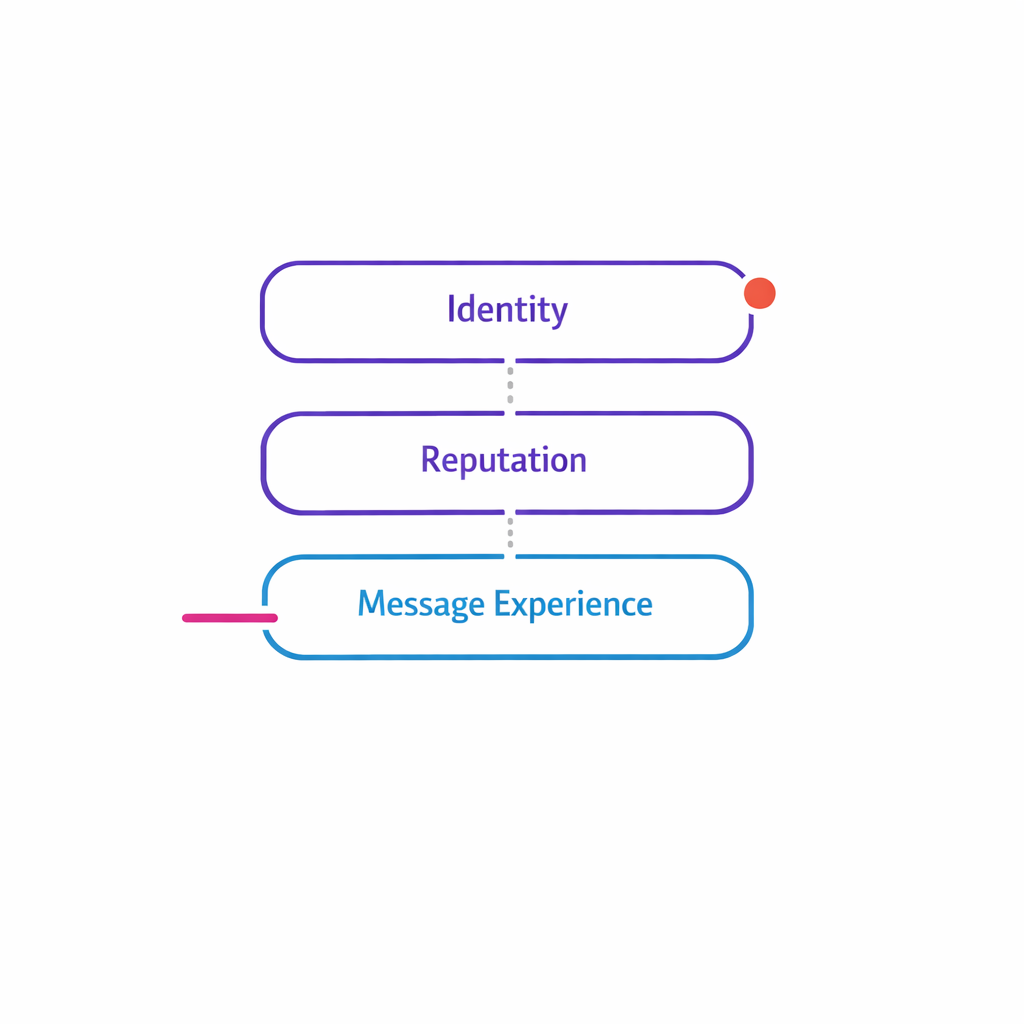
The deliverability stack: identity, reputation, and message experience
Most deliverability problems are not caused by one issue. They are the combined effect of (1) authenticated identity, (2) sending reputation, and (3) recipient engagement signals (opens, clicks, deletes, spam complaints, unsubscribes).
Your job is to make it easy for mailbox providers to verify who you are and for HCPs to recognize why they are receiving the email. The sections below focus on the practical controls that consistently move outcomes: fewer bounces, steadier inbox placement, and cleaner email performance analytics.
Step 1: Get SPF, DKIM, and DMARC right (and keep them aligned)
Authentication is table stakes for modern deliverability. SPF, DKIM, and DMARC work together to let receivers validate sending sources and reduce spoofing risk, which is why they show up in most sender requirements and best-practice checklists.
SPF: authorize your sending sources
SPF is a DNS mechanism that publishes which servers are allowed to send for a domain, defined in the SPF specification (RFC 7208). In practice, teams run into trouble when multiple vendors add conflicting SPF entries, causing “too many lookups” or unintended authorization gaps.
- Operational tip: inventory every system that sends mail on your behalf (ESP, CRM, event platform, service desk), then consolidate SPF into one policy per sending domain.
- Governance tip: route all “add this vendor to SPF” requests through one owner so the record does not sprawl over time.
DKIM: prove the message was not altered
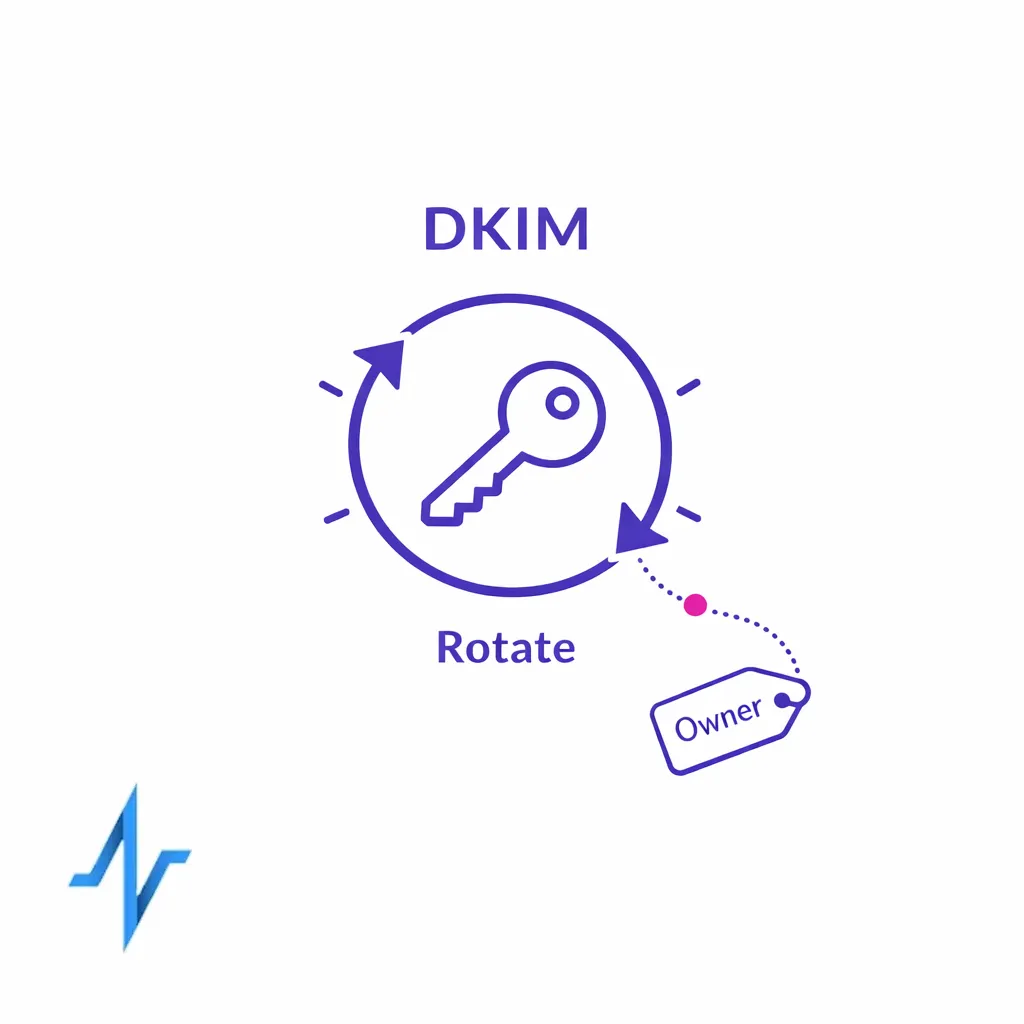
DKIM uses cryptographic signatures to help receivers validate that the message was authorized and not modified in transit, as defined in the DKIM specification (RFC 6376). DKIM commonly breaks when domains change, keys rotate without coordination, or different systems sign with different domains than the visible “From” identity.
- Operational tip: standardize a key rotation cadence and document who owns it (brand ops, IT, or the sending vendor).
- Program design tip: if you run multiple brands, consider separate subdomains per brand or program so issues do not spill across unrelated mail streams.
DMARC: enforce policy and alignment
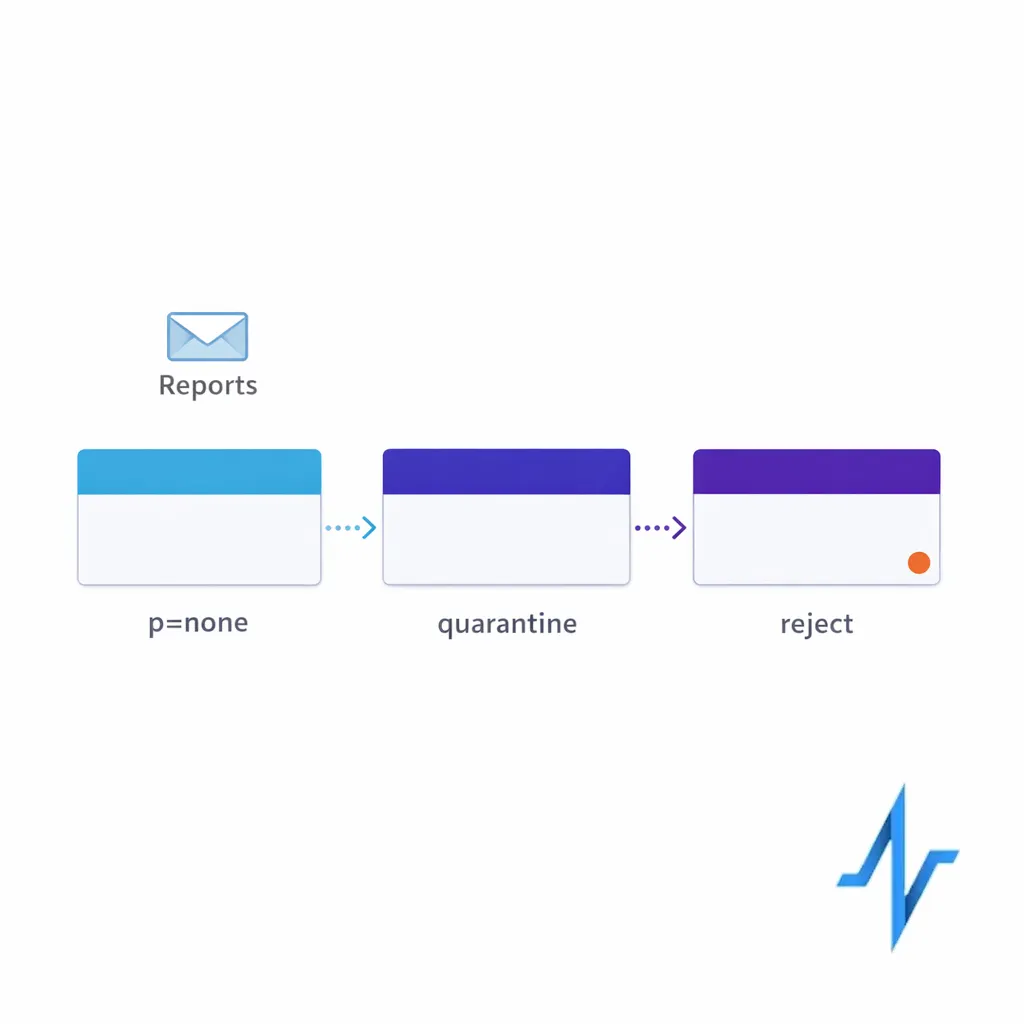
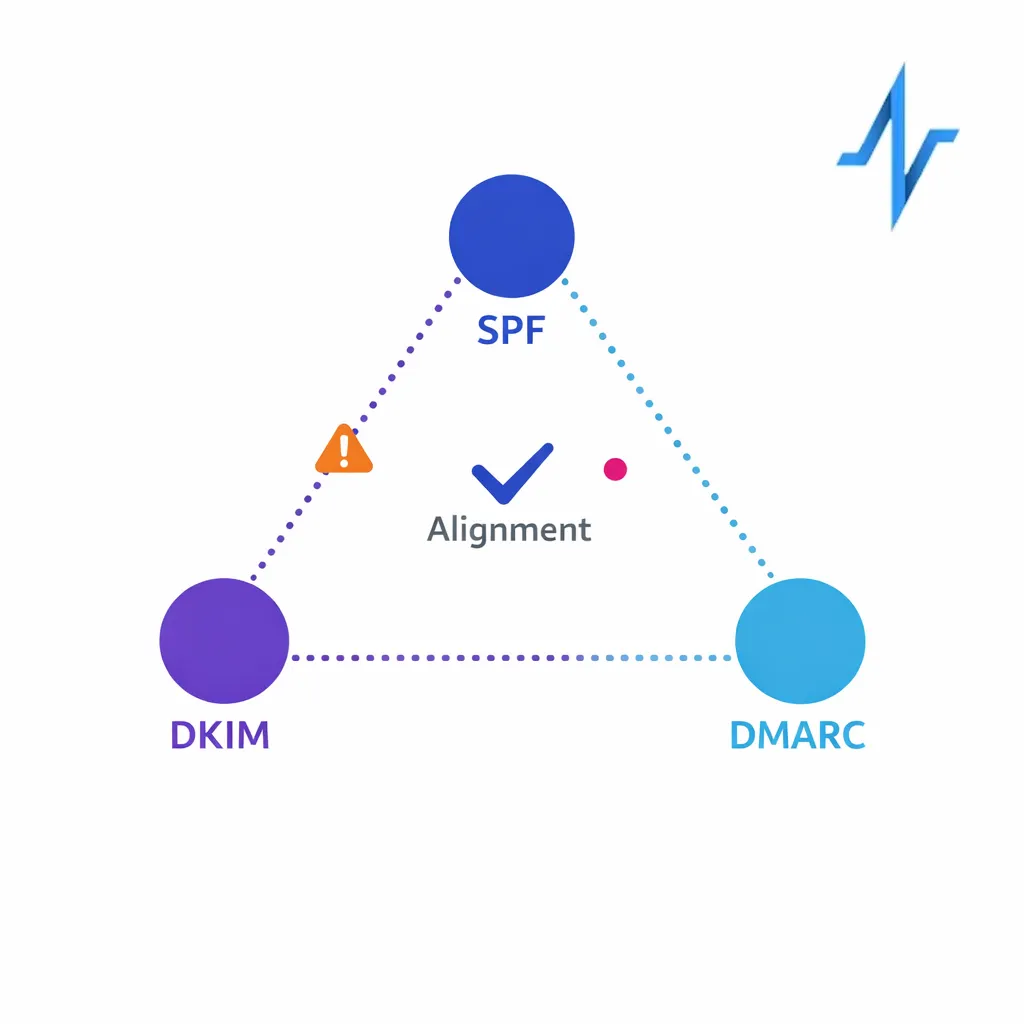
DMARC builds on SPF and DKIM and introduces “alignment” between the domain the recipient sees and the domains used for authentication, defined in the DMARC specification (RFC 7489). DMARC also lets you publish a policy (monitor, quarantine, reject) and receive aggregate reports, which is useful for both deliverability and anti-phishing posture.
Sample DMARC record (monitoring mode): v=DMARC1; p=none; rua=mailto:dmarc@yourdomain.com
- Start measurable: begin with p=none to collect reporting, then tighten policy once you confirm legitimate sources are authenticating properly.
- Focus on alignment: if your “From” domain is brand.com, aim to have DKIM and/or SPF align to that same organizational domain to avoid mixed signals.
If you operate in Microsoft 365 environments, align your implementation with Microsoft guidance on email authentication (SPF, DKIM, and DMARC) so mail originating from your tenant and mail originating from vendors follow a consistent approach.
Step 2: Build list hygiene into your HCP data workflow
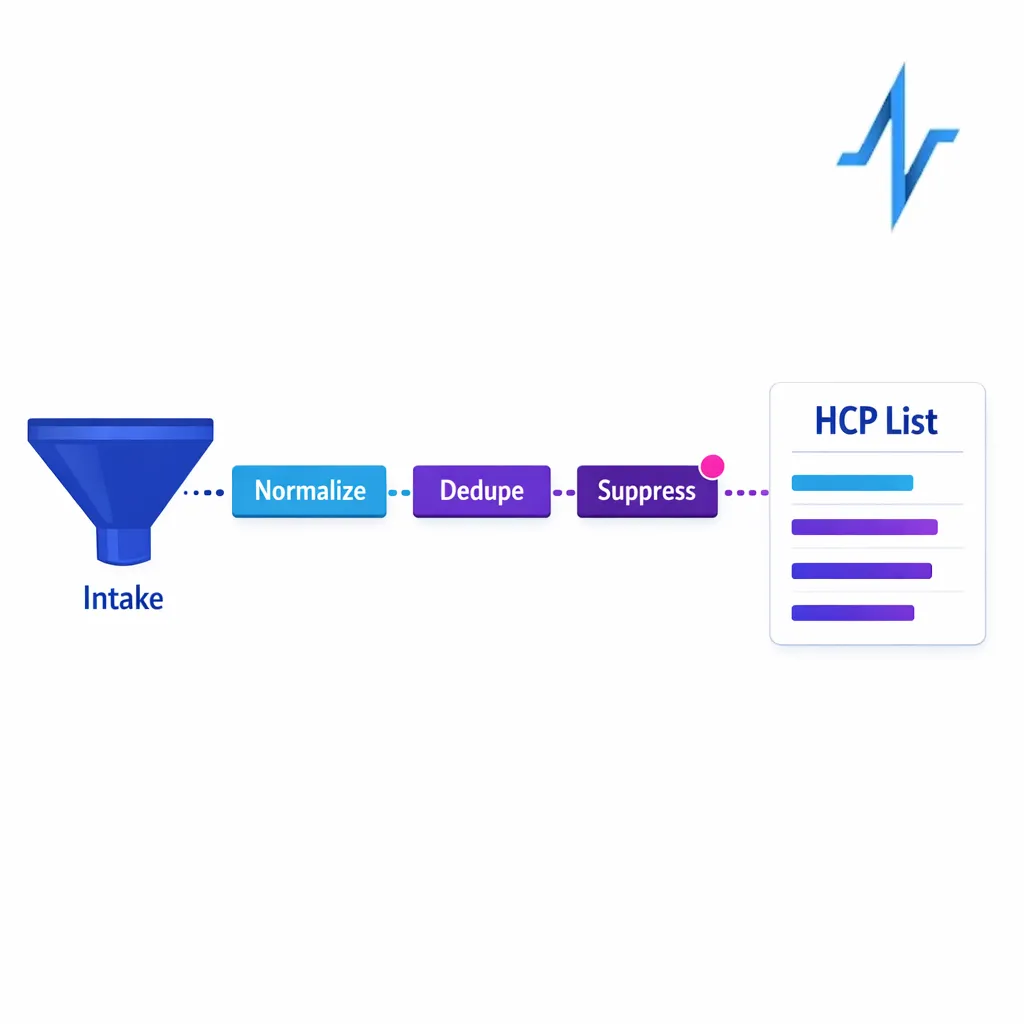
List hygiene is not a one-time scrub. It is an operating discipline that protects sender reputation and makes your segmentation and measurement more trustworthy.
- Normalize identity inputs: when multiple sources contribute addresses, standardize formatting rules and suppress duplicates so you do not accidentally increase frequency.
- Use lifecycle suppression: maintain suppression for opt-outs, known bounces, and addresses that have shown persistent non-delivery patterns in your environment.
- Sunset non-engagers thoughtfully: if an HCP has not engaged after a defined number of relevant sends, reduce cadence or pause to avoid repeated negative engagement signals.
- Separate acquisition from nurture: newly acquired sign-ups and long-tenured subscribers behave differently; treat them as distinct segments with different cadence and content.
For pharma teams, hygiene also supports compliance and brand experience. It reduces the risk of sending to people who did not intend to subscribe, and it keeps opt-out enforcement consistent across agencies and platforms.
Step 3: Protect sender reputation with segmentation and campaign cadence
Sender reputation is essentially a rolling summary of how recipients and mailbox providers respond to your mail. Even with perfect SPF, DKIM, and DMARC, poor targeting can push inbox placement down over time.
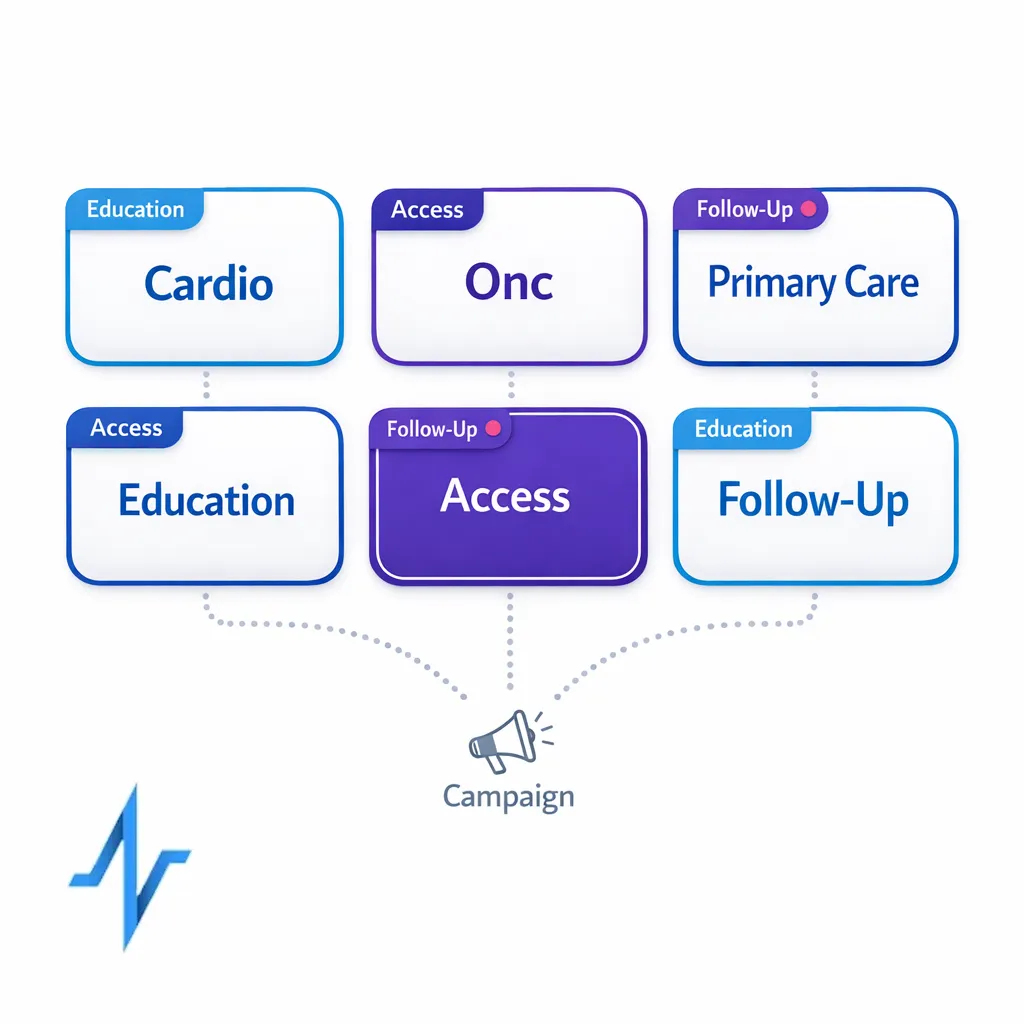
HCP segmentation is your most direct lever. Instead of “one national blast,” segment by specialty, engagement history, and intent (education, access support, rep-initiated follow-up, event-related) so each message earns its place.
- Cadence guardrails: define a maximum sends-per-week per HCP per program, then enforce it centrally to prevent overlapping campaigns from stacking.
- Stream separation: keep high-signal operational mail (confirmations, service updates) separate from promotional/educational streams so a dip in one does not harm the other.
- Throttling for change: when launching a new domain, new subdomain, or new audience, ramp volume gradually and watch complaints and bounces before scaling.
Step 4: Design emails that reduce friction for recipients and filters
Deliverability is not only technical. Content and experience matter because they influence engagement and complaints, and those signals feed reputation systems.
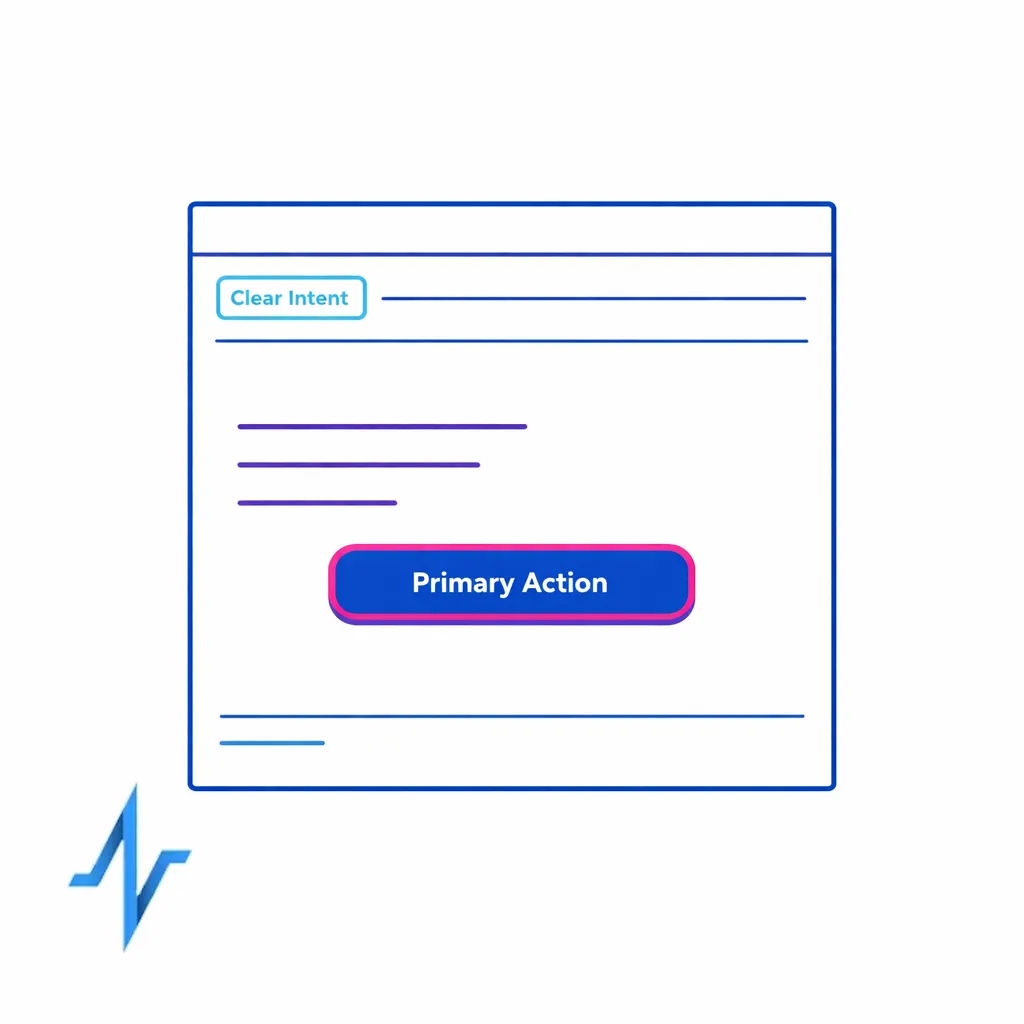
- Make intent obvious: use a recognizable “From” name and subject line that clearly matches why the HCP is receiving the email.
- Keep the message scannable: short copy, one primary action, and consistent layout reduce “delete immediately” behavior.
- Be careful with link sprawl: excessive tracking links and unnecessary redirects can add risk; keep tracking architecture consistent and brand-aligned.
- Minimize surprises: sudden shifts in tone, volume, or topic are common triggers for unsubscribes and spam complaints.
Step 5: Compliance requirements that directly affect deliverability
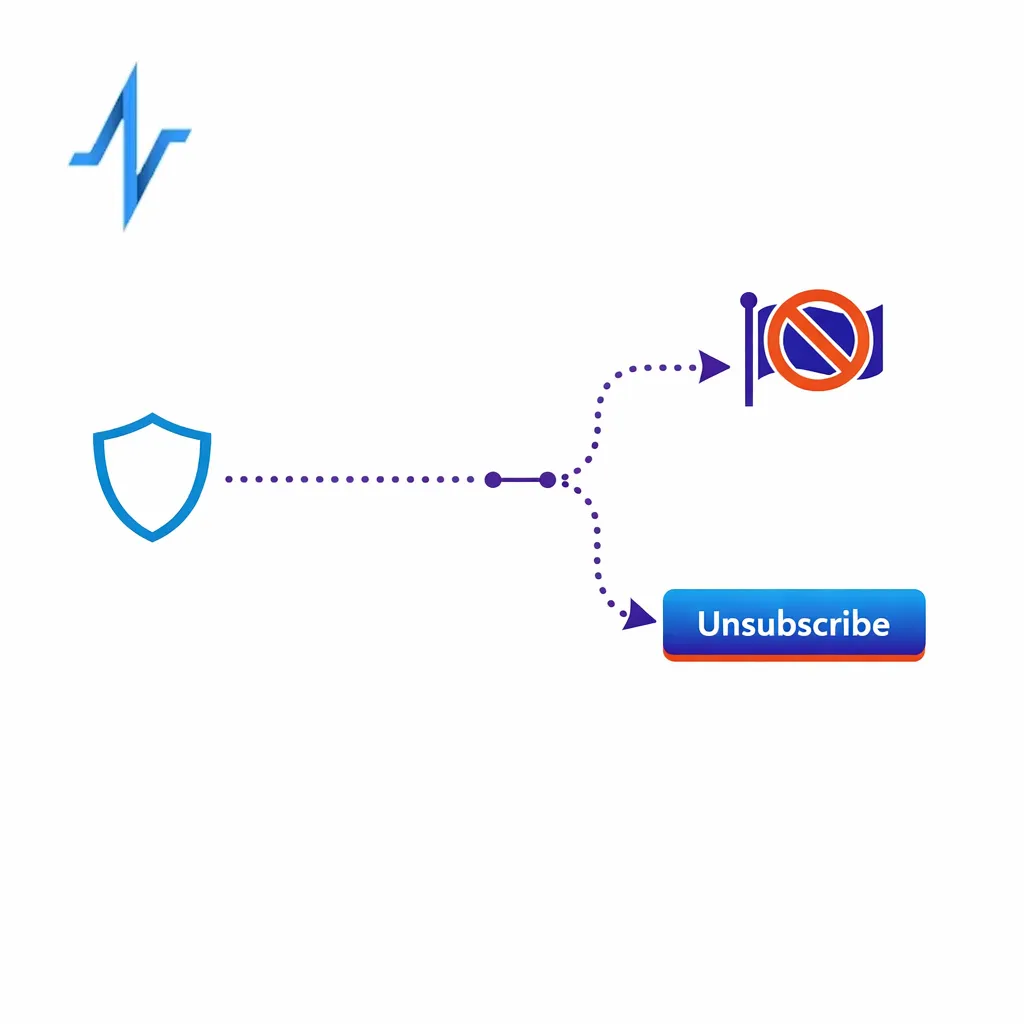
Compliance and deliverability overlap in practical ways. If your opt-out experience is confusing or slow, recipients are more likely to mark mail as spam, which is one of the fastest ways to damage sender reputation.
For US commercial email, align your program with the FTC’s CAN-SPAM Act compliance guidance, especially around clear identification, a working opt-out mechanism, and timely processing of opt-out requests. Even when your legal team owns interpretation, ops teams should treat these requirements as non-negotiable deliverability controls.
- Unsubscribe that works: ensure unsubscribe links are present, functional, and easy to complete on mobile.
- Consistent sender identity: match your “From” domain and branding to the program the HCP opted into.
- Preference management: when possible, offer topic and cadence controls so HCPs can stay subscribed without feeling overwhelmed.
Measurement: turn deliverability from a guess into a dashboard
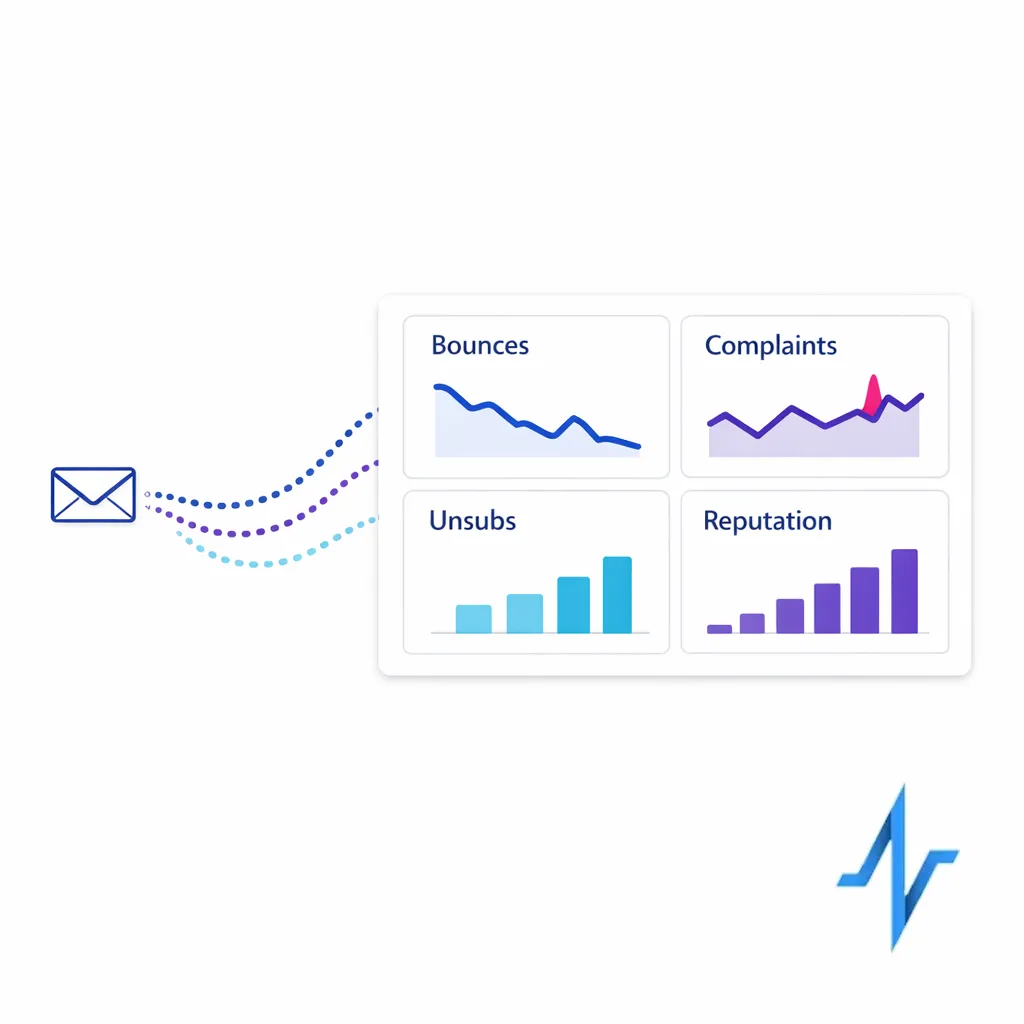
If you only look at opens and clicks, you can miss early warning signs. A deliverability-ready dashboard usually combines (1) bounces, (2) complaint rate, (3) unsubscribe rate, and (4) domain-level reputation indicators.
On the mailbox-provider side, Google Postmaster Tools can help you monitor domain reputation and spam rate trends for mail to Gmail users. On the sender side, DMARC aggregate reports can reveal which systems are authenticating properly and which sources are misconfigured or unauthorized.
- Pre-send: validate audience size, suppression application, and cadence caps.
- Day-of-send: watch bounce patterns early; spikes often signal a list or configuration issue that should trigger a pause.
- Post-send: review complaints and unsubscribes by segment and message type, not only at the total campaign level.
What changed: bulk sender expectations tightened (and ops needs to catch up)
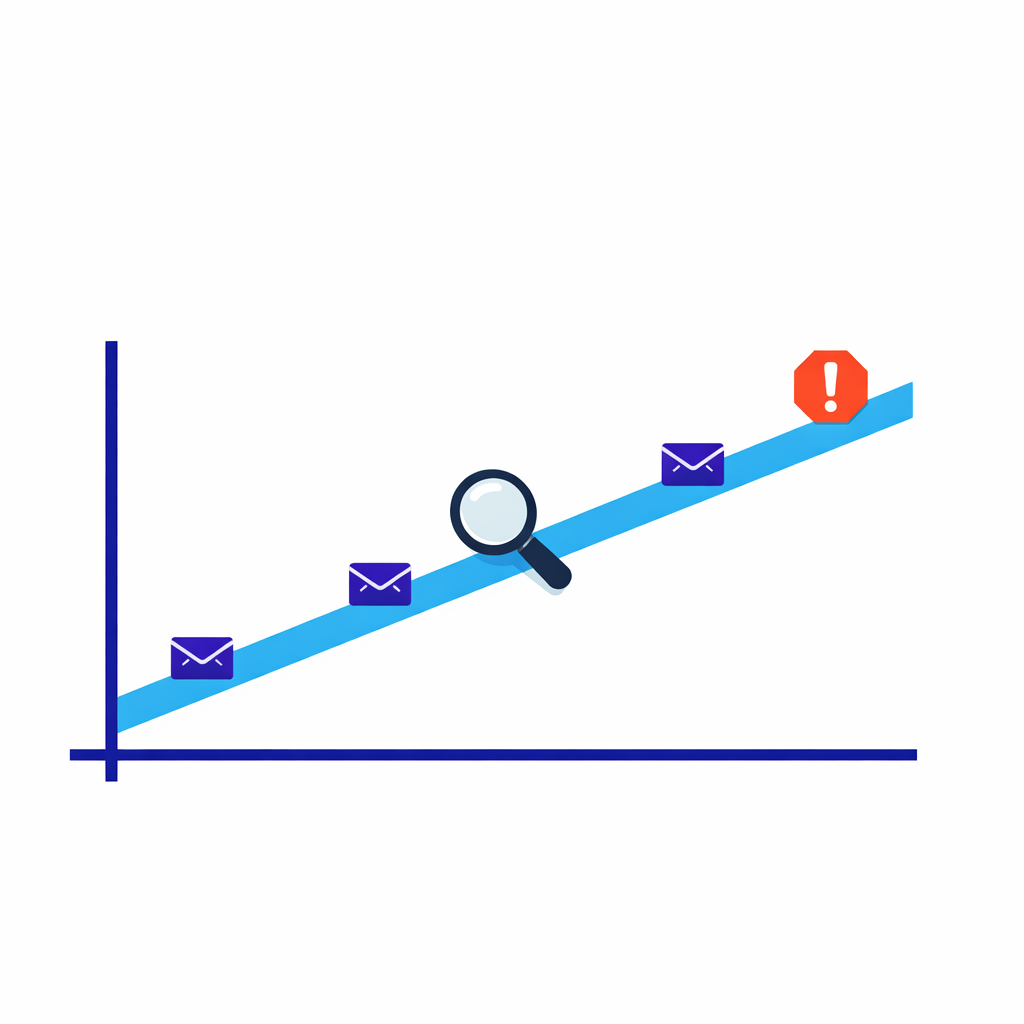
Mailbox providers have continued to harden requirements for bulk senders. In 2024, Google published bulk sender guidelines that emphasize authentication and user-friendly unsubscribe, including a recommendation to keep spam rates low and to support one-click unsubscribe for higher-volume mail as described in Google’s email sender guidelines.
Yahoo also published updated bulk sender expectations that focus on authentication and complaint reduction, documented in Yahoo’s sender best practices. For pharma teams, the practical takeaway is that deliverability is less forgiving of “close enough” setups, especially when multiple partners send on your behalf.
- Make authentication universal: every system that sends as your domain should pass SPF and DKIM and align under DMARC where feasible.
- Make unsubscribing easy: treat unsubscribe UX as a reputation-protection feature, not just a compliance checkbox.
- Reduce complaint drivers: tighten targeting, reduce irrelevant sends, and enforce cadence caps across overlapping programs.
Common mistakes and misconceptions (and what to do instead)
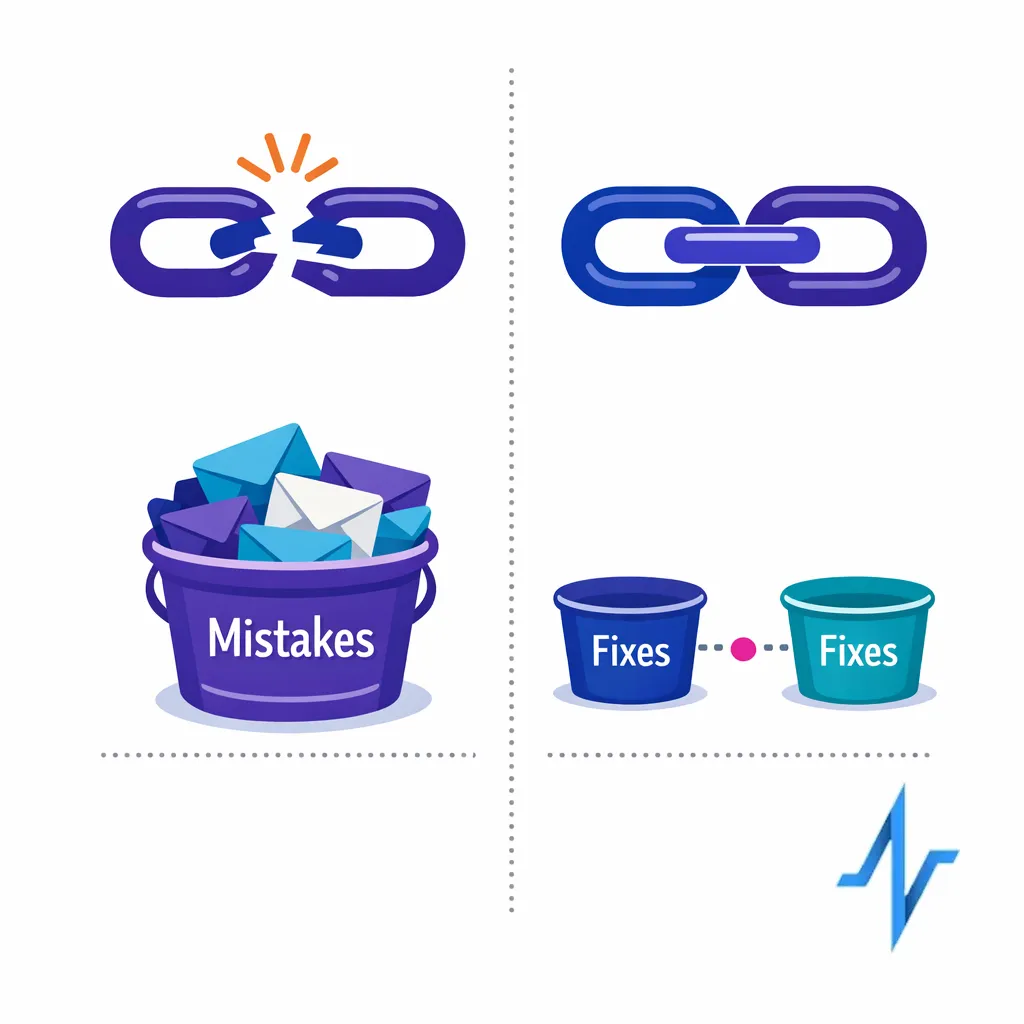
SPF alone does not prove the visible sender identity is aligned, and it does not cover all forwarding scenarios. Use SPF and DKIM together, and manage policy and alignment under DMARC so receivers have consistent signals anchored in the DMARC standard.
Mistake: One shared sending identity for everything
Mixing very different message types (highly engaged operational messages and lower-engagement promotional messages) under one domain can cause reputation spillover. Separate streams by subdomain, IP pool, or program, and keep governance tight so new sends do not accidentally inherit a fragile reputation.
Mistake: List hygiene is “the vendor’s job”
Vendors can help, but your internal process determines whether suppression, preference changes, and identity updates propagate correctly. Make hygiene a system: define owners, SLAs for suppressions, and a documented workflow that agencies and brand teams must follow.
Mistake: Optimizing for opens without protecting complaints
Subject line experimentation can improve short-term opens, but if it increases unsubscribes or spam complaints, deliverability can degrade across future sends. Use segmented testing and tie decisions to downstream metrics (complaints, unsubscribes, conversions), not just top-of-funnel engagement.
What to do next: a practical checklist for bounce reduction and better inboxing
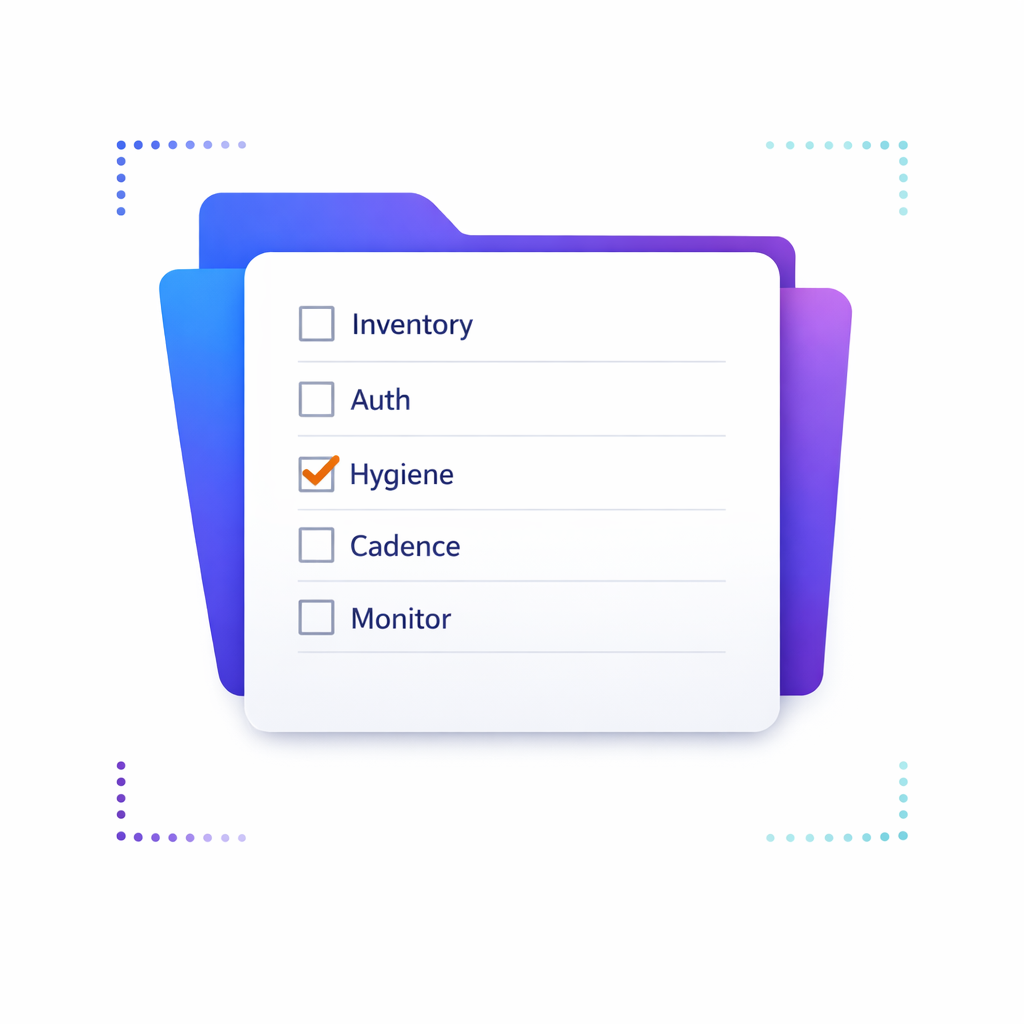
- Inventory your sending ecosystem: list every platform and partner that sends mail using your domains, including CRM, ESP, event tools, and service notifications.
- Standardize authentication: publish and maintain SPF per the SPF standard, enable DKIM per the DKIM standard, and enforce alignment and reporting with DMARC.
- Confirm bulk sender readiness: validate unsubscribe UX and sender practices against Google guidance and Yahoo guidance.
- Lock list hygiene rules: define suppression categories (opt-out, bounces, do-not-contact), and ensure every campaign pulls from the same enforced suppressions.
- Segment and cap cadence: implement HCP segmentation rules and frequency limits that prevent overlapping programs from stacking mail volume to the same person.
- Monitor continuously: set a weekly deliverability review that includes bounce trends, complaint rate, unsubscribes, and mailbox-provider signals such as those available in Postmaster Tools.
- Create a stoplight system: define thresholds that trigger pause-and-investigate (for example, sudden bounce spikes or complaint increases), with an owner empowered to halt sends.
Talk to Pulse Health about deliverability-ready HCP outreach
If your team is juggling multiple brands, agencies, and orchestration tools, deliverability is easier when identity, segmentation, suppression, and measurement are managed as one system. Pulse Health helps teams operationalize HCP engagement with cleaner audience management and more reliable performance tracking so deliverability work shows up as measurable campaign efficiency, not just technical busywork.
If you want help auditing your current setup or designing an authentication and list hygiene plan that fits your operating model, Talk to Pulse Health. To see how a deliverability-ready workflow can fit into your existing stack, Request a Demo or Book a Consultation, and if you are mapping systems and handoffs, Explore Integrations and Get the Platform Overview.