
Most pharma teams do not have an audience problem. They have an access and usability problem: identities are fragmented across vendors and channels, permissions are unclear, and lists “work” in one activation endpoint but fail everywhere else.
This guide is for US pharma brand teams, omnichannel leads, commercial ops, marketing ops, CRM owners, and agency partners who need compliant, high-performing HCP and patient audiences.
You will learn how to evaluate HCP data licensing, design an opt-in HCP list and patient audience data strategy, and operationalize list enrichment, verified opt-in emails, NPI matching, and measurement so your targeting data actually converts.
What “opt-in data access” really means (and why it changes how you build lists)
In pharma audience building, “opt-in” is not a single checkbox you can treat as universal permission forever. Practically, it means you can document who consented, what they consented to (purpose), where that consent can be used (channel and partner scope), and how they can withdraw it.
Opt-in data access becomes valuable when it is usable across your stack: CRM, email, rep-triggered workflows, patient education, and measurement.
That requires more than a contact record. It requires a governance-ready identity spine and a permissions model you can enforce.
Start with the conversion definition, not the data source
Teams often start by shopping for “more HCP targeting data” and end up with a larger list that is less actionable. Instead, define “converts” for your brand and channel mix, then work backward to the minimum data needed to drive that outcome.
Examples of conversion definitions include: an HCP opens and clicks educational email, an HCP opts into ongoing updates, a rep gets an in-territory signal and schedules a follow-up, or a patient completes an education flow and enrolls in reminders.
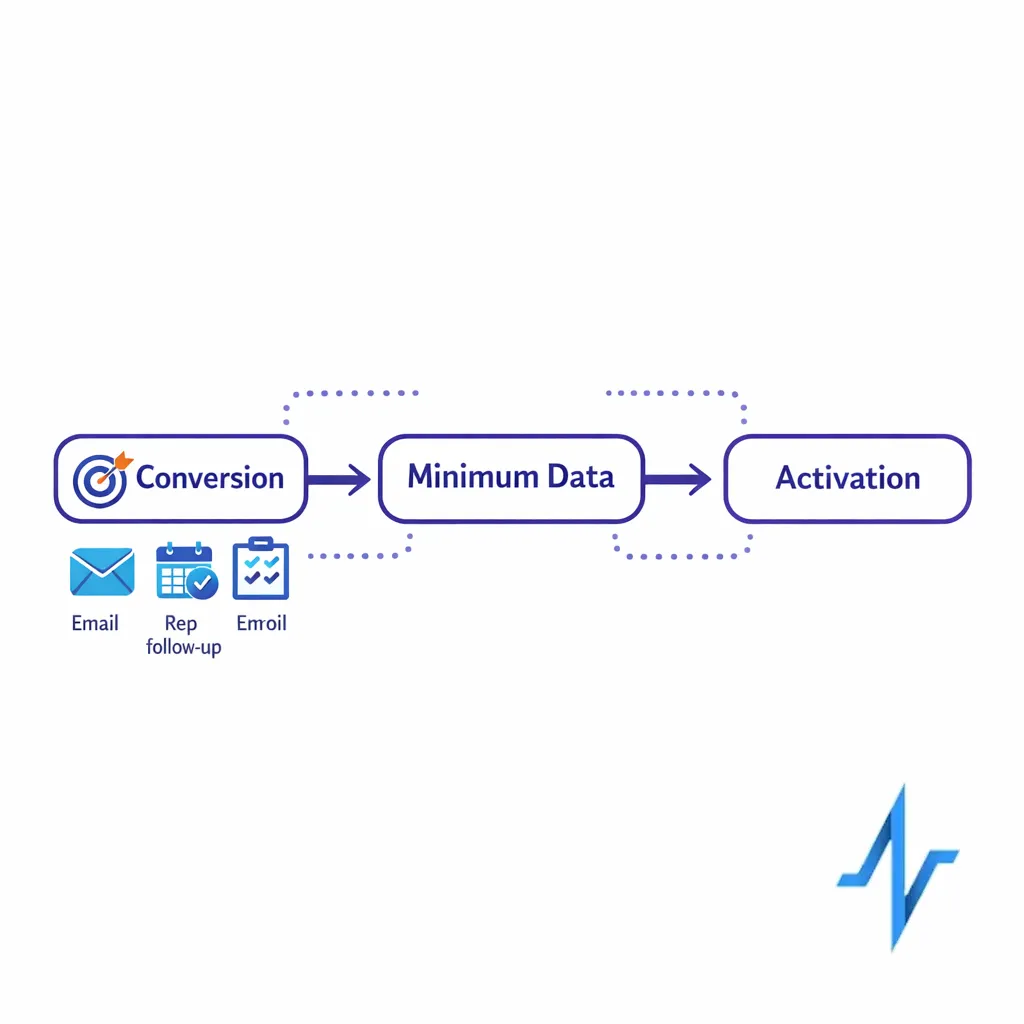
Each of these requires different identifiers, consent language, and orchestration steps.
HCP data licensing vs. HCP engagement rights: the distinction that saves programs
HCP data licensing is about the contractual right to use a dataset for specific purposes and channels.
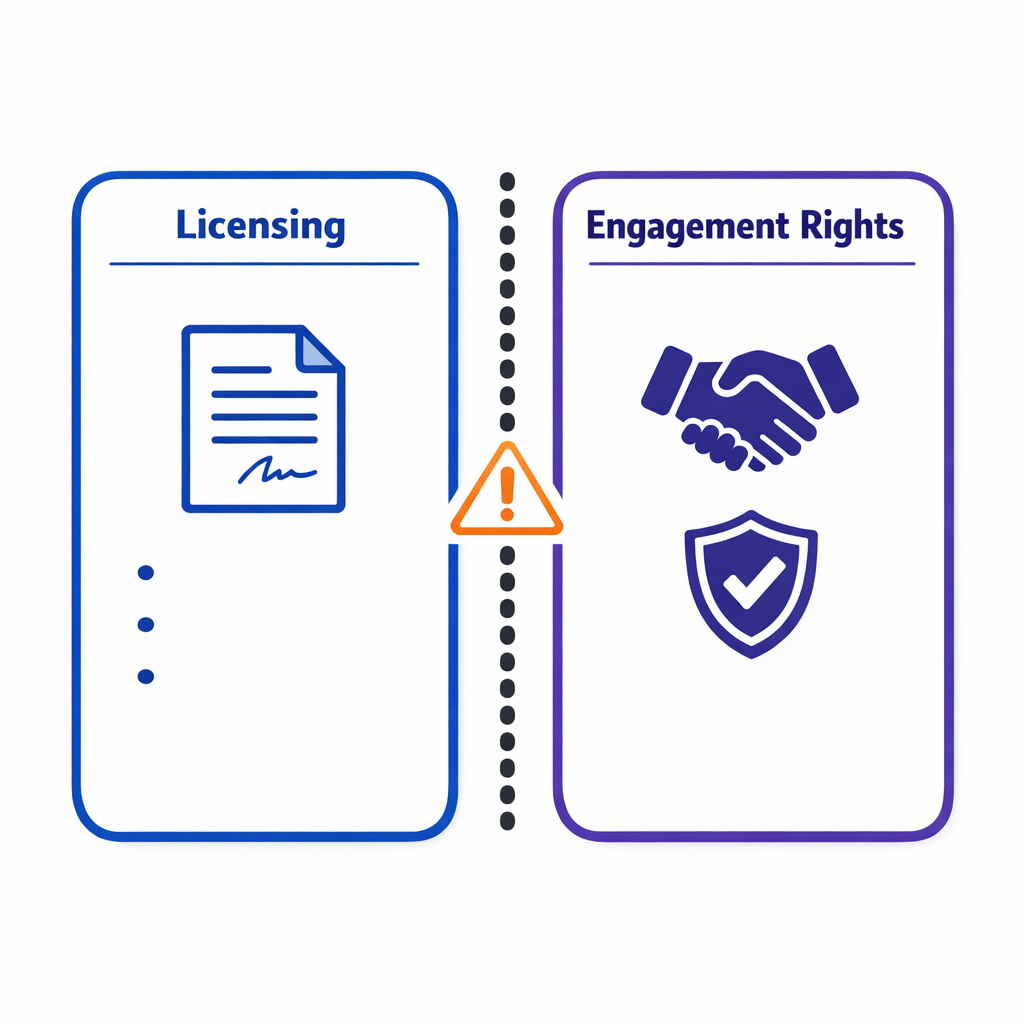
HCP engagement rights are about whether your program can ethically and lawfully contact that HCP in the way you intend.
An “opt-in HCP list” should not be evaluated only by record count.
It should be evaluated by provenance (how it was collected), permission scope (what was consented to), identity resolution (how reliably you can match), and activation fit (whether it performs in your channels without heavy manual remediation).
The anatomy of a target list that converts
A converting list is not just “names and emails.” It is a structured audience asset you can move through your stack with predictable match rates, suppression behavior, and reporting.
1) Identity spine (so every system agrees who the person is)
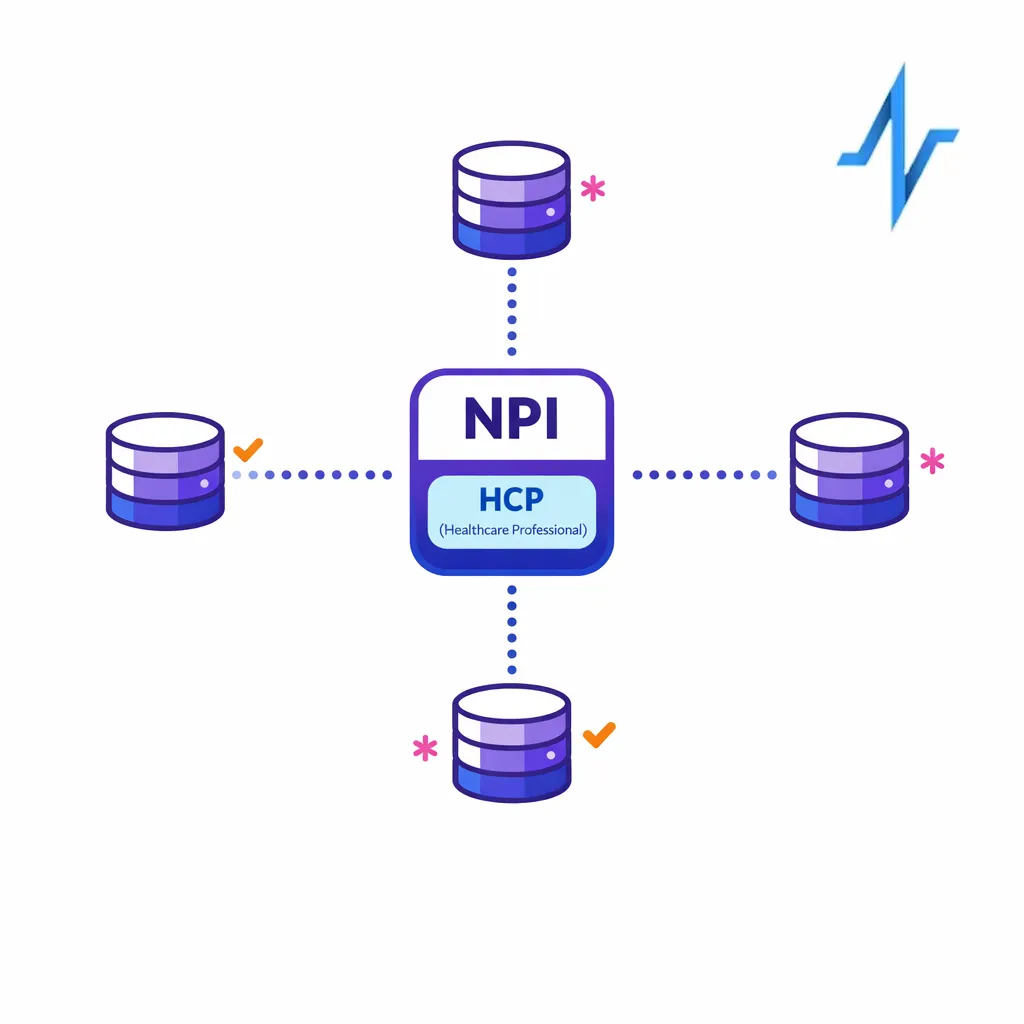
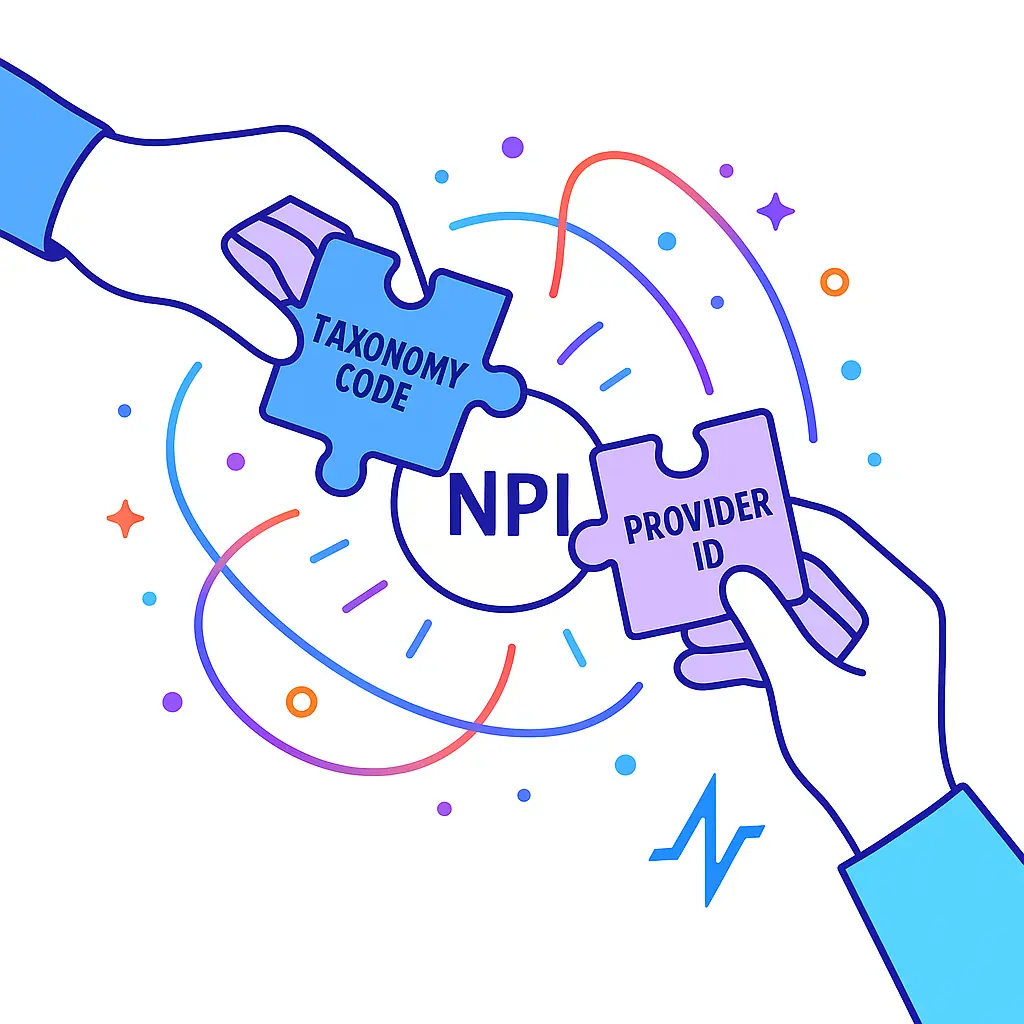
For HCPs, the most common backbone is NPI plus additional keys (work location, specialty, and preferred contact points). When you use NPI as the anchor, you can reduce duplicates and improve downstream orchestration because multiple source files can converge on the same professional identity.
When you need to validate or enrich an NPI, the official NPI Registry is a reliable reference point for lookups and basic verification.
2) Channel permissions (so you can activate without guessing)
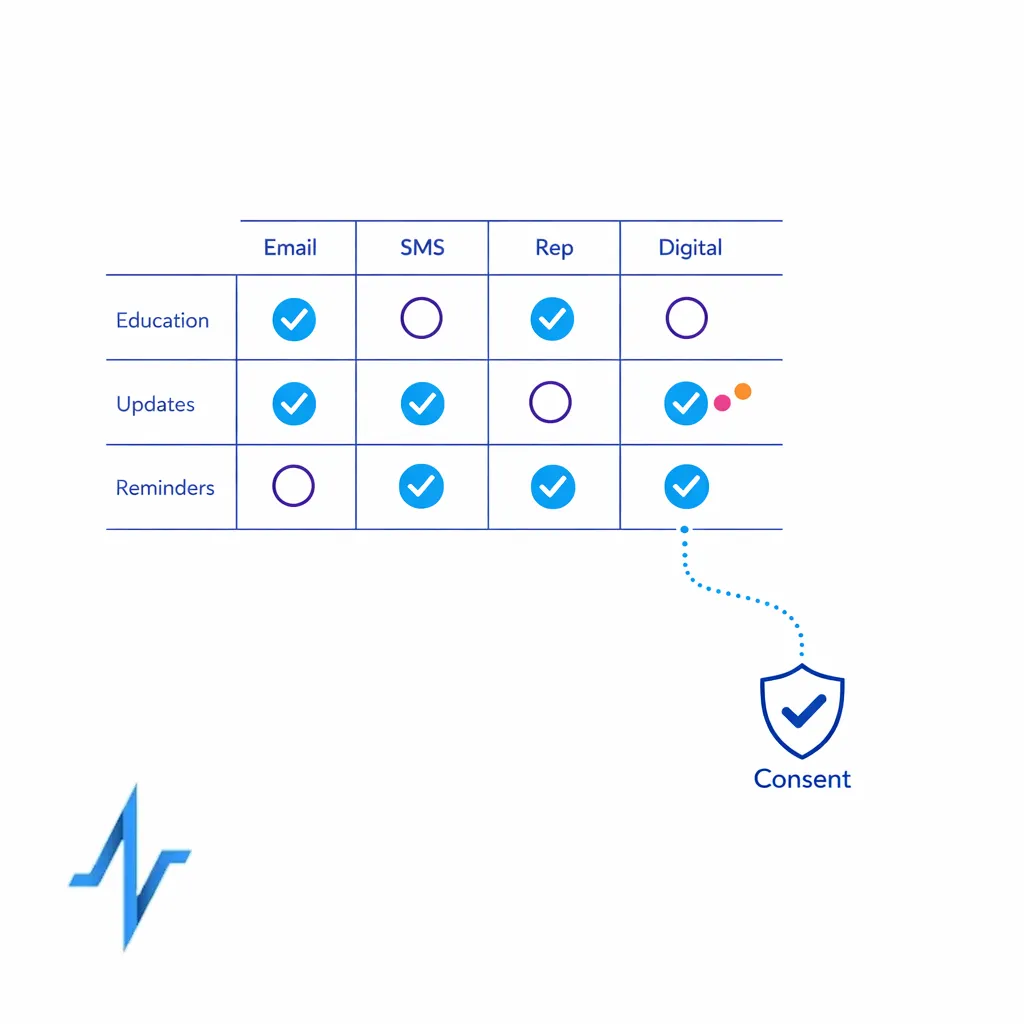
Permissions should be modeled at the channel level (email, SMS, mail, rep outreach, digital) and ideally at the purpose level (product updates vs. disease education vs. program reminders). This is where “verified opt-in emails” become meaningful: not as a buzzword, but as a documented permission state that can be enforced and audited.
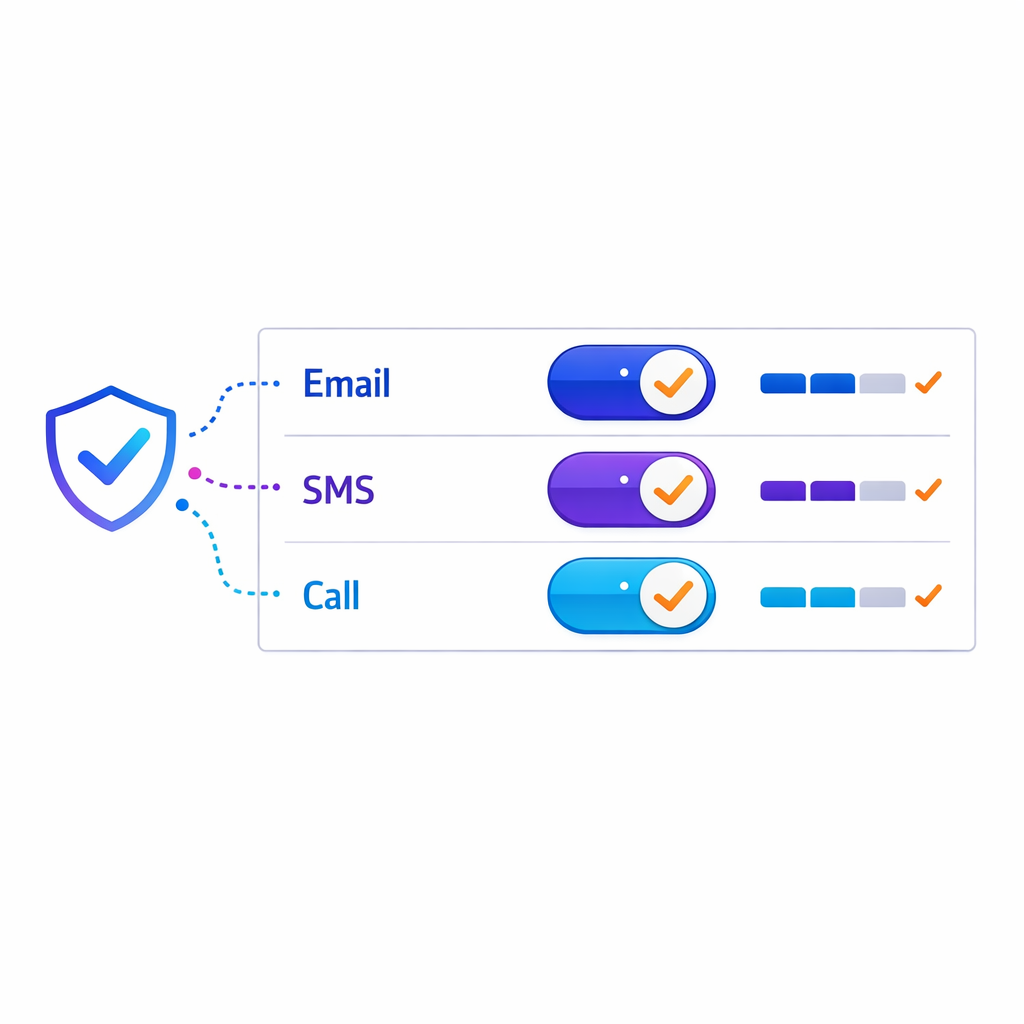
If your list does not carry permission metadata in a portable way, teams end up rebuilding audiences for every campaign.
That slows speed-to-market and increases compliance risk.
3) Context fields (so targeting is clinically and operationally relevant)
Conversion improves when targeting reflects real-world constraints: geography, specialty, setting of care, and patient population focus. Context also helps you design better suppression rules so you do not over-message or send irrelevant content.
For many brands, the “context layer” is also where data partnerships matter, because the difference between a broad HCP file and a useful HCP targeting dataset is often the quality and recency of those attributes.
4) Governance fields (so you can prove what happened)
To make opt-in defensible, your list needs basic governance: source system, collection method, timestamp, versioning, and any partner restrictions. Without these fields, you cannot reliably answer common questions from legal, privacy, and brand leadership about what you used and why.
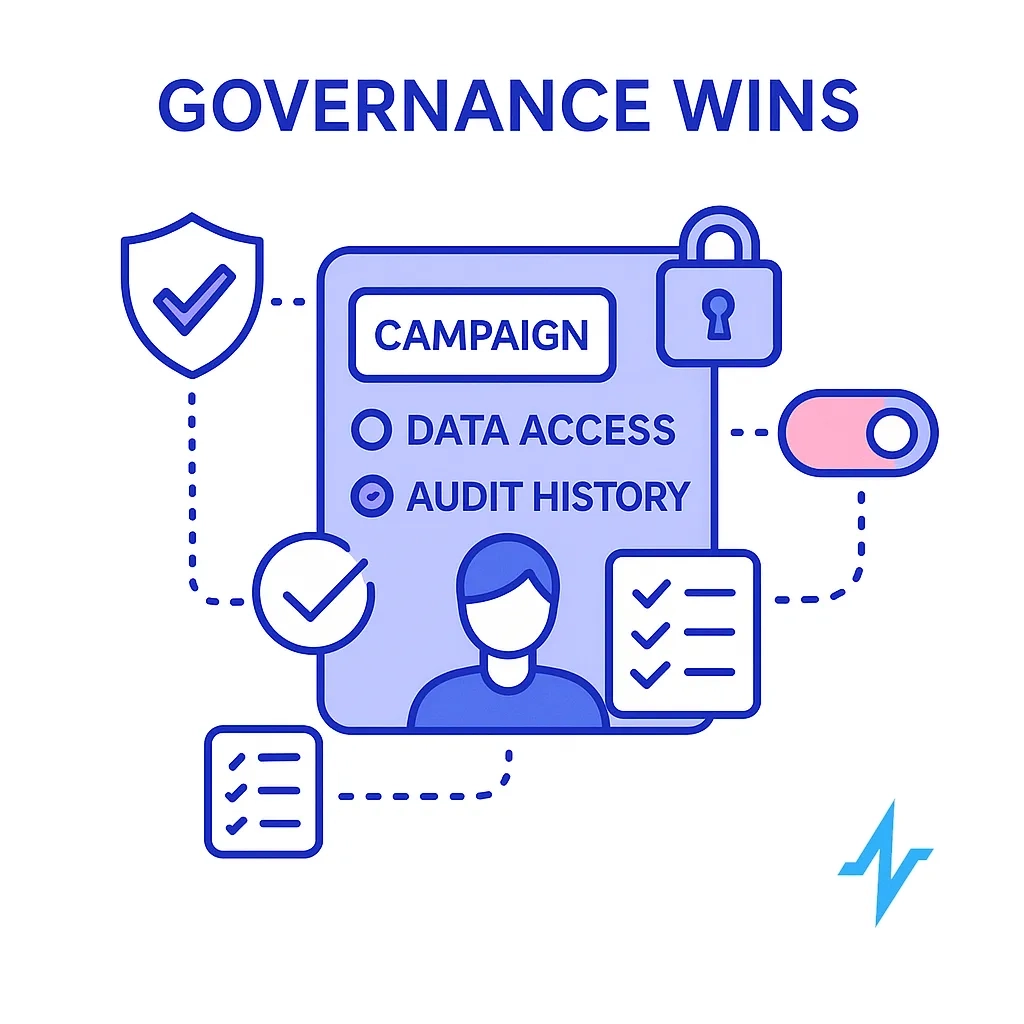
Governance also makes measurement more credible because you can separate “audience not reachable” from “creative not working” from “channel mismatch.”
A practical workflow for pharma audience building (HCP + patient)
High-performing teams run a repeatable workflow that turns messy inputs into an activation-ready audience. The goal is not to create a perfect “golden record” on day one. The goal is to create a list you can activate confidently, learn from, and improve each cycle.
Step 1: Inventory what you already have (first-party and partner inputs)
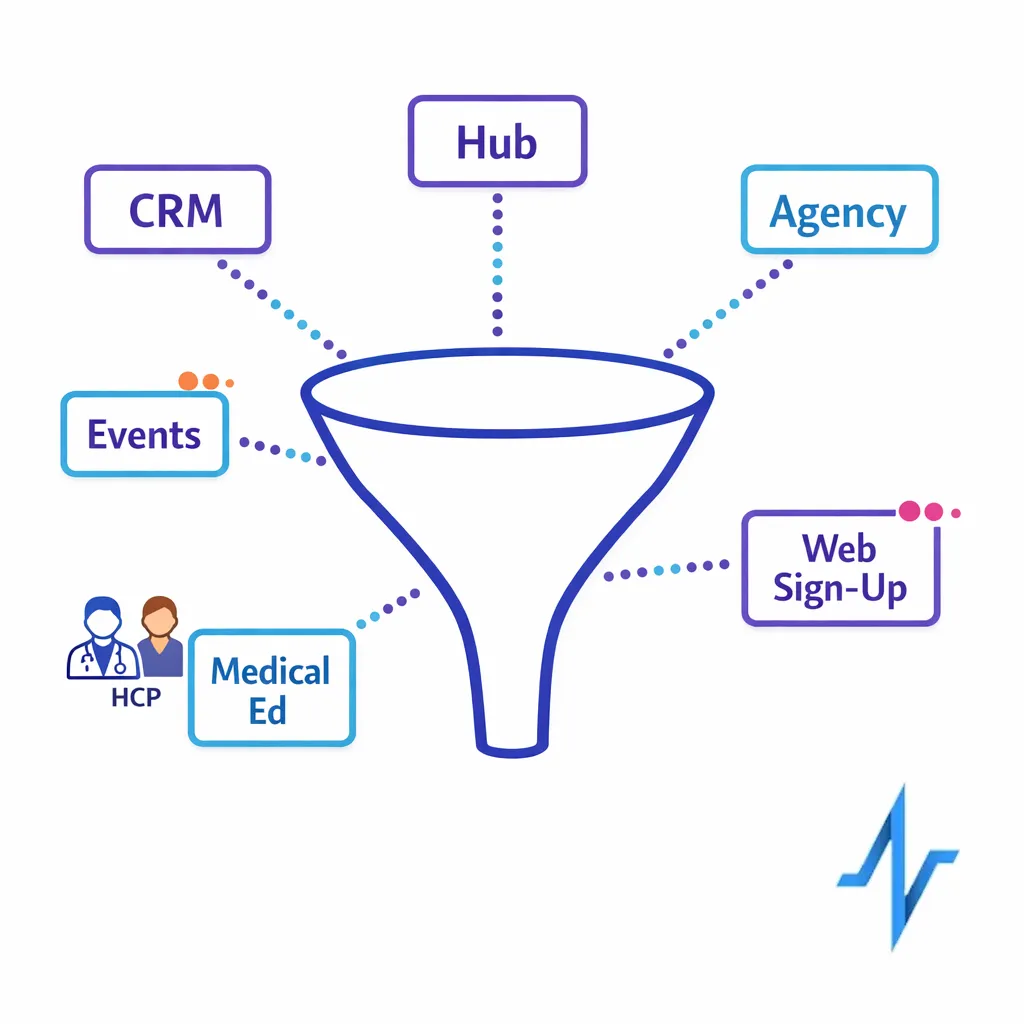
Start by mapping every place HCP and patient identifiers exist: CRM, events, sample programs, medical education programs, patient education sign-ups, hub and support vendor feeds, and agency-managed lists. Do not assume the fields are consistent across sources, even if the column names match.
At this stage, be explicit about ownership and intended use.
A file can be “available” but not “usable” if its licensing terms, consent scope, or retention expectations do not match your activation plan.
Step 2: Normalize fields so matching is deterministic
Normalization is the unglamorous step that drives real performance: consistent name parsing, address formatting, specialty taxonomy mapping, and standard representations of email and phone. This is also where you decide which identifiers are required for each channel.
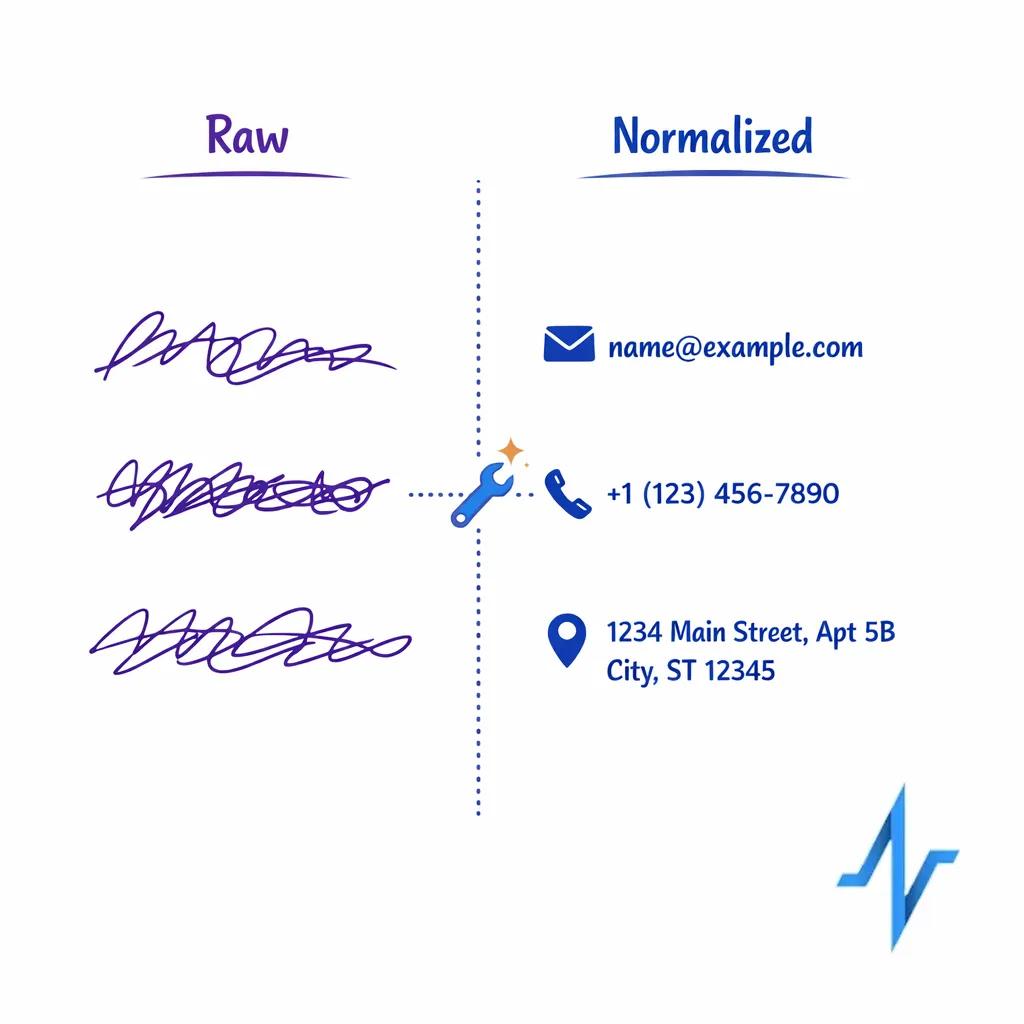
Normalization reduces false negatives in match logic and keeps your team from repeating the same cleaning work every campaign.
Step 3: Perform NPI matching and de-duplication before enrichment
NPI matching is most useful when you do it early, before you pay to enrich duplicates. Anchor to NPI where available, then apply deterministic rules to collapse records that represent the same HCP across systems.
When NPI is missing, many teams use a staged approach: attempt deterministic matching on stable fields first, then fall back to probabilistic logic with conservative thresholds.
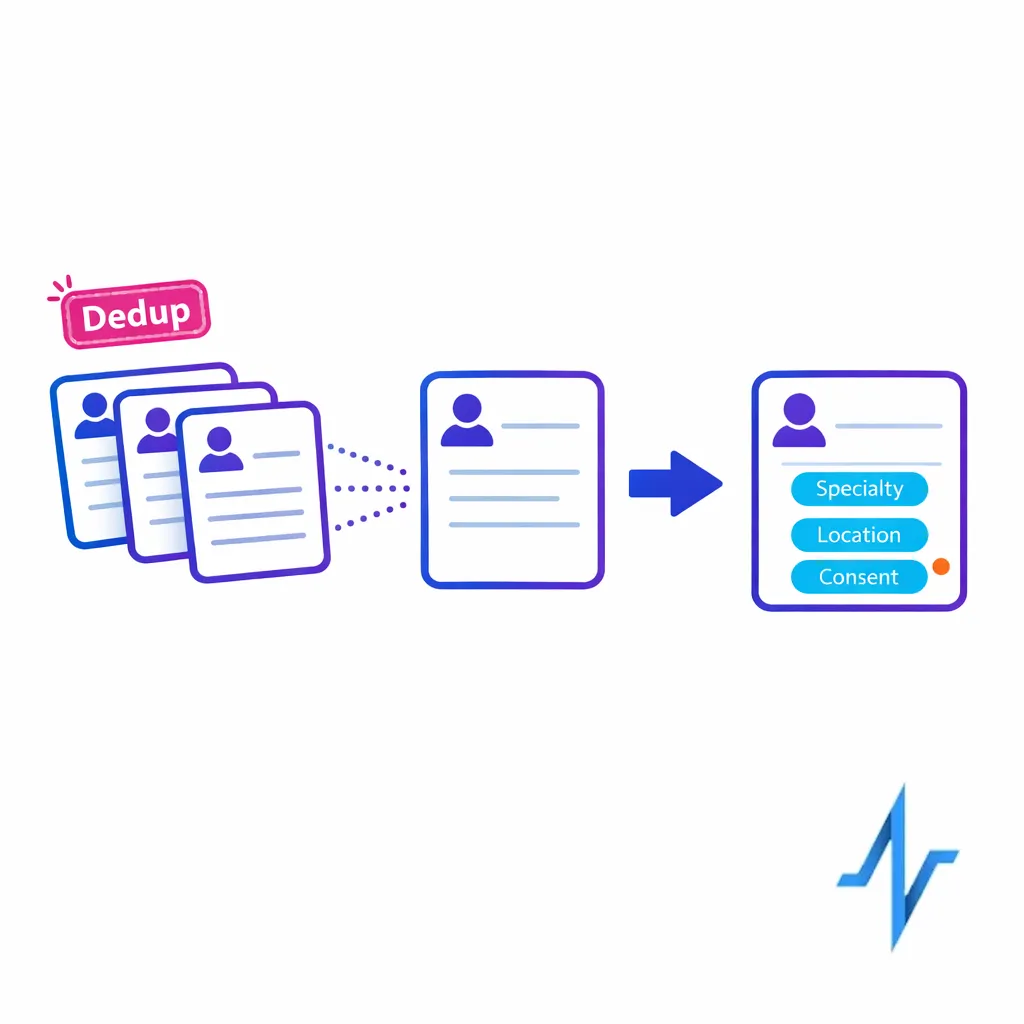
The objective is to improve match rates without introducing identity errors that will contaminate measurement.
Step 4: Apply list enrichment only where it improves activation
List enrichment should be driven by channel gaps and conversion goals. If the campaign is email-first, prioritize filling email coverage with permissioned addresses and validating deliverability. If it is rep-orchestrated, prioritize territory alignment and practice location quality.

Enrichment is also where you should implement suppression logic.
It is better to exclude ambiguous identities than to over-contact, misattribute outcomes, or create negative HCP experiences.
Step 5: Validate “verified opt-in emails” against what you will actually send
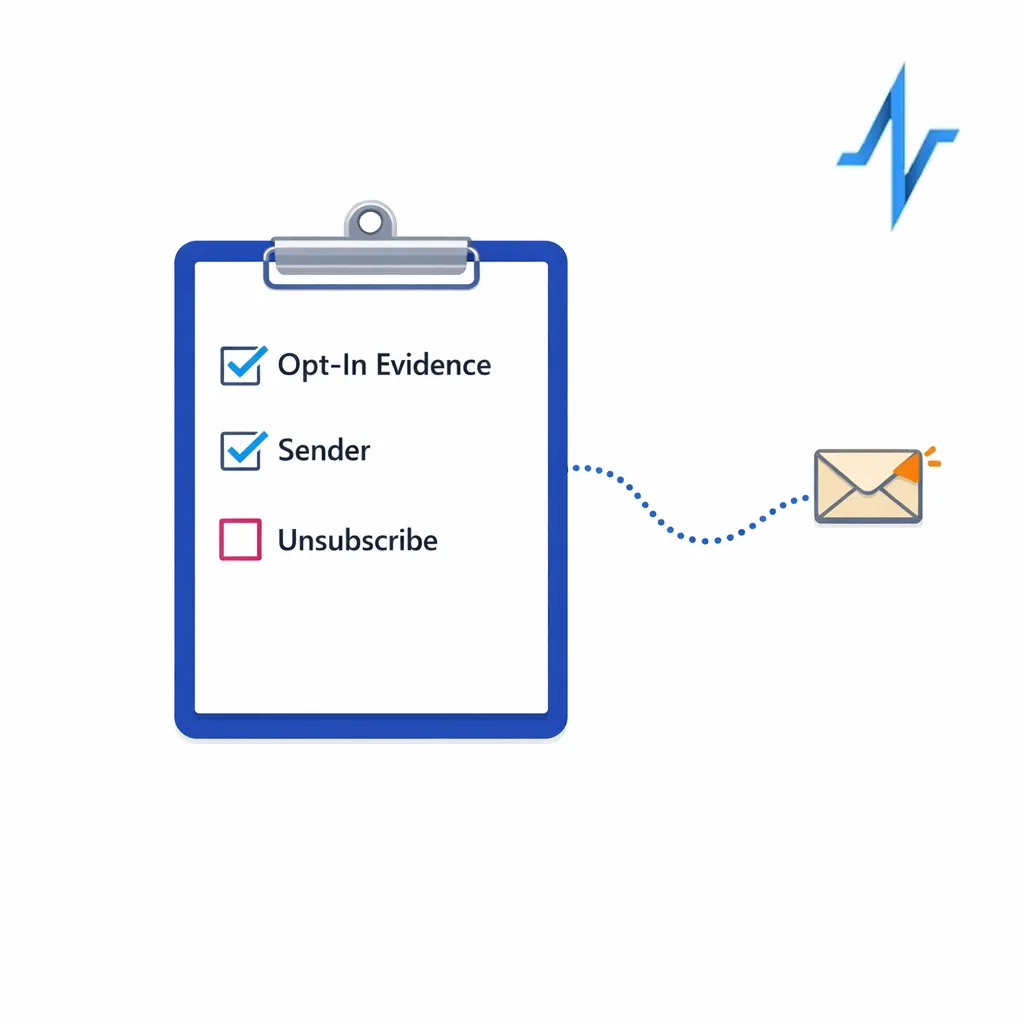
From an operational perspective, “verified opt-in” must survive real-world execution: creative type, sender identity, unsubscribe behavior, and routing through your ESP and CRM. In the US, commercial email programs need to align with the CAN-SPAM Act compliance requirements, including rules around identification, opt-out, and honoring opt-out requests.
This is why permission metadata should live with the identity record, not only inside a single channel tool.
If consent is trapped in one system, it will be missed during orchestration.
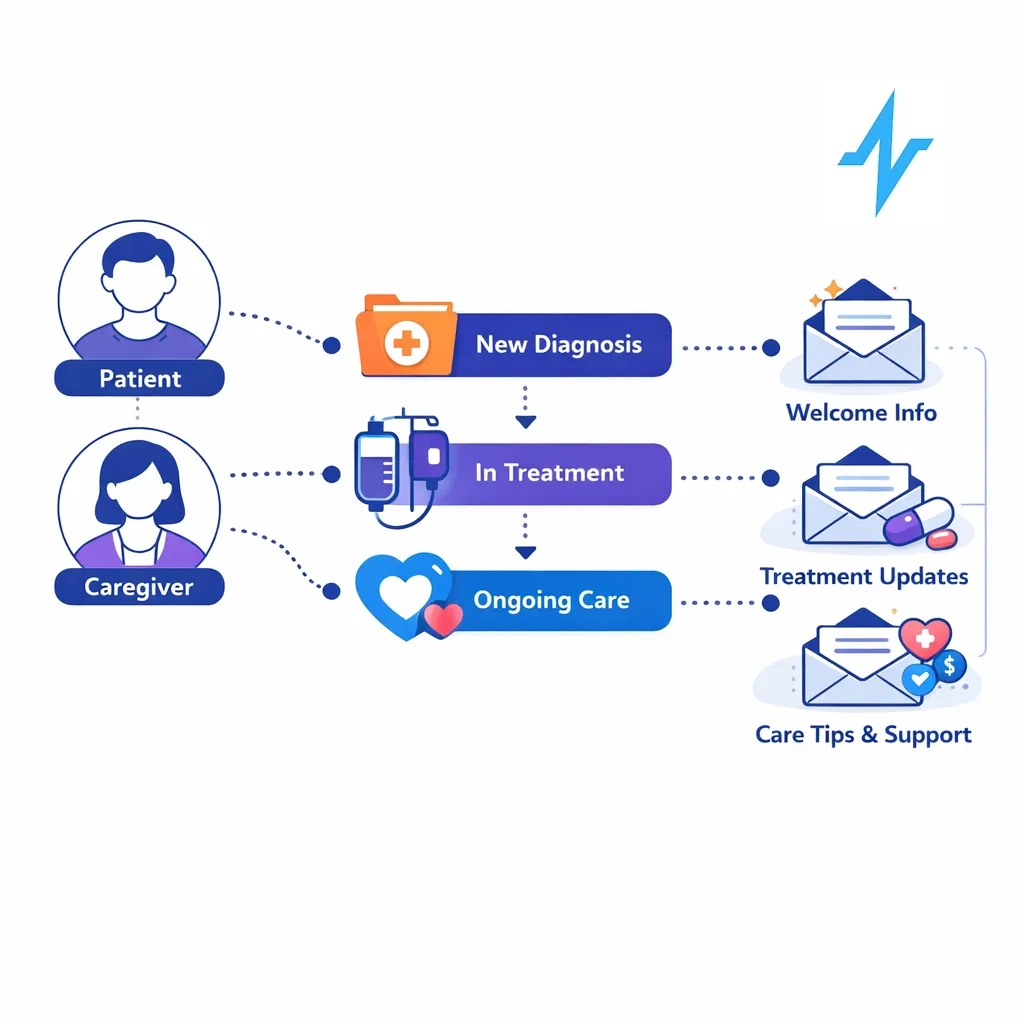
Step 6: Treat patient audience data as a separate permissions model
Patient audience building often mixes education, support, and reminders, which means permission scope matters more than record volume. If patient data touches protected health information, your program needs to be designed around the HIPAA Privacy Rule, including the “minimum necessary” approach and appropriate business associate relationships when applicable.
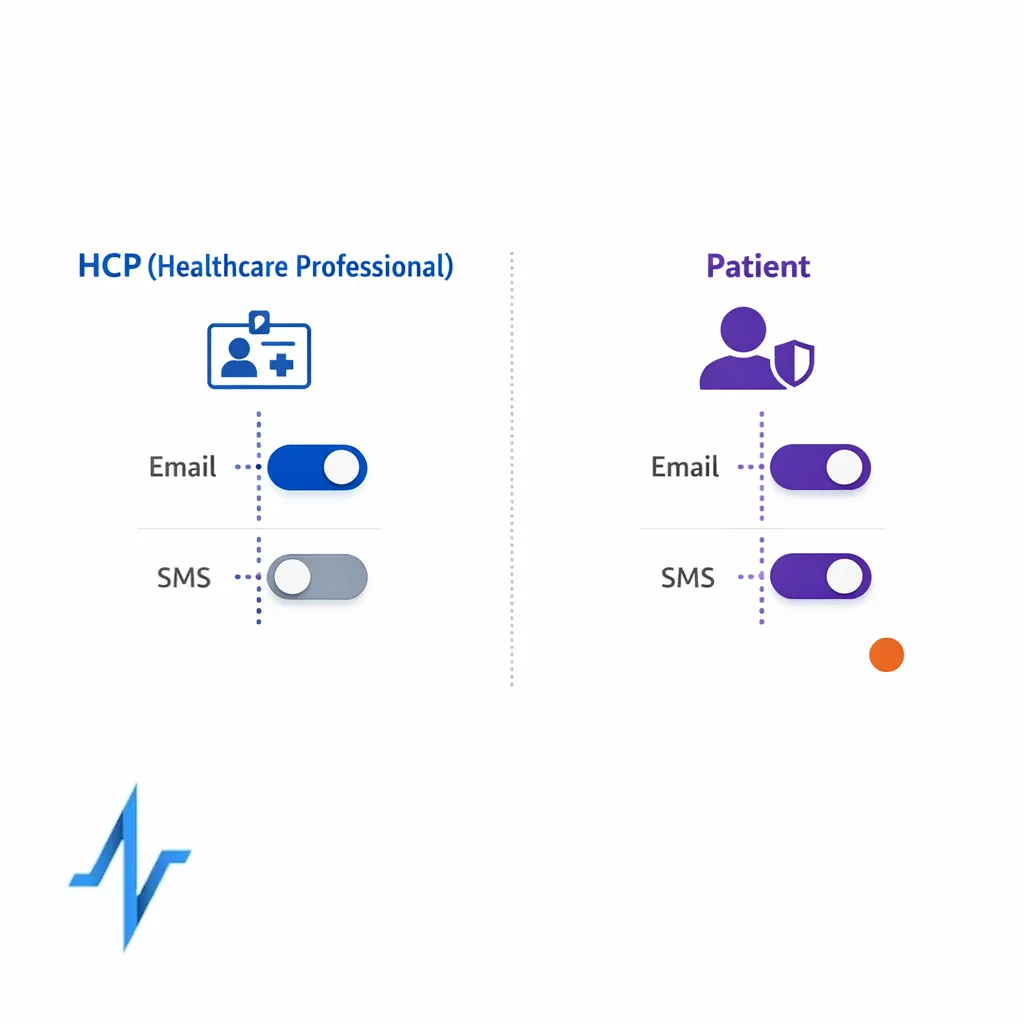
Even when patient records are not PHI in your specific workflow, patient trust is fragile.
Clear consent language, consistent preference management, and careful suppression are what keep education programs from becoming churn drivers.
Step 7: Enable privacy-safe linkage for measurement (without over-collecting)
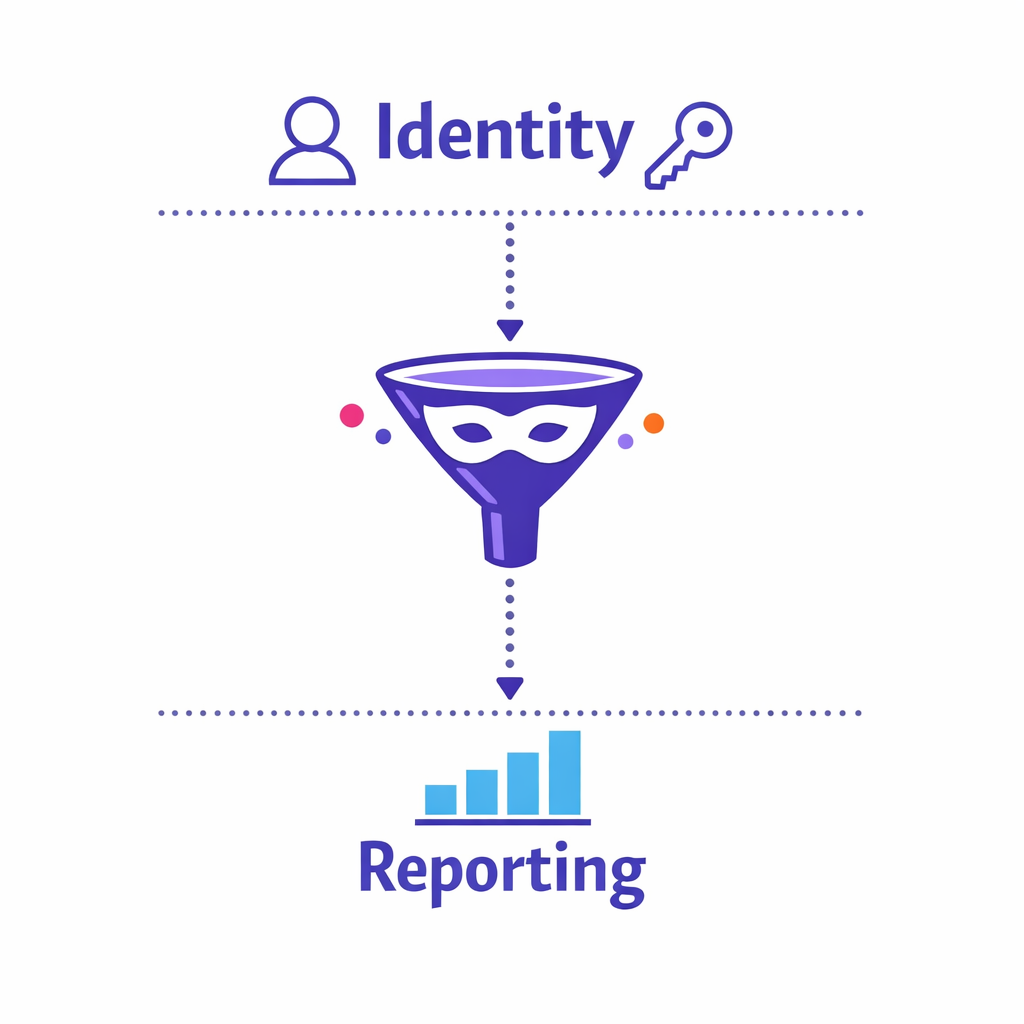
Many teams want to connect HCP engagement to patient education and outcomes signals, but overreach can create compliance and reputational risk. A practical approach is to separate identity resolution from reporting outputs, and to use de-identification techniques where appropriate.
For HIPAA-regulated contexts, align your design choices with HIPAA de-identification guidance so your measurement strategy does not depend on exposing unnecessary identifiers.
Compliance guardrails you should bake into the list, not bolt on later
Compliance is easier when it is encoded into the audience asset itself. When permissions, provenance, and suppression rules are part of the list build, activation teams can move faster because they are not reinventing policy decisions at launch time.
Email: build for opt-out durability, not just opt-in capture
Commercial email programs should be engineered so opt-outs persist across systems, agencies, and campaign waves. The CAN-SPAM Act is a baseline, but many pharma teams set stricter internal rules to protect HCP experience and brand reputation.
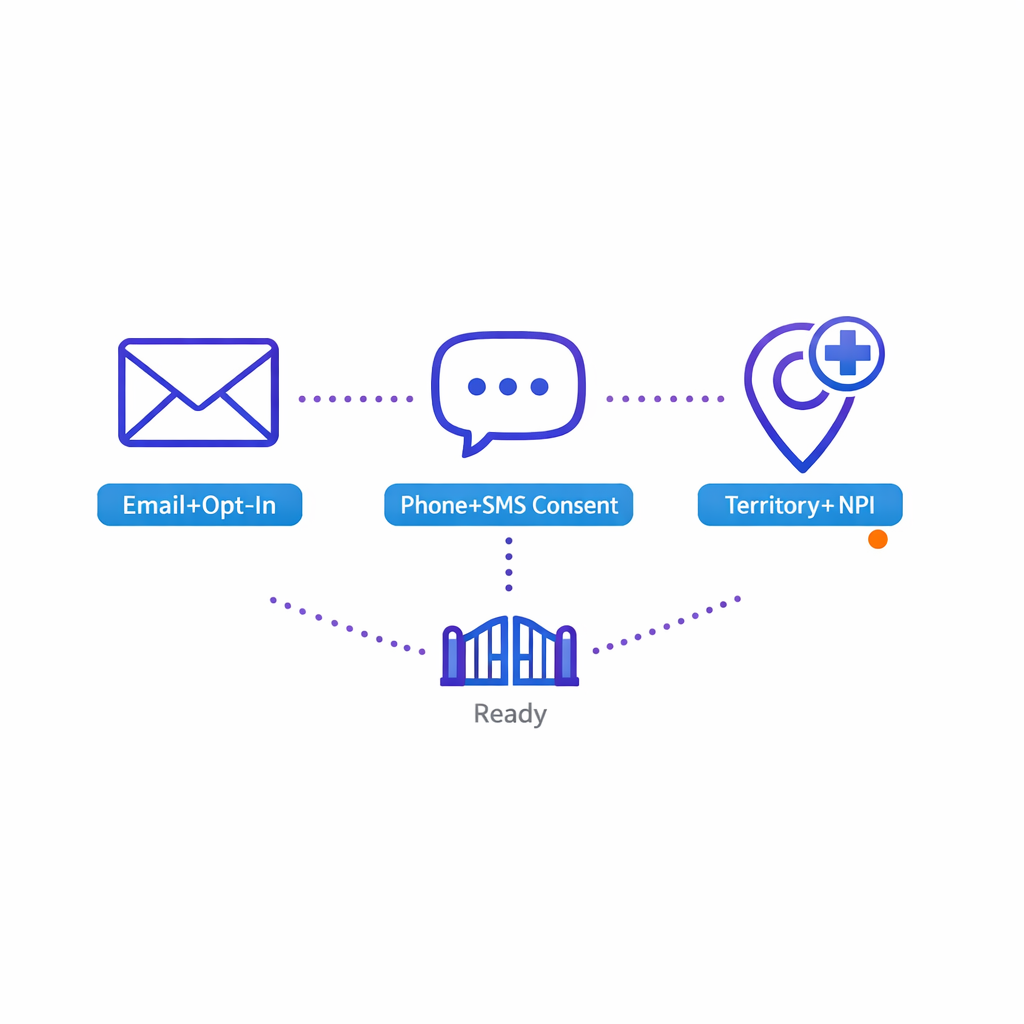
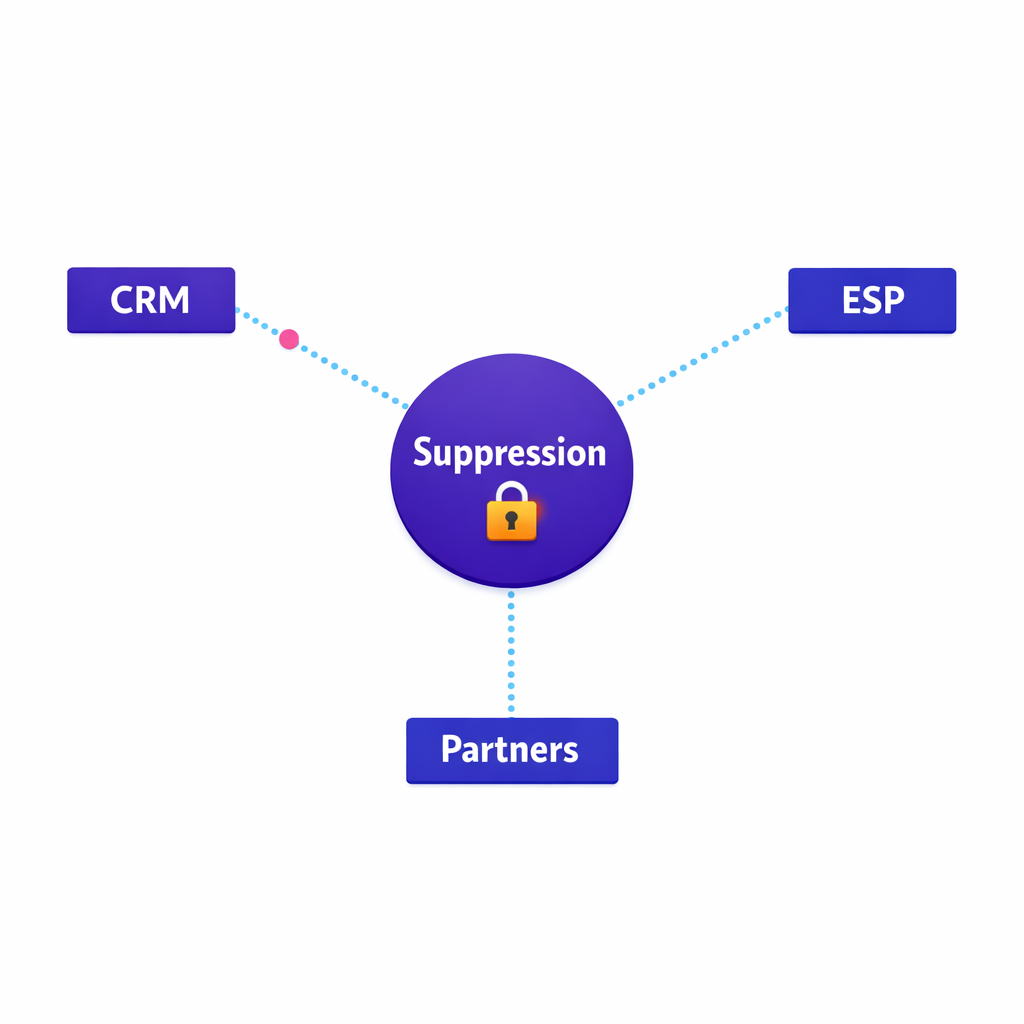
Operationally, that means you maintain a master suppression layer, propagate it to every activation endpoint, and audit that it is honored after list enrichment and segmentation.
SMS and calls: do not treat phone numbers like email addresses
If your engagement includes texts or calls, ensure your permissions model reflects the requirements and expectations for those channels. US teams typically reference the Telephone Consumer Protection Act (TCPA) framework when designing consent capture, opt-out behavior, and vendor execution for calls and messages.
From a list-building standpoint, the key is to store channel-specific consent states and to make them enforceable across vendors.
“We have the number” is not the same as “we can message it for this purpose.”
State privacy rights: design lists that can honor access and deletion requests
Even if your program is national, your data operations need to anticipate state privacy rights and workflows. For example, the California Consumer Privacy Act (CCPA) and CPRA amendments create consumer rights that affect how organizations disclose, access, and delete certain personal information in scope.
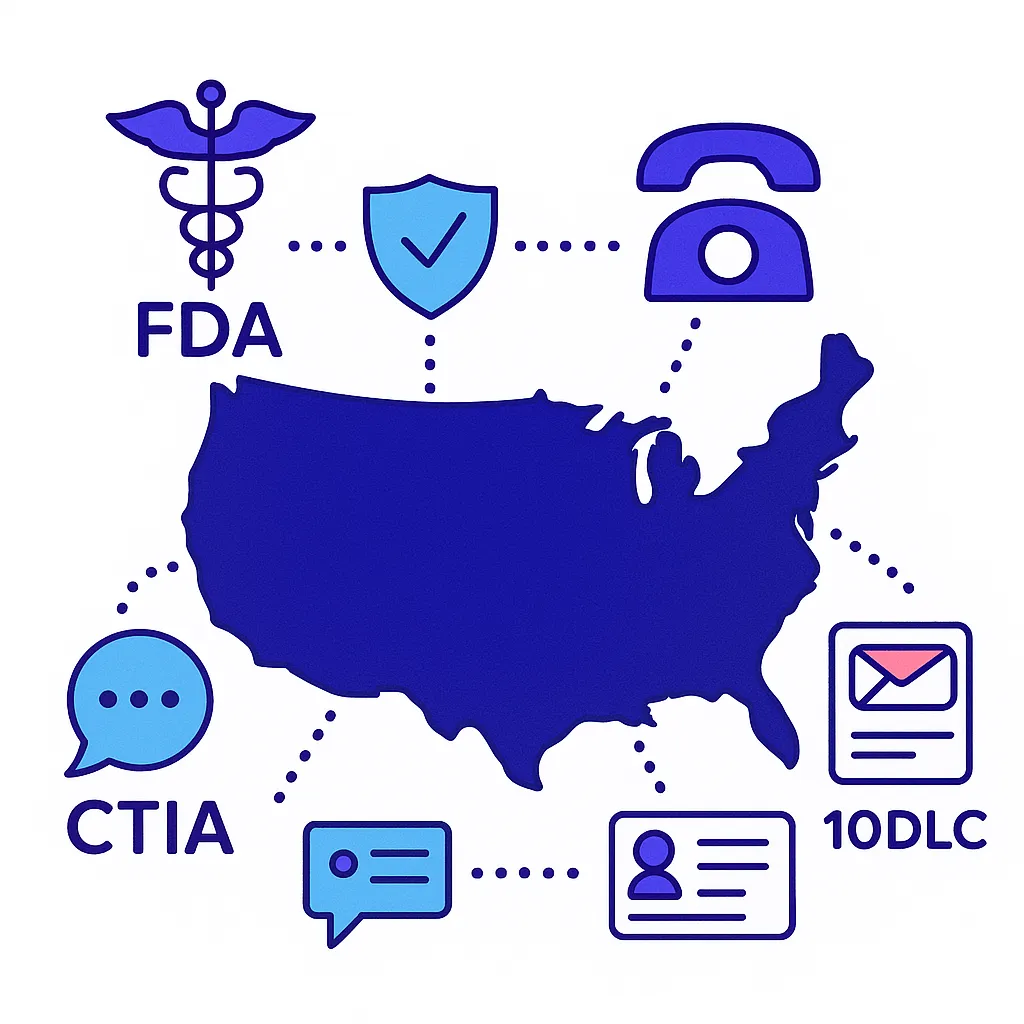
The operational takeaway is straightforward: you need data lineage, identifiers that let you locate records across systems, and a preference center and request-handling process that is not dependent on a single channel tool.
What changed: why opt-in access is now a growth lever, not just a risk issue
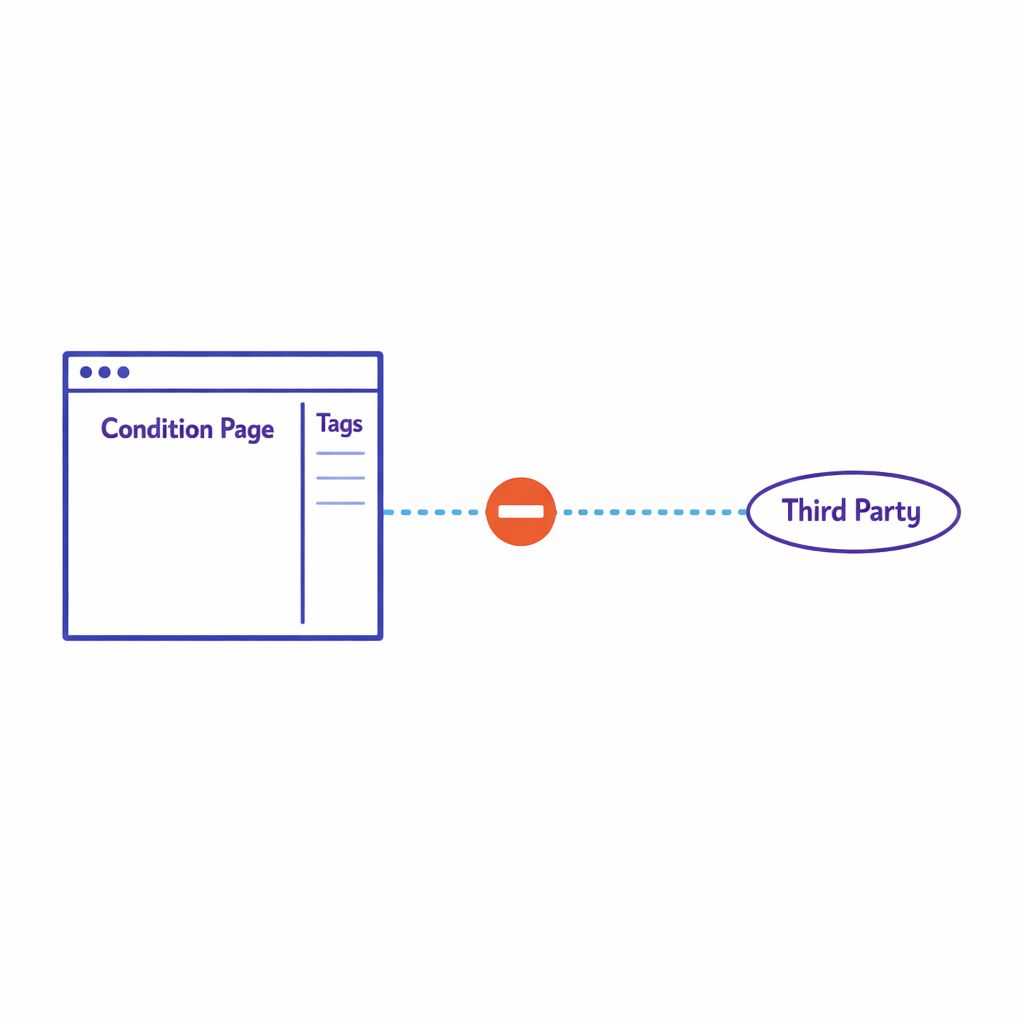
Many teams used to rely on broad third-party reach and then “figure out the list” inside each channel. That model is getting harder to scale because brands are expected to demonstrate stronger data stewardship and because internal stakeholders want clearer proof that audience spend drives measurable lift.
In practice, this shifts value toward opt-in HCP list strategies and patient education audiences that carry portable permissions, durable identity resolution, and auditable provenance.
It also raises the bar for HCP data licensing reviews, because data without usable rights becomes operational debt.
Common mistakes and misconceptions (and how to avoid them)
Mistake 1: “Opt-in once means we can use it anywhere”
Consent is contextual. A permission captured for one purpose, brand, or channel may not automatically transfer to another, especially when partners change. Avoid this by encoding purpose and channel in your consent taxonomy and by requiring that metadata during list ingestion.
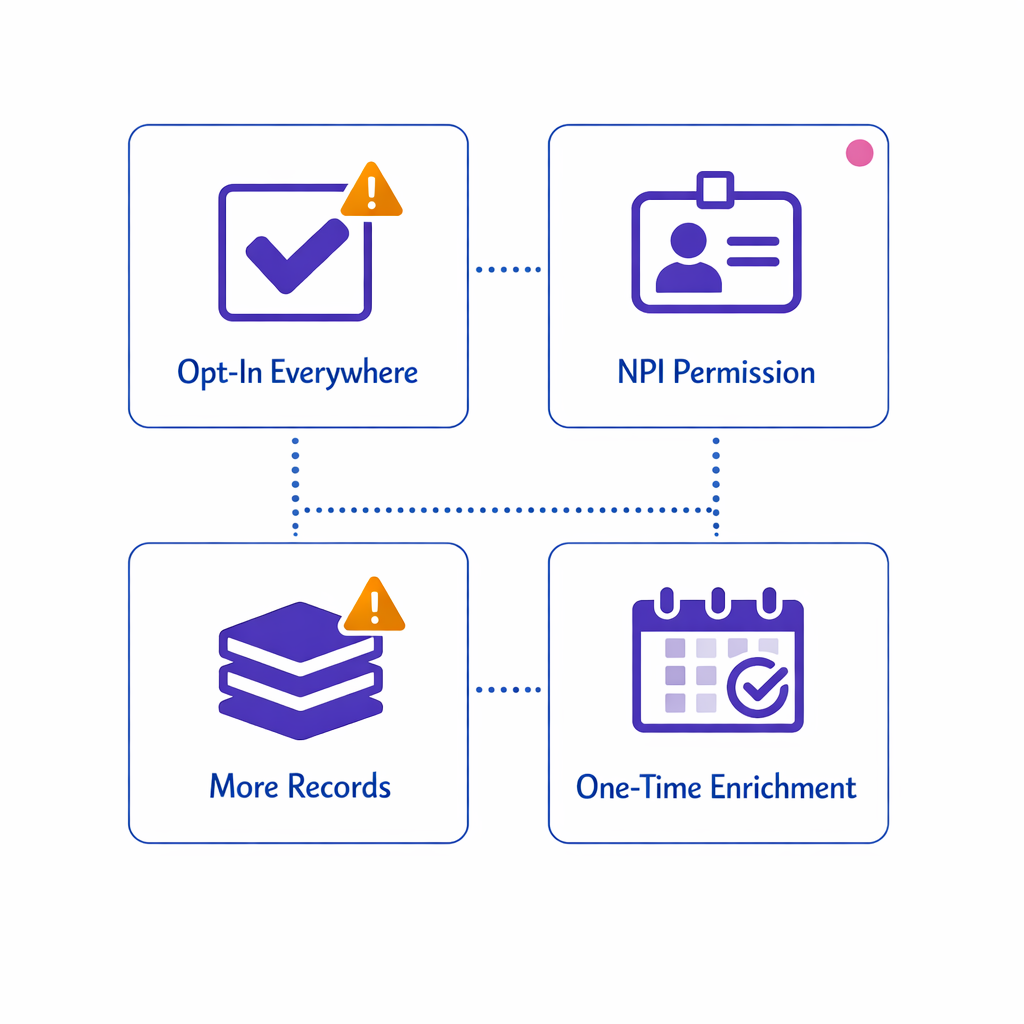
Operational test: if you cannot explain, record by record, why a person is included in a specific send, you do not have a scalable opt-in system.
Mistake 2: “NPI matching equals permission to contact”
NPI matching is an identity tool, not a permission tool. It helps you reduce duplicates and align attributes, but it does not tell you whether a given email, phone number, or address is allowed for your intended outreach.
Keep identity and permissions separate, then join them only when building an activation-ready segment.
This reduces the chance that enrichment inadvertently creates a “contactable” record without a compliant permission trail.
Mistake 3: “More records will improve performance”
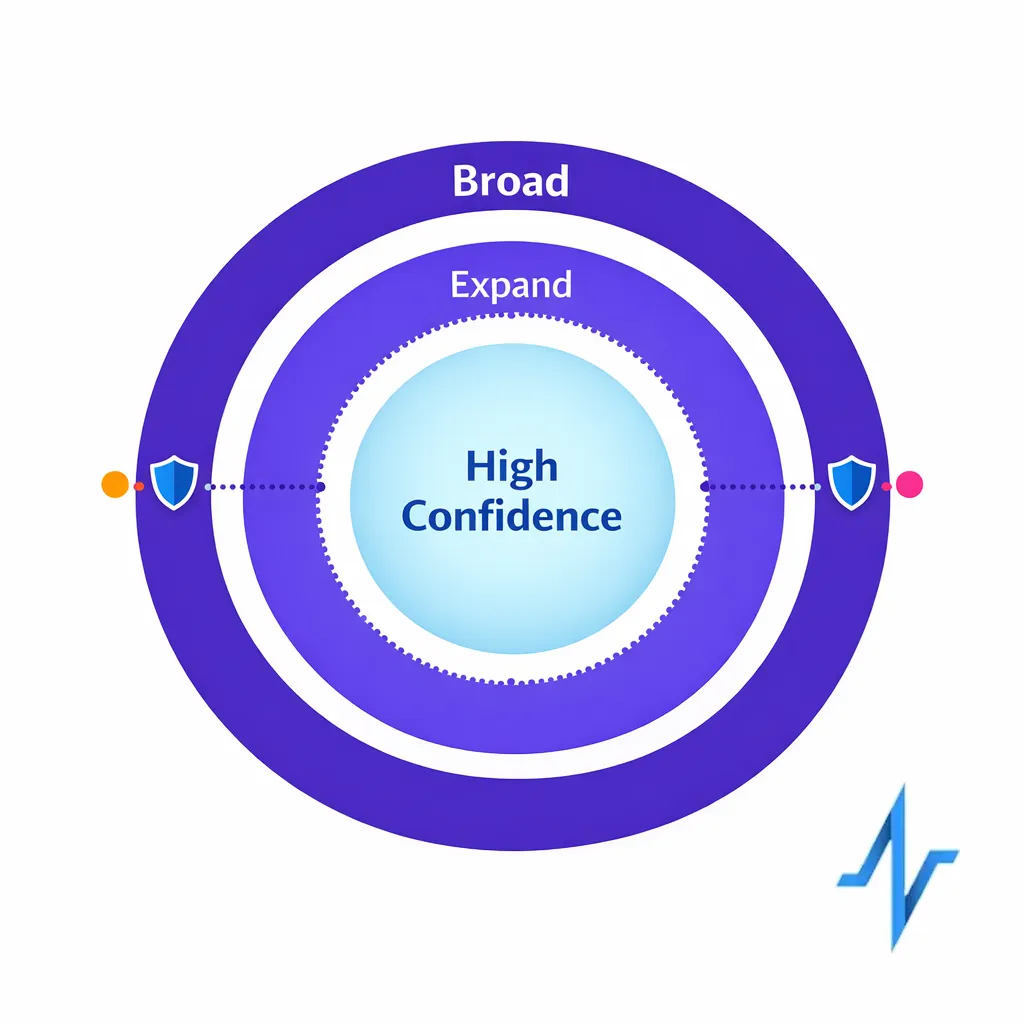
Bigger lists can reduce performance if they introduce low-intent records, stale contact points, and mismatched specialties. Conversion often improves when you shrink the list to the most relevant, reachable, and permissioned audience and then expand deliberately based on learnings.
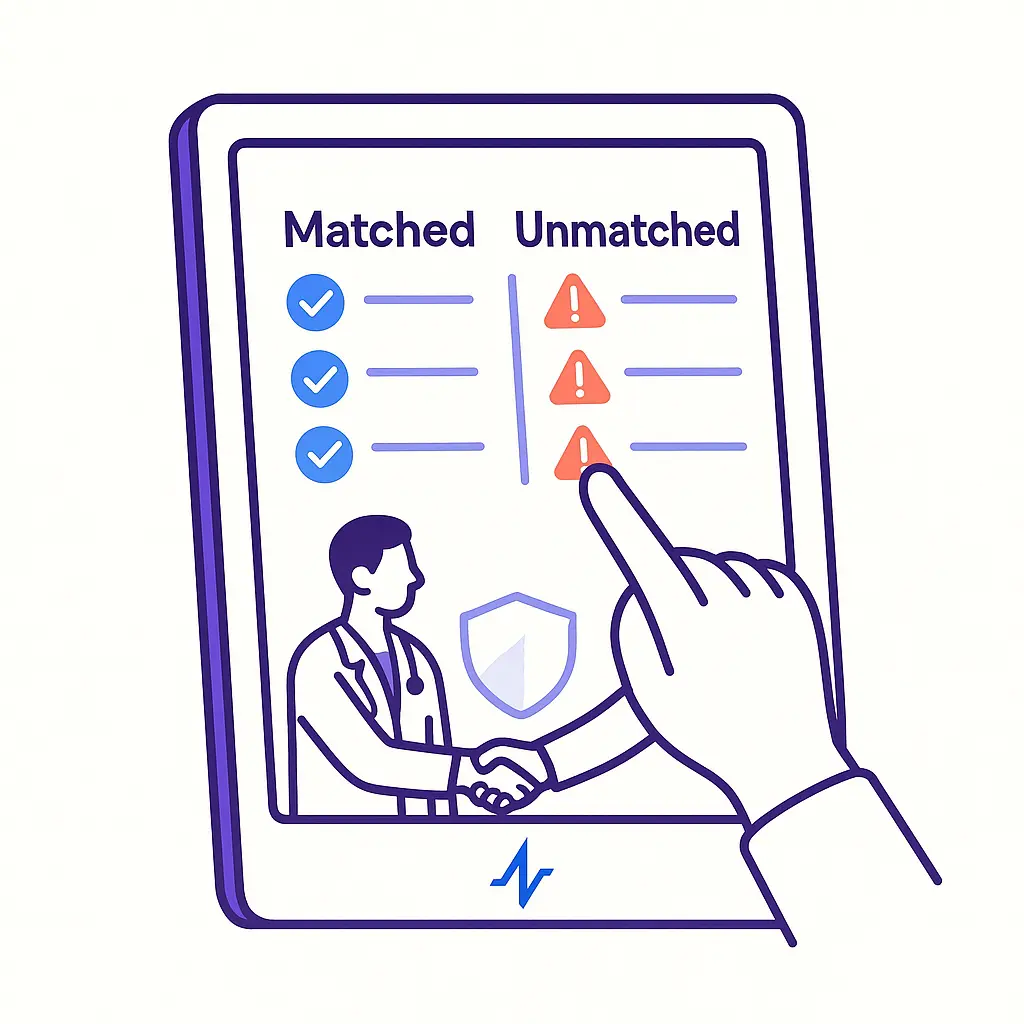
Adopt a test-and-expand mindset: start with high-confidence segments, measure, then broaden criteria with guardrails rather than importing every available record.
Mistake 4: “List enrichment is a one-time project”
In reality, lists decay and permissions evolve. If you do enrichment once and never re-validate, you will accumulate unreachable records, inconsistent suppression, and unclear provenance.
Build enrichment into an ongoing cadence: refresh key fields, re-run de-duplication, and reconcile consent updates from every capture source.

Mistake 5: “Patient audience data is just another segment in the CDP”
Patient engagement is often higher stakes because it can involve sensitive context and stronger expectations around privacy and preferences. When HIPAA applies, your workflows should align with the HIPAA Privacy Rule concepts, including role-based access and minimum necessary data use.
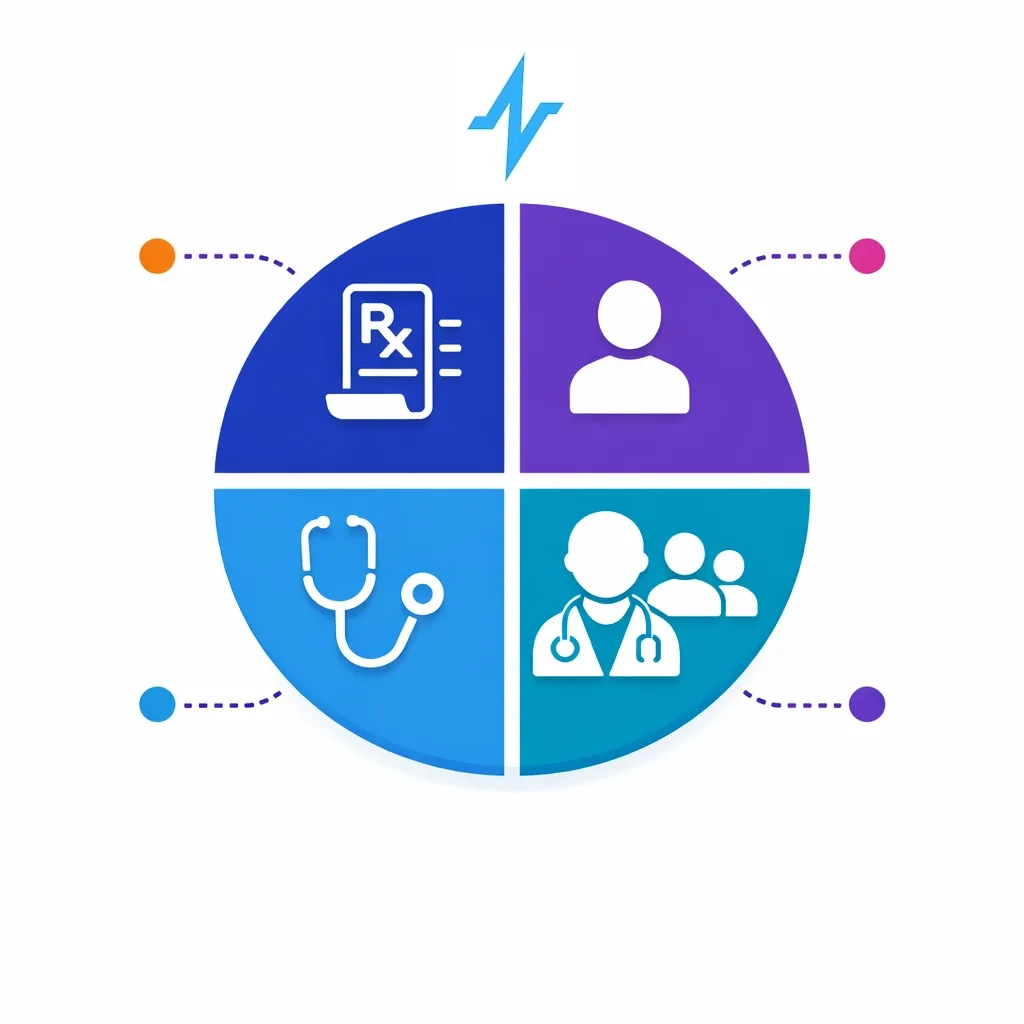
Even outside HIPAA, a patient audience program should be designed to be explainable to a patient: what they signed up for, how to stop, and how their data is used to deliver value.
Make the list usable: orchestration and measurement without rework
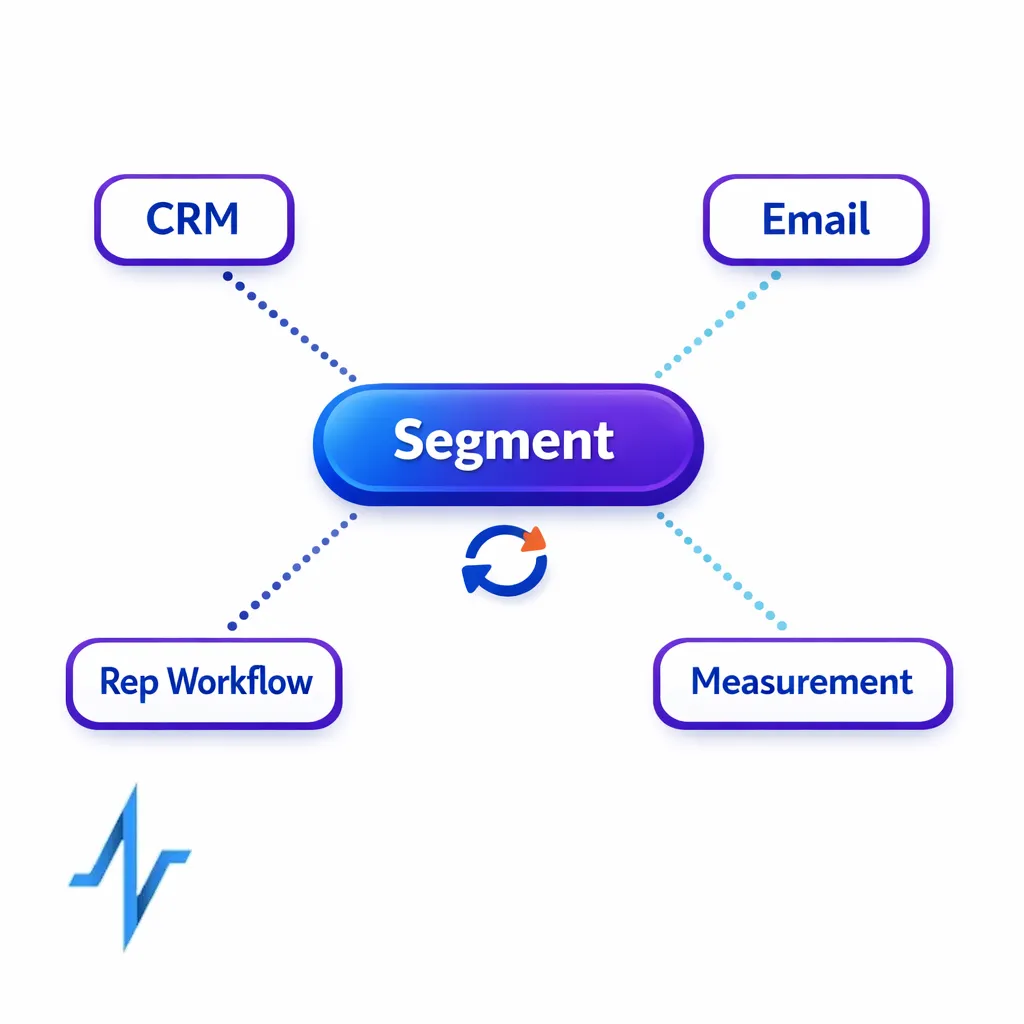
A target list converts when it is built to travel. That means the same segment definition can be activated in CRM, email, and partner channels without rebuilds, and results can be tied back to the same identity spine.
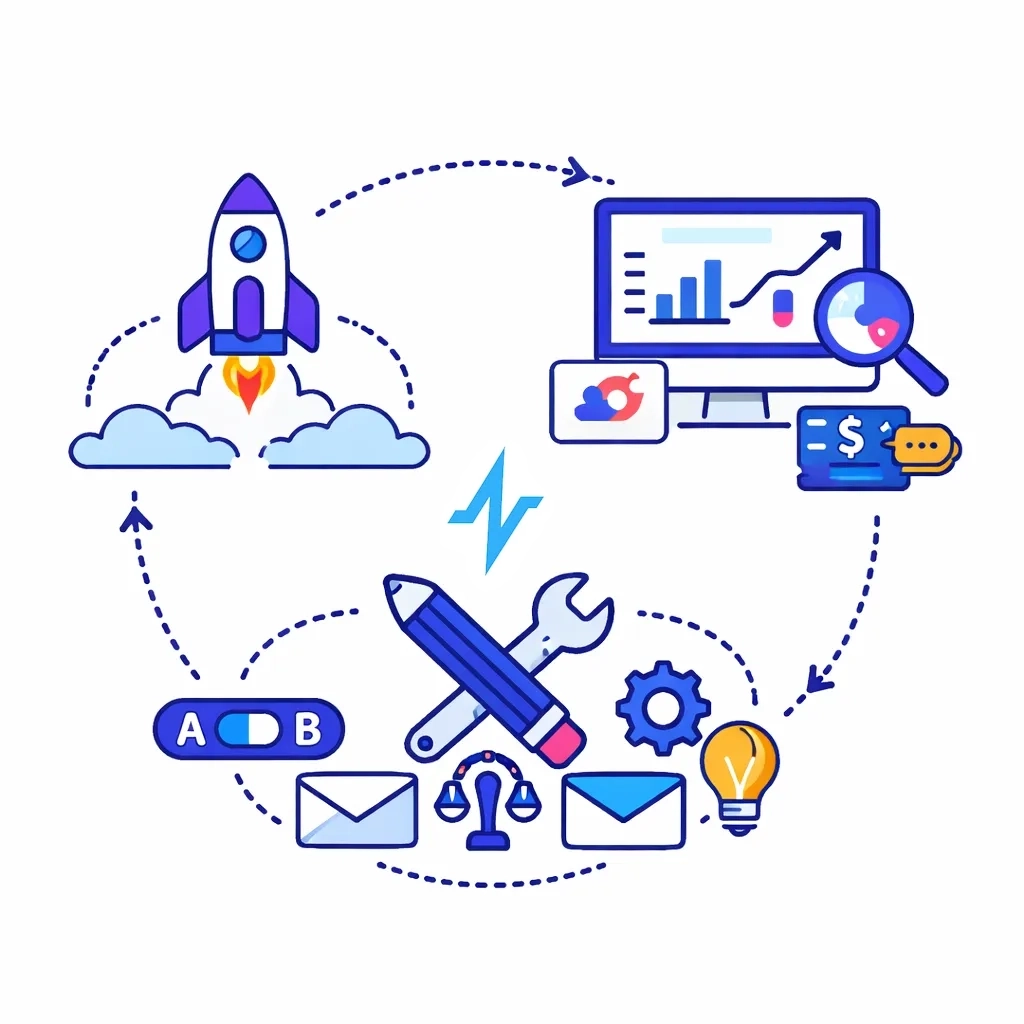
For commercial ops and omnichannel leads, the practical goal is a closed loop: audience definition, activation, exposure and engagement capture, and feedback into the next build.
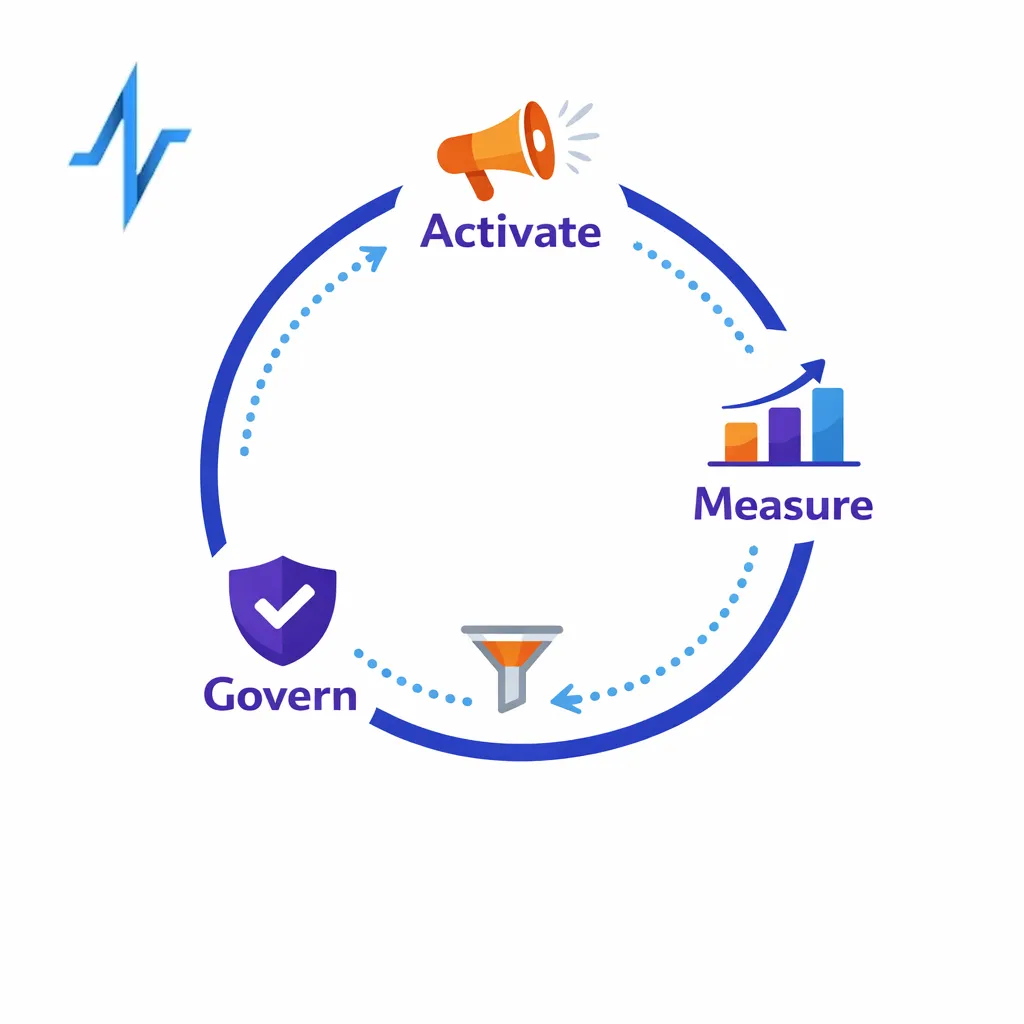
You do not need perfect attribution to improve. You need consistent identity keys, clean suppression, and reliable segment versioning.
Operational patterns that reduce friction
Segment versioning: stamp every audience build with a version and date so measurement can be compared apples-to-apples.
Single suppression layer: maintain a master suppression file and push it to every activation endpoint before every launch.
Consent-forward orchestration: treat permissions as gating criteria, not an afterthought checked right before deployment.
Field-level readiness checks: validate required fields per channel (for example, email + opt-in flag for email, phone + SMS consent for texting) before activation.
What to do next: a checklist for building an opt-in target list that converts
Use this as a practical starting point for your next HCP engagement or patient education build. It is designed to be implementable by brand, ops, and agency teams without waiting for a full data transformation program.
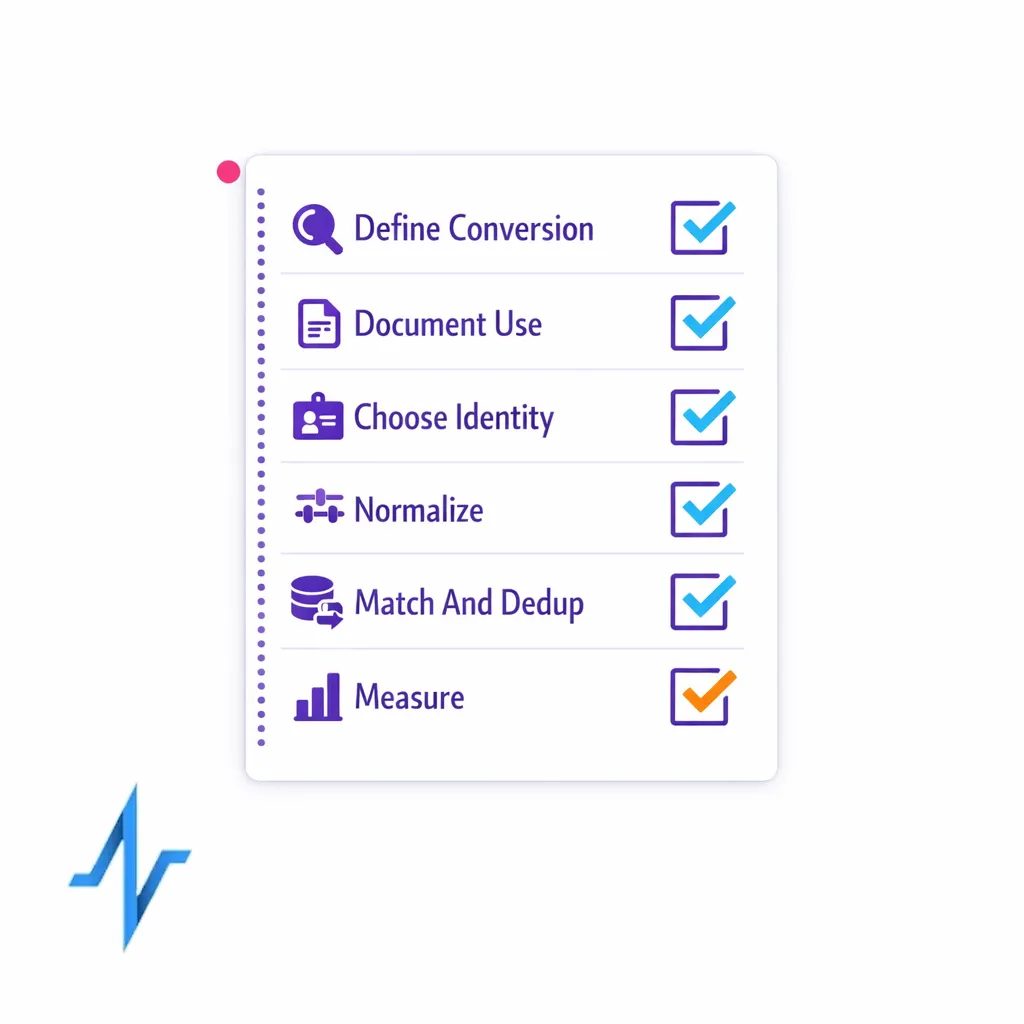
- Define conversion: write down the exact actions that define success for HCP and patient programs by channel.
- Document intended use: for each source, record allowed purposes, channel rights, and partner restrictions as part of your HCP data licensing review.
- Choose your identity spine: decide which keys are authoritative (often NPI for HCP) and how you will handle missing or conflicting identifiers.
- Standardize inputs: normalize specialty, address, and contact fields before you match or enrich.
- Run NPI matching early: de-duplicate before enrichment to avoid paying to enrich duplicates and to protect measurement.
- Model permissions explicitly: store opt-in/opt-out at the channel level and capture purpose where possible.
- Implement verified opt-in email logic: require permission evidence, enforce opt-outs centrally, and validate readiness before send.
- Design patient workflows with privacy in mind: minimize identifiers, restrict access, and separate reporting outputs from raw identity where possible.
- Operationalize suppression: ensure suppression persists across CRM, ESP, and any partner activations.
- Measure and iterate: compare segment versions, identify where drop-off occurs (match, deliverability, engagement), and feed learnings into the next build.
Request a Demo to see opt-in audience building in Pulse Health
If your team is trying to improve HCP targeting data performance, reduce list rework, and operationalize opt-in across channels, it helps to see a real end-to-end workflow.
Pulse Health is built for pharma marketing teams that need practical audience building:
- identity resolution (including NPI matching)
- list enrichment
- permission-aware segmentation
- activation-ready outputs that support measurement and orchestration
- and Day-One access to over 1 million HCPs and 30 million opt-in patients
If that maps to your roadmap, Talk to Pulse Health to walk through your current data inputs and define a target list strategy that your CRM and omnichannel programs can actually use. You can also get the Pulse Health platform overview to understand how opt-in HCP and patient audience data access can be operationalized for your brand.