
HCPs don’t ignore digital — they ignore irrelevant, over-frequent, hard-to-control outreach.
A preference center is your chance to fix that while proving to compliance that consent and communication controls are real, not just a link in a footer.
Done right, it becomes the operational layer that keeps every channel honest: it turns “I’m interested, but not like this” into structured data your teams can act on.

Why preference centers are uniquely hard in pharma
Most industries treat preference centers as an email tactic. Pharma has to treat them as governance.
You’re balancing:

- Multiple audiences (HCPs, staff, patients/caregivers) with different legal rules
- Multiple purposes (promotional, educational, operational, safety) that can’t be handled the same way
- Multiple channels (email, SMS, rep outreach, portals, direct mail) that must stay in sync
- Multiple jurisdictions where consent and withdrawal standards differ; for example, GDPR requires that withdrawing consent be as easy as giving it. (GDPR)
When a preference center doesn’t reflect those realities, either HCPs don’t trust it (they leave) or compliance doesn’t trust it (it becomes non-authoritative).
The two jobs of a preference center: control and relevance
A high-performing preference center does two jobs at once:
1) Give HCPs real control
At minimum, HCPs should be able to manage:
- Topics (what you send)
- Frequency (how often)
- Channels (how)
- Opt-down and opt-out (reduce volume before leaving)
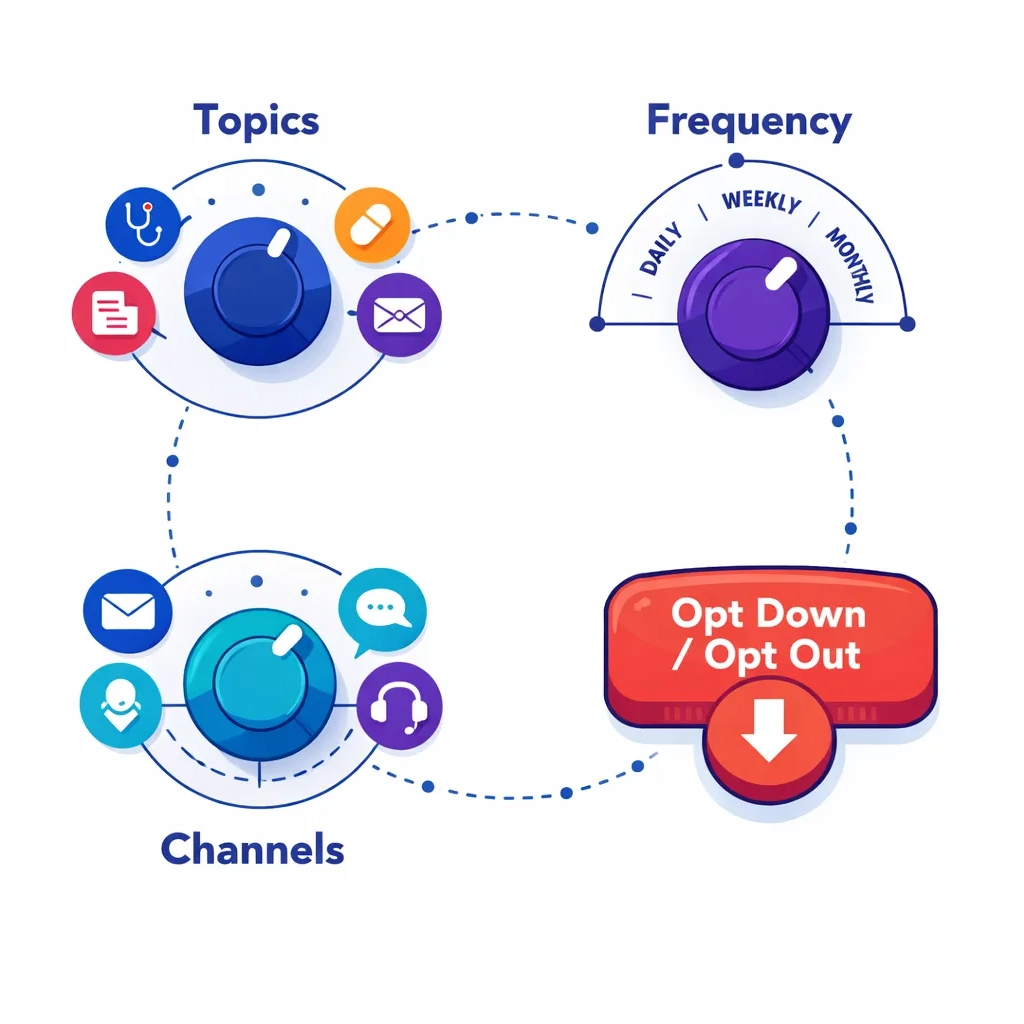
Pulse Health has described this “topics + frequency + channels + easy opt down/out” pattern as the core of what belongs in a preference center. (blog.pulsehealth.tech)
2) Help your teams send more relevant communication
Preferences aren’t just UI — they should drive segmentation and suppression so you reduce fatigue while increasing signal.
UX principles that make busy clinicians actually use it
HCPs will use your preference center if it feels like a quick clinical workflow, not a marketing form.
Make it a 60-second task
Aim for completion in under one minute on mobile:
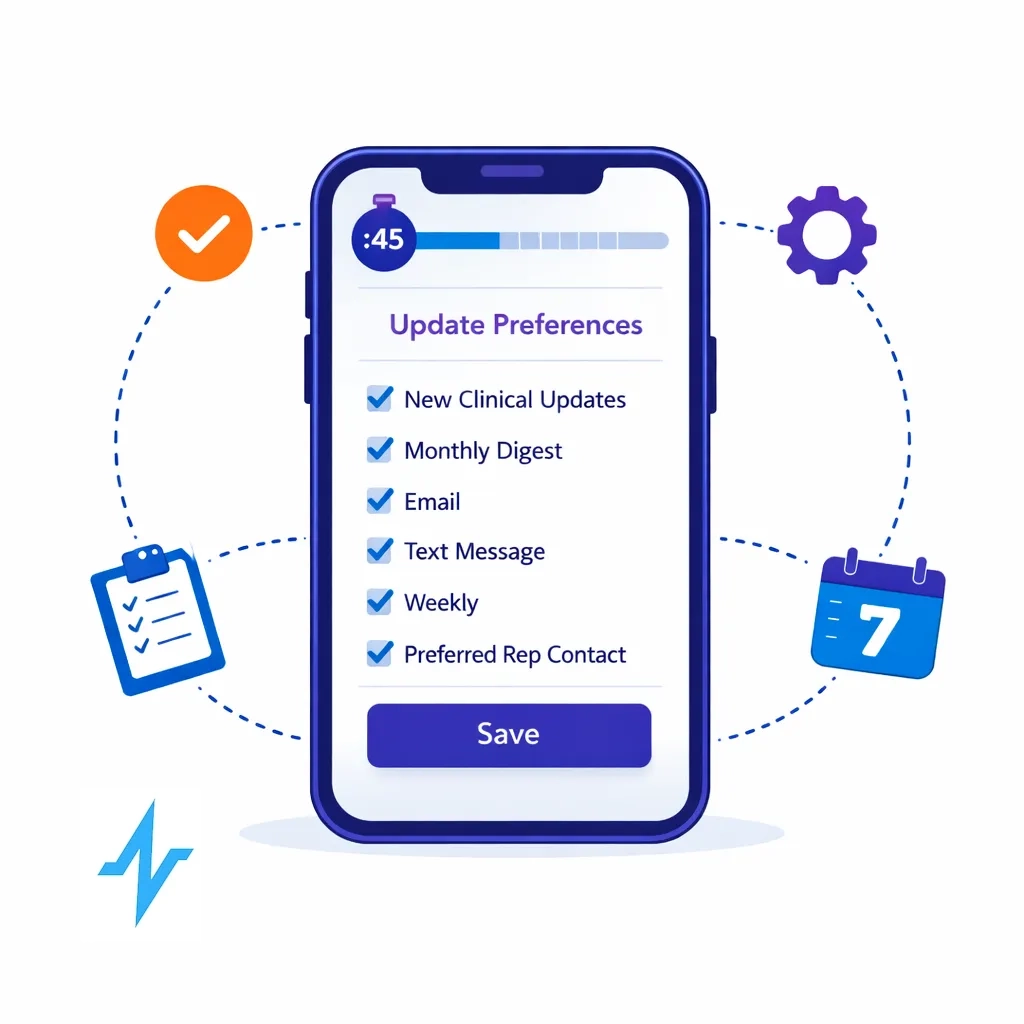
- Pre-fill what you already know
- Put only 6–10 choices on the first screen (use progressive disclosure)
- Offer sensible defaults (with easy changes)
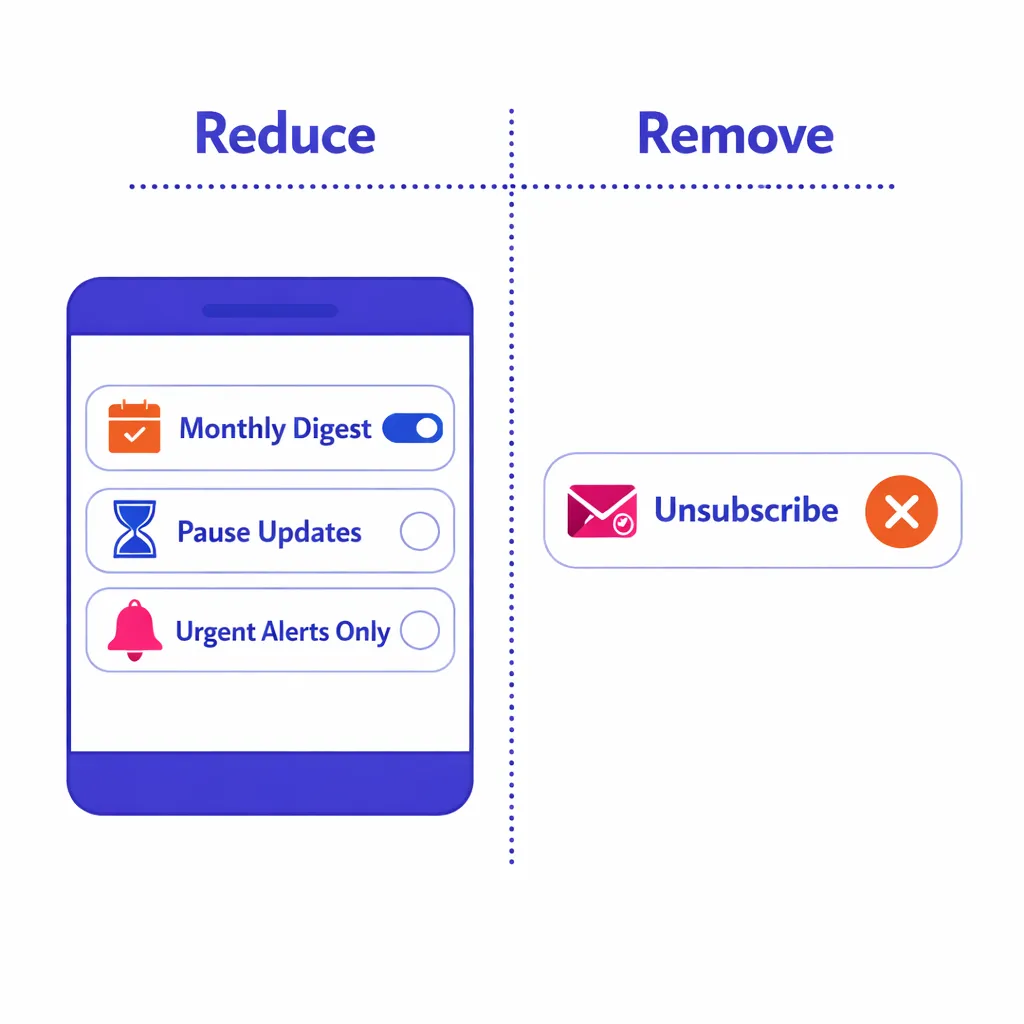
Put “reduce” next to “remove”
Many clinicians want less, not zero. Make “monthly digest,” “pause,” and “only urgent updates” as prominent as “unsubscribe.”
Use plain-language topics (not internal program names)
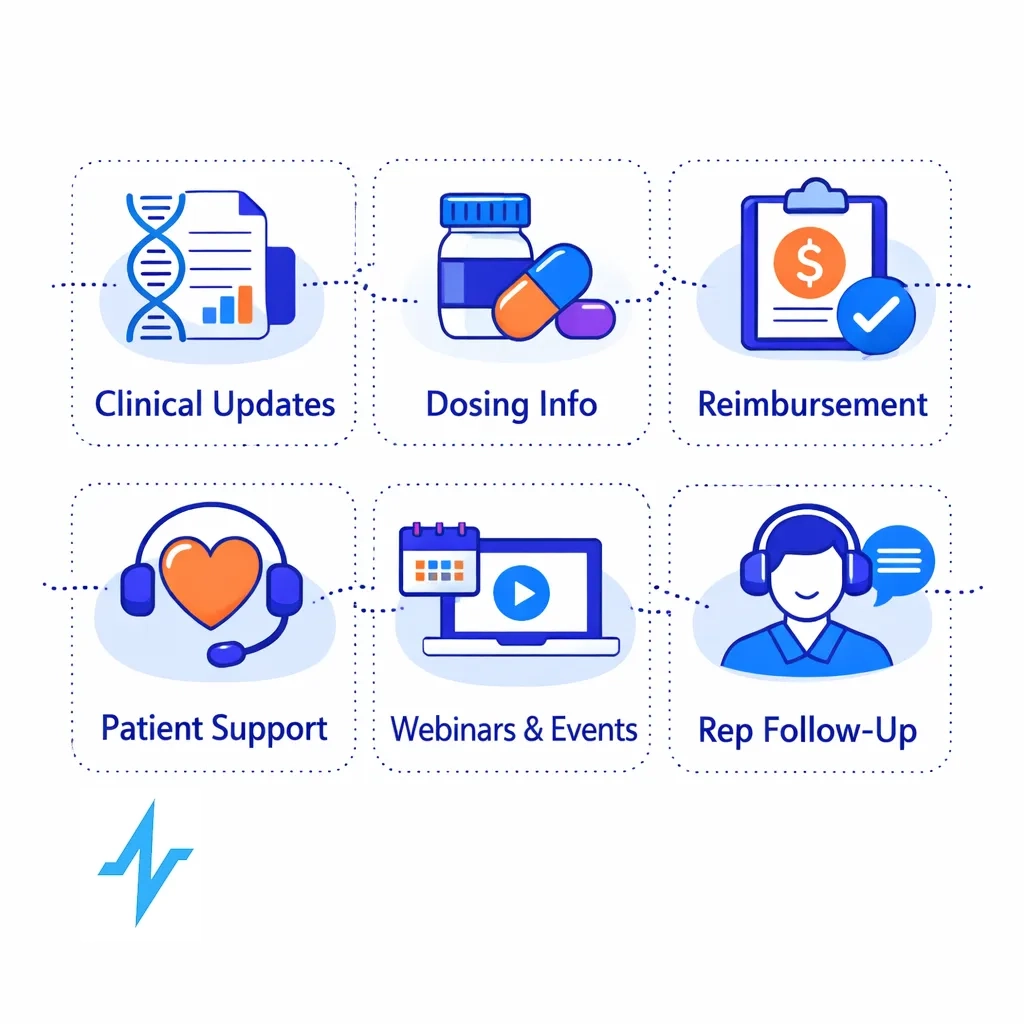
Examples that tend to test well:
- New clinical data
- Dosing & administration resources
- Reimbursement & access updates
- Patient support tools
- Webinars & local events
- Rep follow-ups (virtual/in-person)
Confirm immediately
After saving:
- Summarize what they chose
- Tell them when changes take effect
- Provide a one-click “edit again” link
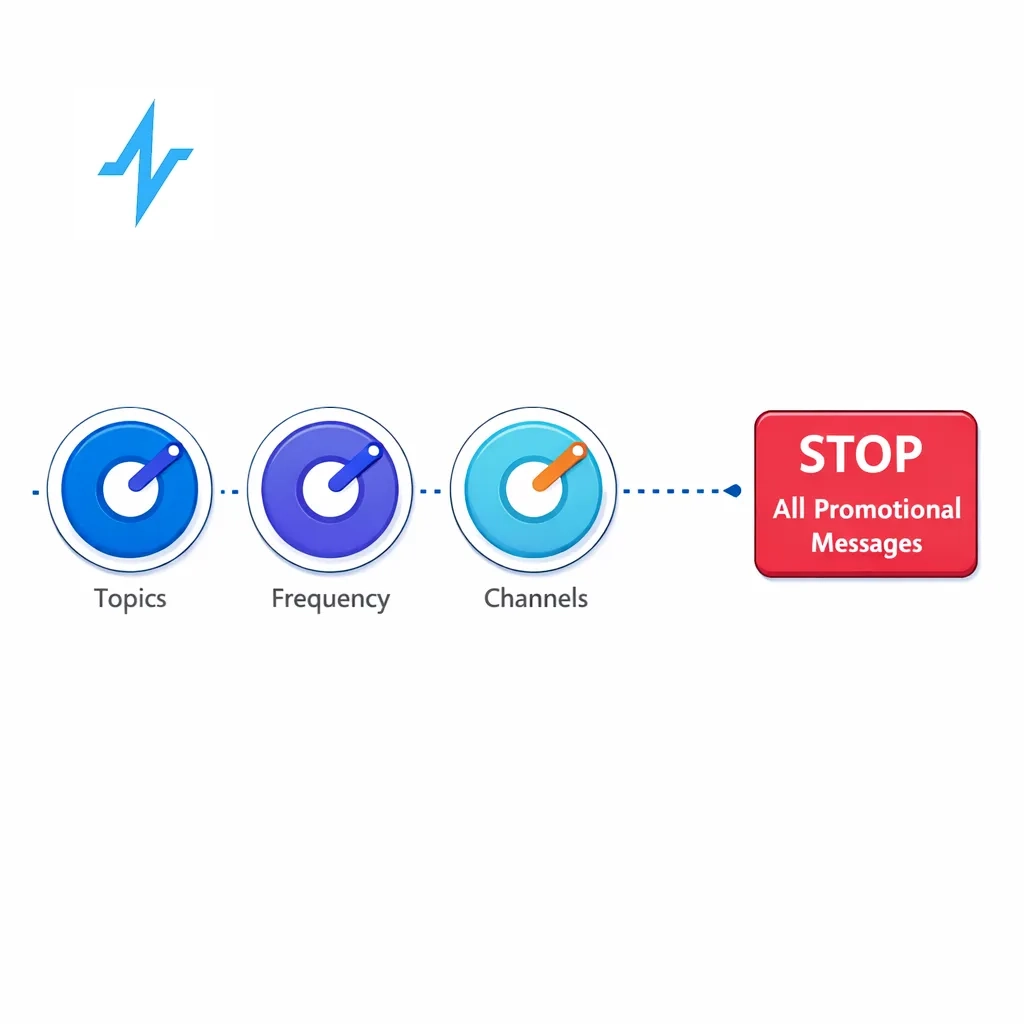
The information architecture that wins: three dials + one escape hatch
A simple, scalable model:
- Topics: clinical data, safety updates, reimbursement, patient support, events
- Frequency: real-time, weekly digest, monthly digest, pause 30/60/90 days
- Channels: email, SMS, phone, portal notifications, rep outreach
- Stop marketing: “Stop all promotional messages”
The “mandatory messages” rule
Some communications exist because regulators expect them to reach HCPs (e.g., safety-related updates and Direct Healthcare Professional Communications). DHPCs are used to inform HCPs about important safety and authorization changes. (European Medicines Agency (EMA))
A clean pattern is:
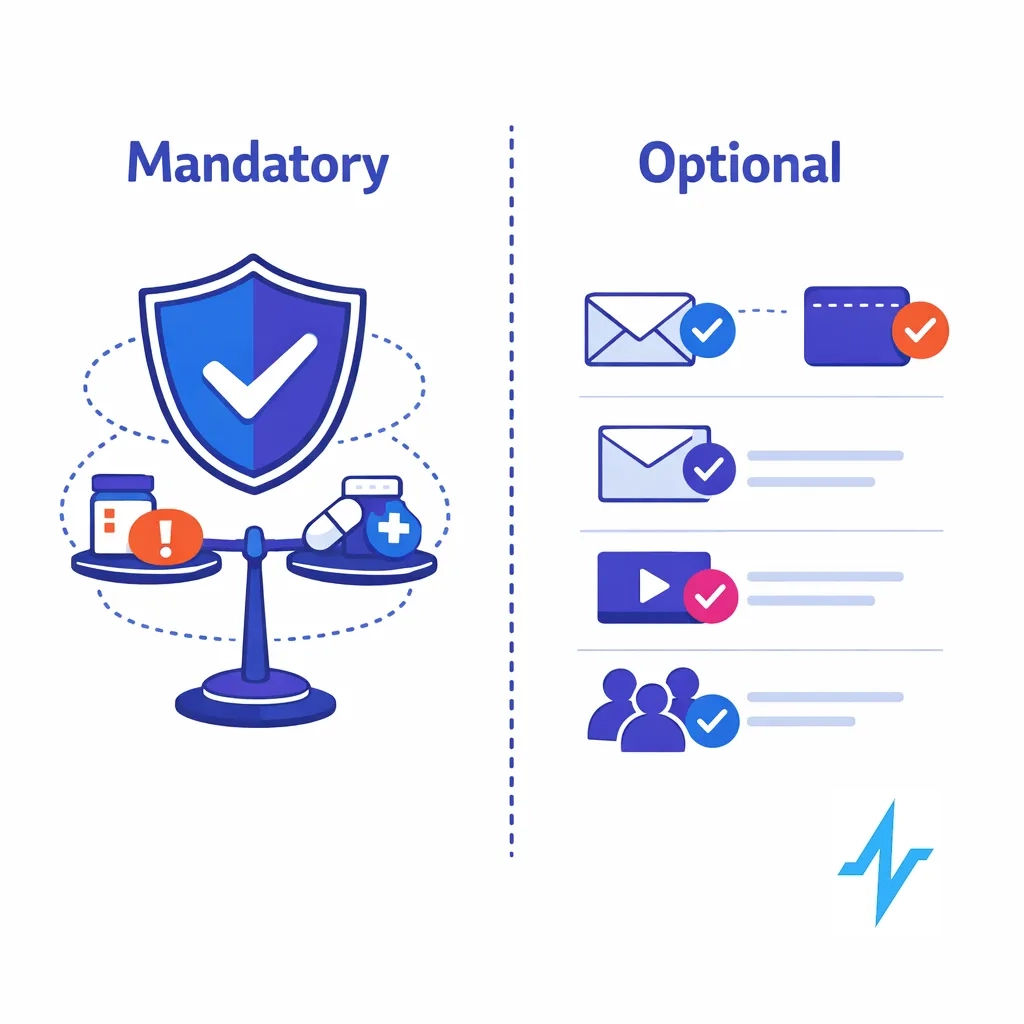
- Allow choice of channel/frequency where reasonable
- Clearly label what is required vs optional
Compliance architecture: what your reviewers need to approve
A preference center earns compliance trust when it’s built like a control system.
1) Separate preferences from consent
Preferences answer: “How do you want to hear from us?”
Consent answers: “Are we allowed to contact you for this purpose via this channel in this jurisdiction?”
Pulse Health describes configuring consent objects with granular scopes, geo rules, and timestamps alongside a preference center as part of a compliance-first rollout. (blog.pulsehealth.tech)
2) Map message types to “purpose buckets”
This is the part that prevents accidental risk:
- Promotional: product/brand claims, offers, launch messaging
- Educational/medical: disease state or clinical education (still needs review controls)
- Operational: event logistics, account management, sample delivery status
- Safety/regulatory: urgent safety updates, required communications (often not optional)
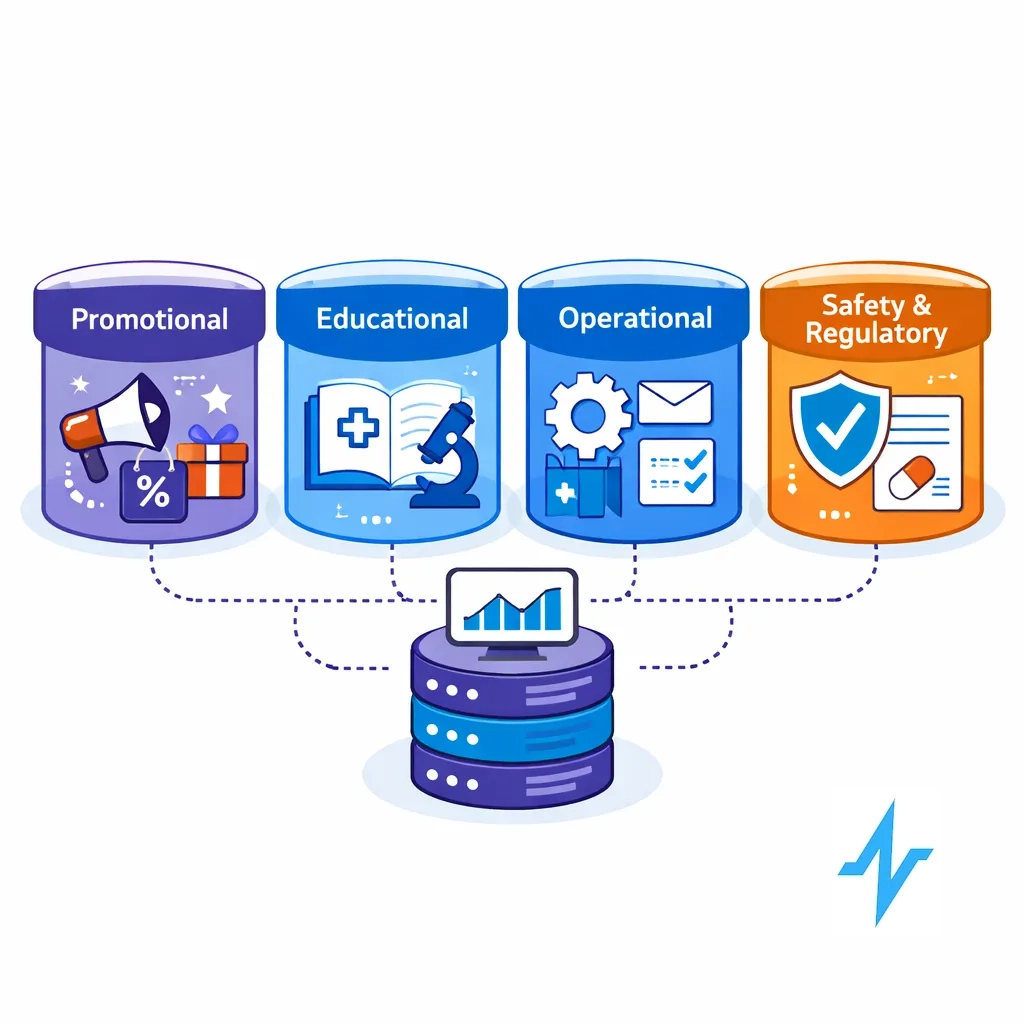
Your preference center doesn’t need to expose all of this complexity, but the system behind it should know which bucket each outbound program belongs to — so it can apply the right rules, templates, and approval workflows.
Pulse Health’s compliance playbook notes that if you make benefit/claim statements in short formats, risk information needs to be handled appropriately and you should avoid channels where you can’t disclose adequately. (blog.pulsehealth.tech)
3) Make withdrawal easy — and treat it as a first-class event
In the EU/UK, withdrawal must be as easy as opt-in. (GDPR)
Design implications:
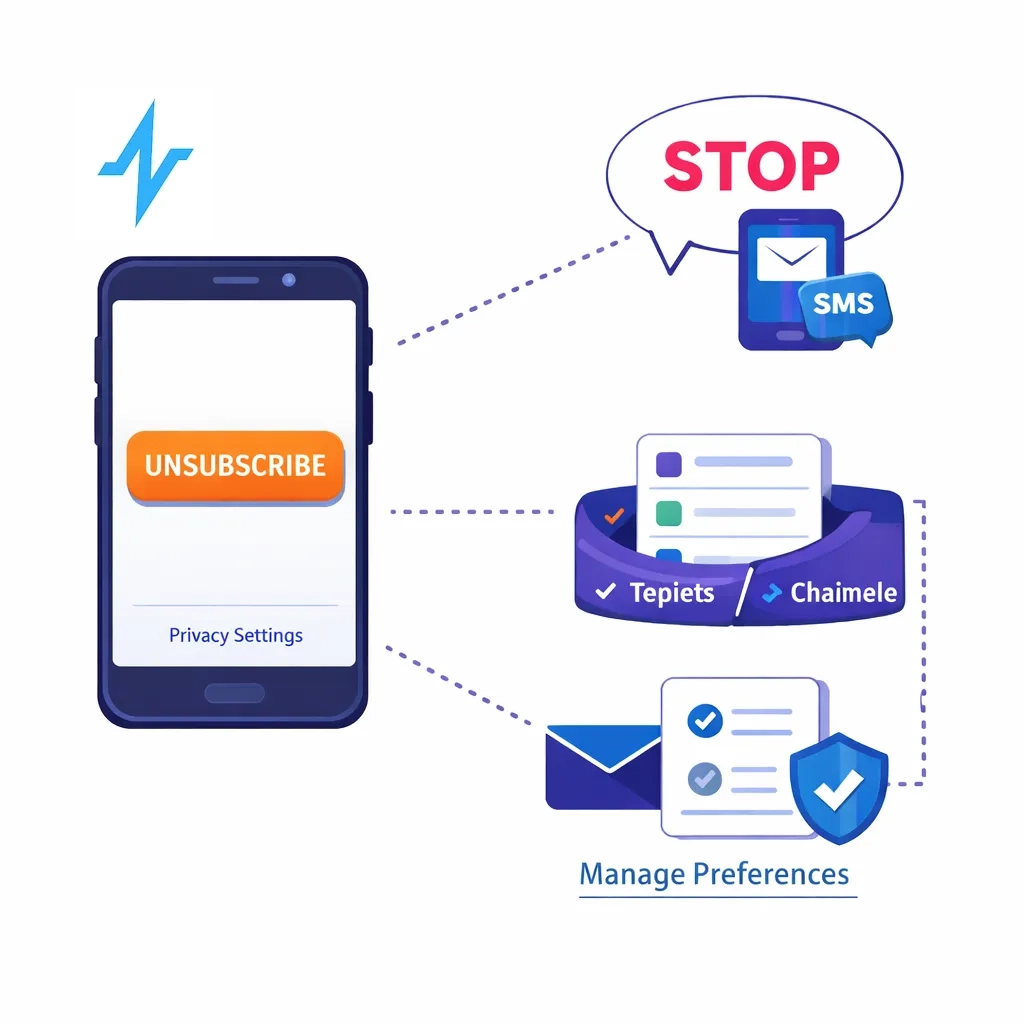
- One-tap unsubscribe (no login for email)
- Clear “STOP” handling for SMS
- A visible “data and privacy choices” link for rights requests
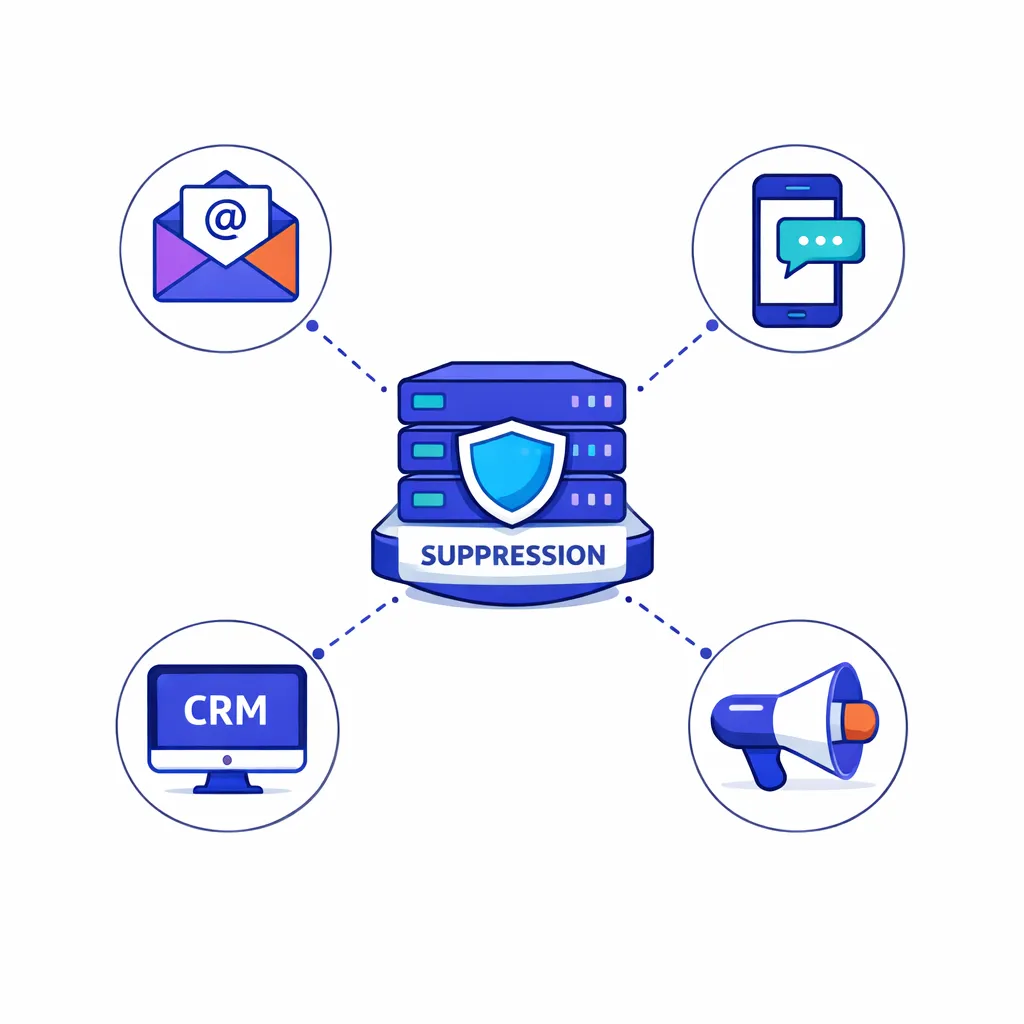
4) Honor opt-outs quickly across systems
In the U.S., CAN-SPAM requires honoring opt-out requests within 10 business days and prohibits forcing extra steps. (Federal Trade Commission)
Architecturally, that means centralized suppression and fast propagation to downstream tools.
5) Store audit-ready change history
Pharma compliance culture expects strong recordkeeping. 21 CFR Part 11 includes requirements for secure, computer-generated, time-stamped audit trails for electronic records. (eCFR)
Minimum recommended fields:
- Who changed it (HCP self-serve vs internal user)
- What changed (before/after)
- When (timestamp + time zone)
- Source (email link, portal, rep form)
6) Avoid accidentally pulling PHI into marketing workflows
HIPAA’s Privacy Rule requires authorization for many marketing uses of PHI, with limited exceptions. (HHS)
Keep the preference center focused on communications choices — not clinical details — and apply strict access controls if you collect sensitive interest data.
7) Add trust signals right in the UI
HCPs are trained to look for legitimacy. Simple trust cues reduce friction:
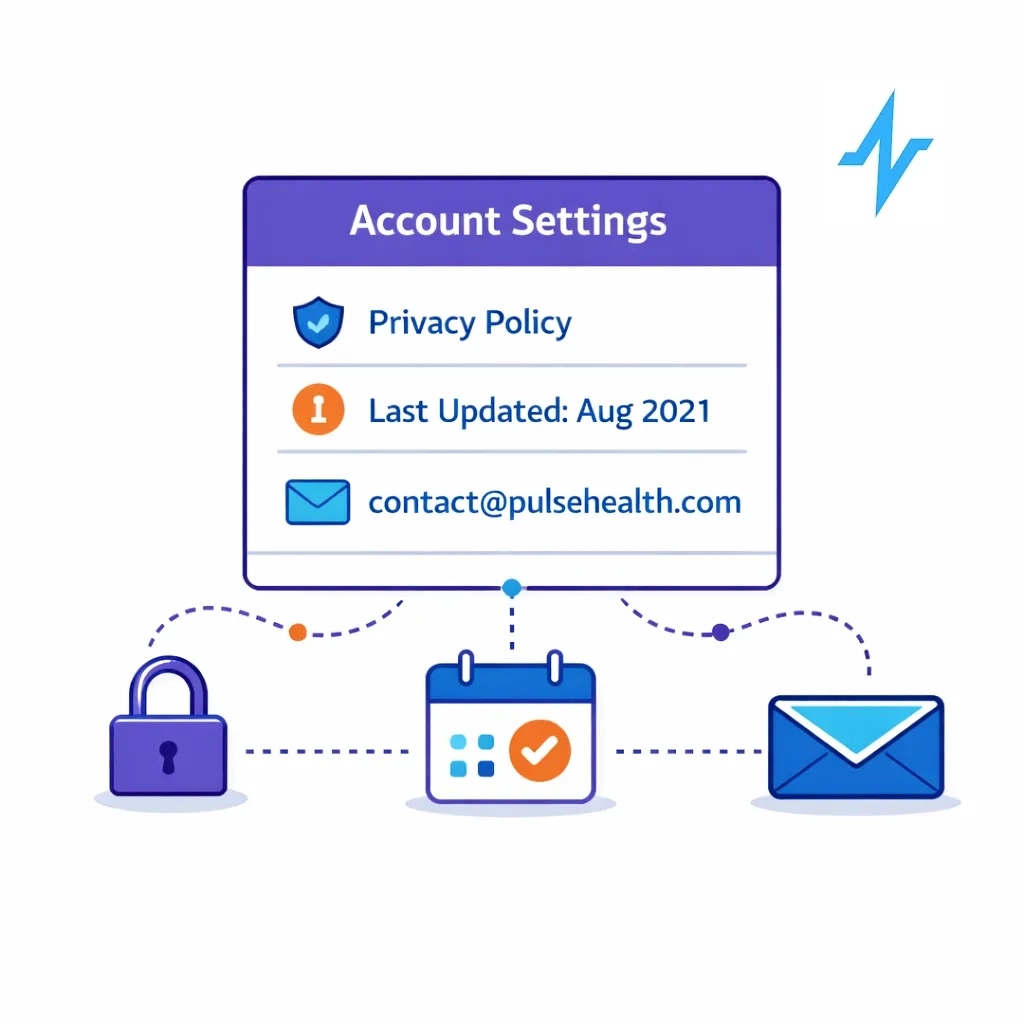
- Link to your privacy policy with a “last updated” date
- A dedicated privacy contact email
- A plain-language note about how to update/delete data
Pulse Health has highlighted these “trust signals near forms” as practical patterns that boost opt-ins and reduce complaints. (blog.pulsehealth.tech)
8) Govern overrides with roles + SOPs
Role-based access and SOPs help prove that changes are attributable and exceptions are governed. Pulse Health highlights role-based permissions and consent/disclosure controls as part of its compliance and security framework. (blog.pulsehealth.tech)
Implementation blueprint: from “footer link” to an always-on experience
Preference centers fail when they’re treated as a one-time form. The winning approach treats preferences as ongoing, contextual controls.
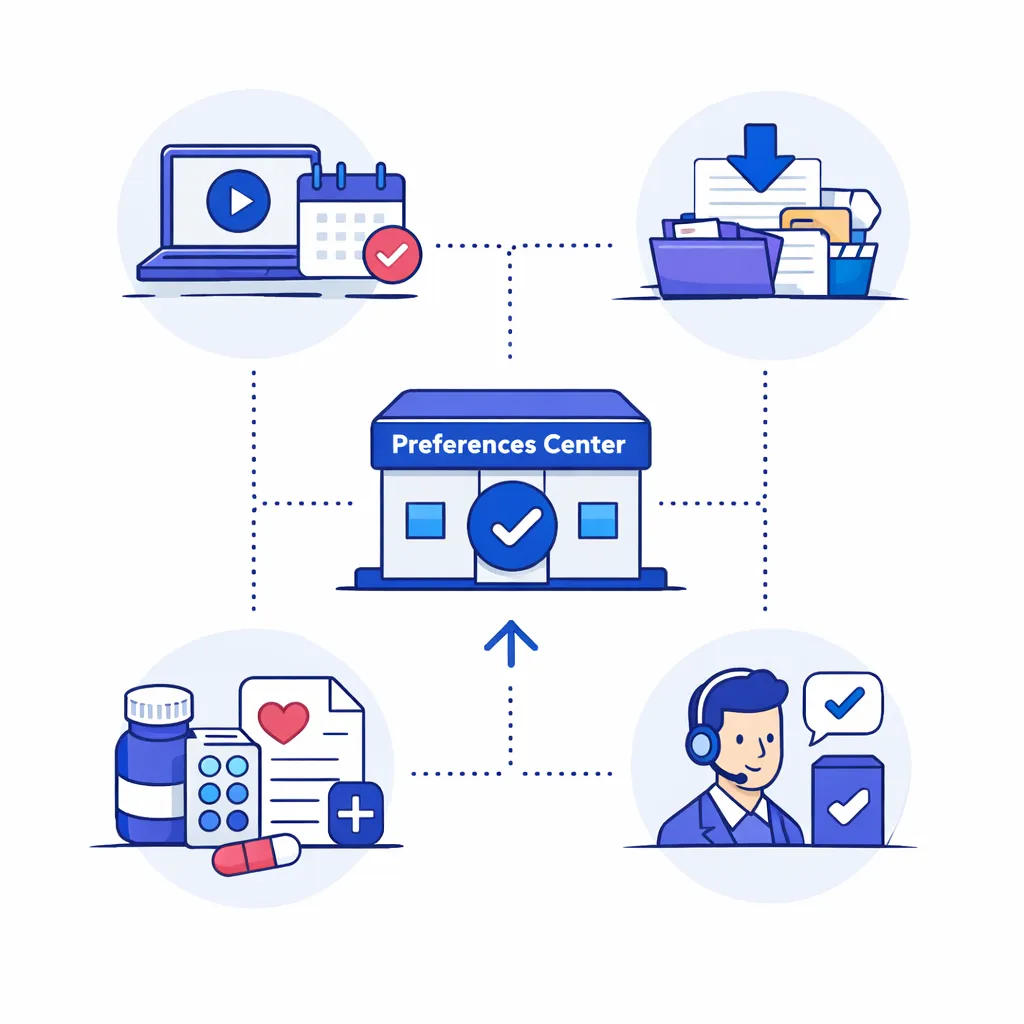
Step 1: Put it where intent is highest
High-intent entry points include:
- Webinar registrations
- Content downloads
- Sample or patient-support requests
- Post-rep meeting follow-ups
Step 2: Remove login friction
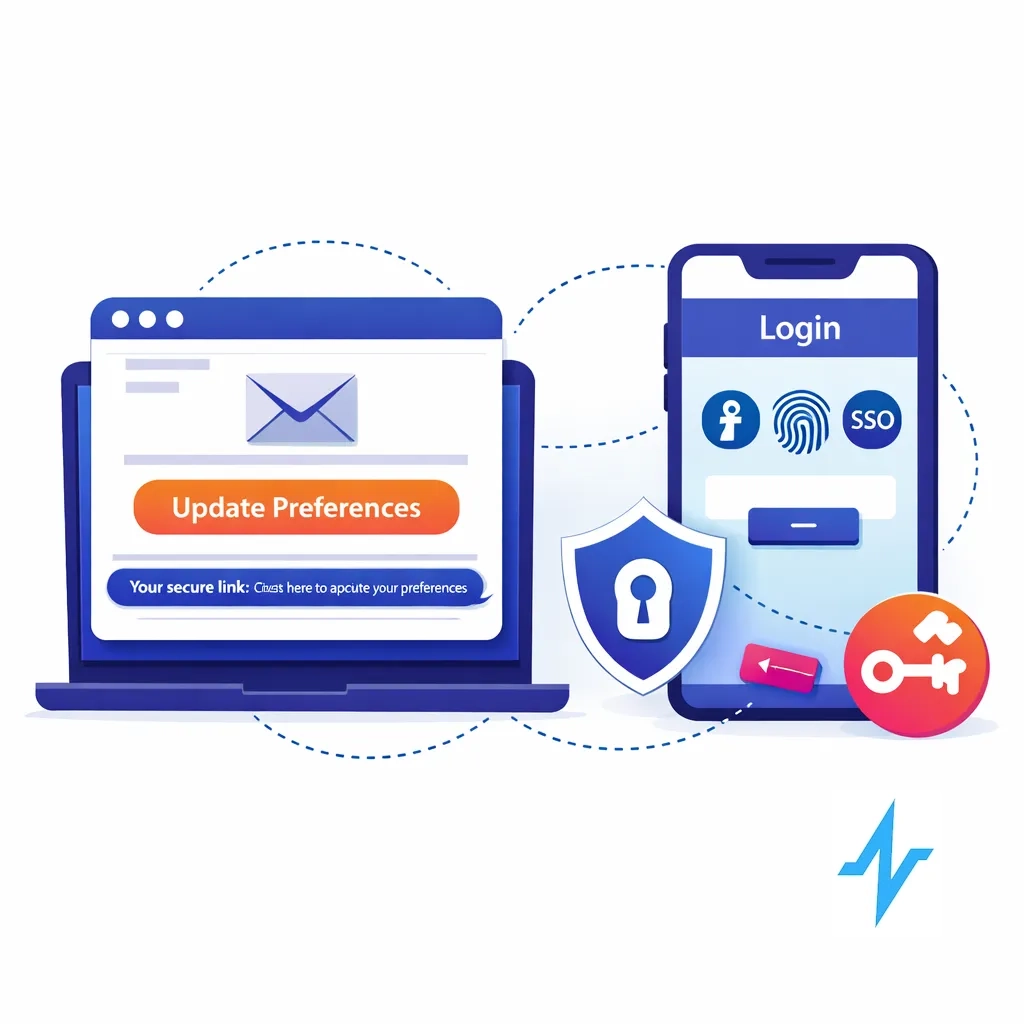
Use secure tokenized (“magic link”) access for email preference updates and SSO where a portal already exists.
Step 3: Keep it simple with progressive disclosure
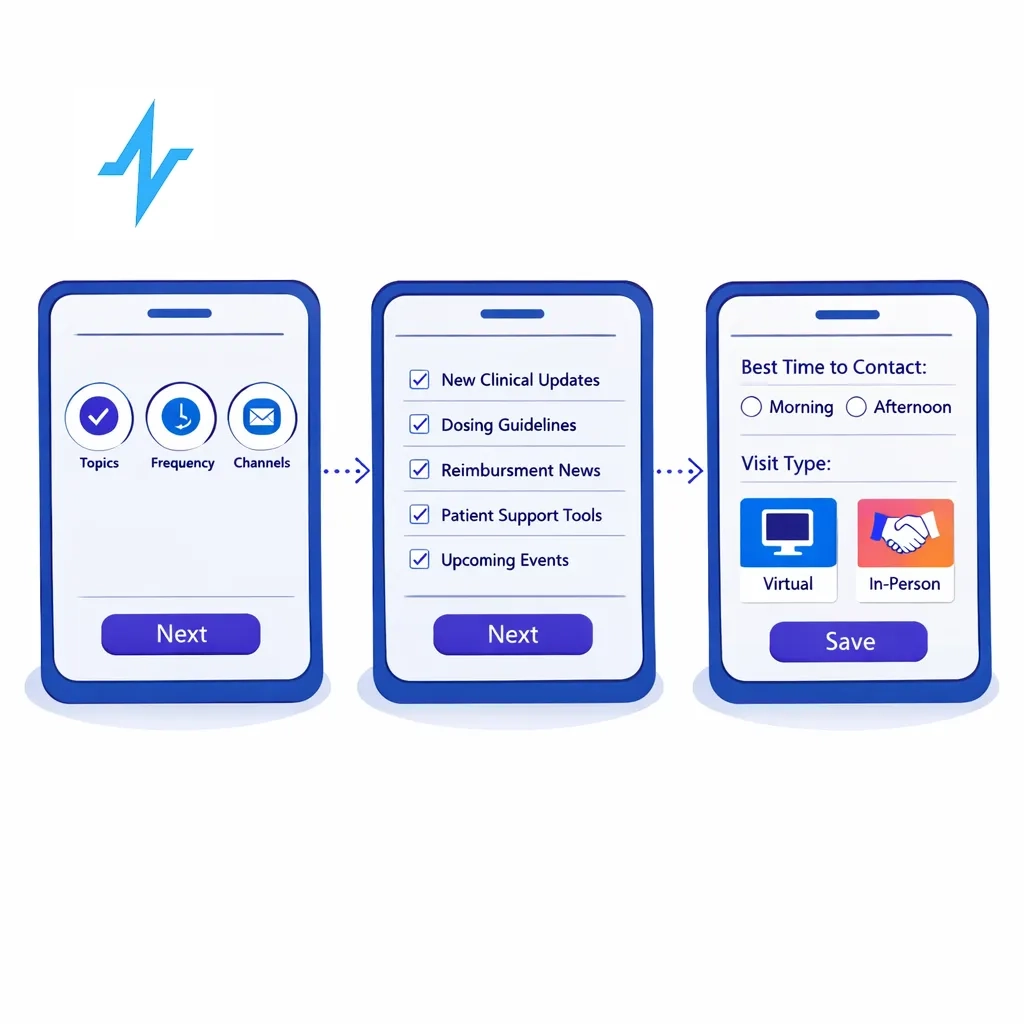
Screen 1: the three dials + save
Screen 2 (optional): deeper topic granularity (brand/TA/indication)
Screen 3 (optional): rep preferences (best times, virtual vs in-person)
Step 4: Make changes propagate everywhere
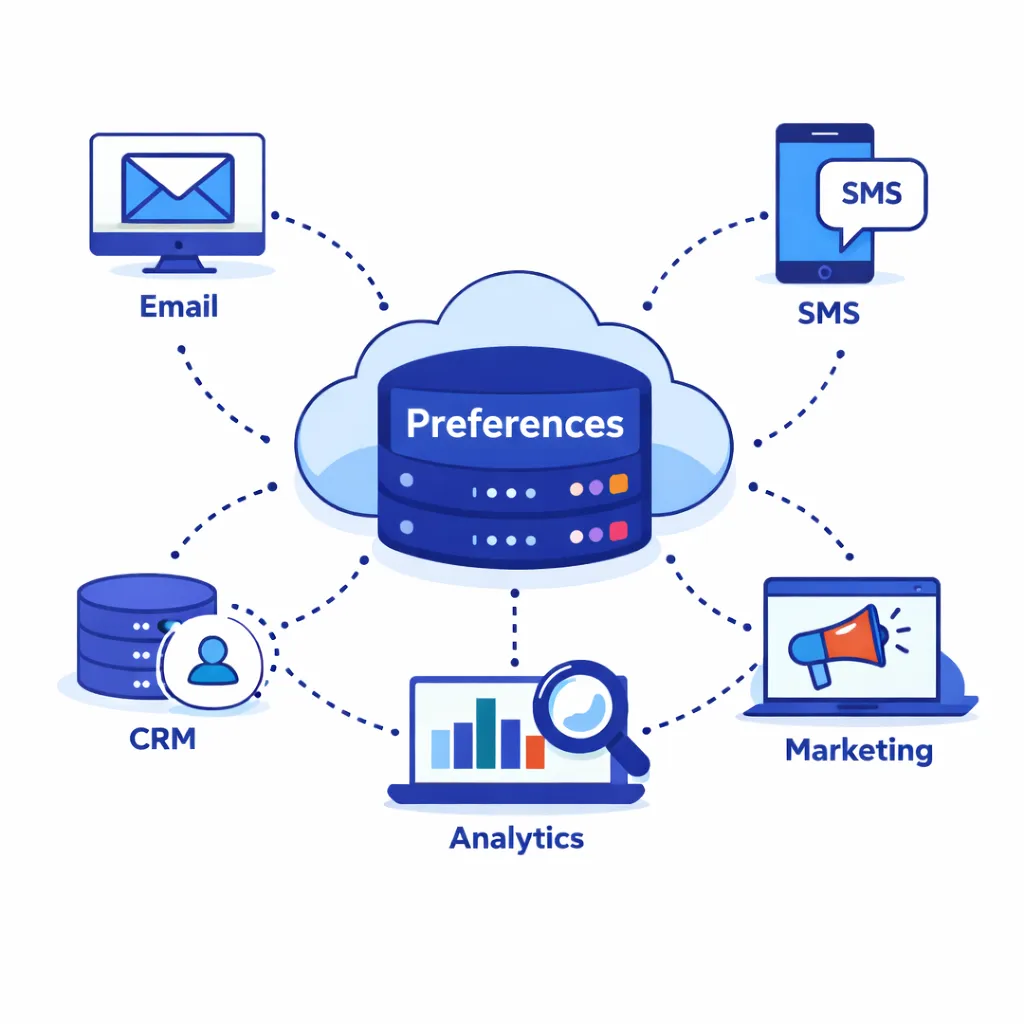
A preference center is only “real” if updates flow into email/SMS tools, CRM workflows, and any partner ecosystems that execute outreach.
Pulse Health positions its platform as a unified data and marketing automation layer with pre-built integrations to key pharma partners, which helps reduce “preference drift” across tools. (Pulse Health)
How Pulse Health supports preference centers that work in the real world
Preference centers are easiest to run when they’re connected to the system orchestrating outreach.
Pulse Health describes an engagement cloud that centralizes data, supports marketing automation, enables segmentation, and provides real-time analytics. (Pulse Health)
It also calls out embedded consent objects (scopes/geo rules/timestamps), preference centers, and “Part 11-aligned audit trails” as compliance foundations. (blog.pulsehealth.tech)
This makes it practical to:
- Use preferences as structured segmentation/suppression data
- Apply geo-based rules consistently
- Keep an attributable audit trail
- Synchronize engagement history into systems like Veeva CRM for end-to-end documentation. (blog.pulsehealth.tech)
(Your internal compliance team should validate configuration choices for your brands, geographies, and purposes.)
Metrics: how to know it’s working
Start with:
- Preference center completion rate (click → save)
- Opt-down rate vs full opt-out
- Complaint rate and STOP/HELP anomalies
- Channel-specific engagement (opens/clicks/replies/attendance)
- Consent coverage for outbound lists by channel and region
Pulse Health notes that “CRM activity logs” and “consent & preference center” data are primary sources for measuring engagement and permissioned reach. (blog.pulsehealth.tech)
A practical checklist for launch
- Completes in < 60 seconds on mobile.
- Topics, frequency, and channels are available at the top level.
- Opt-down is as prominent as opt-out.
- Withdrawal is easy (and not gated by unnecessary steps). (GDPR)
- CAN-SPAM opt-outs are honored within 10 business days across systems. (Federal Trade Commission)
- You store immutable change history (who/what/when/source). (eCFR)
- Role-based access prevents unauthorized overrides. (blog.pulsehealth.tech)
- MLR/compliance has reviewed the taxonomy and microcopy.
The takeaway
A preference center isn’t a marketing accessory — it’s the trust layer between your brand and the clinicians you’re trying to serve. When HCPs can quickly control topic, frequency, and channel, they stay engaged longer. When compliance teams can see clear scopes, timestamps, and audit trails, they approve programs faster with fewer fire drills.